How to turn off the replay option
 Julia EskinUpdated
 To offer viewing only while broadcasting, enable Live Only.
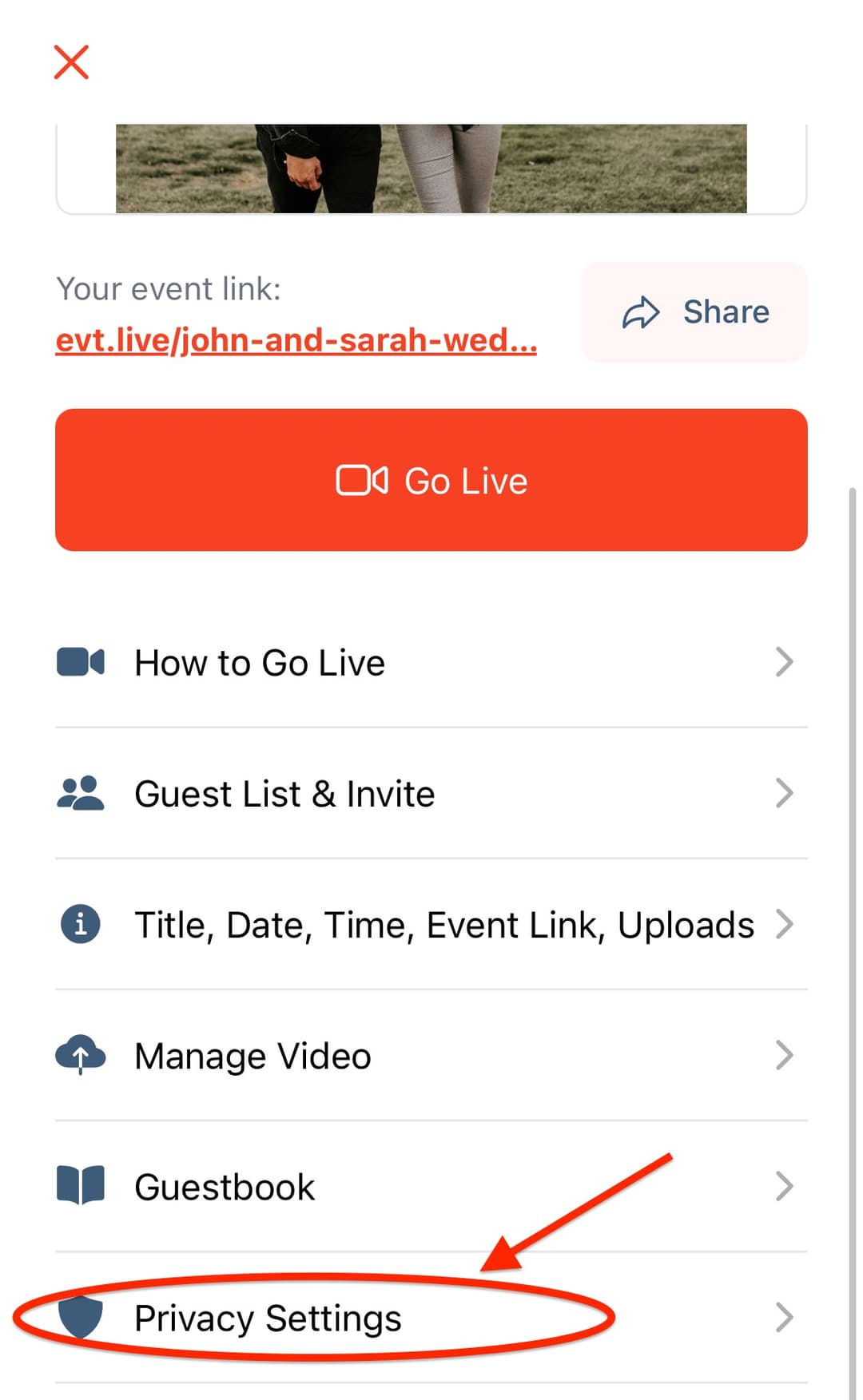
- Open your event in the app or console.
- Choose Privacy Settings.
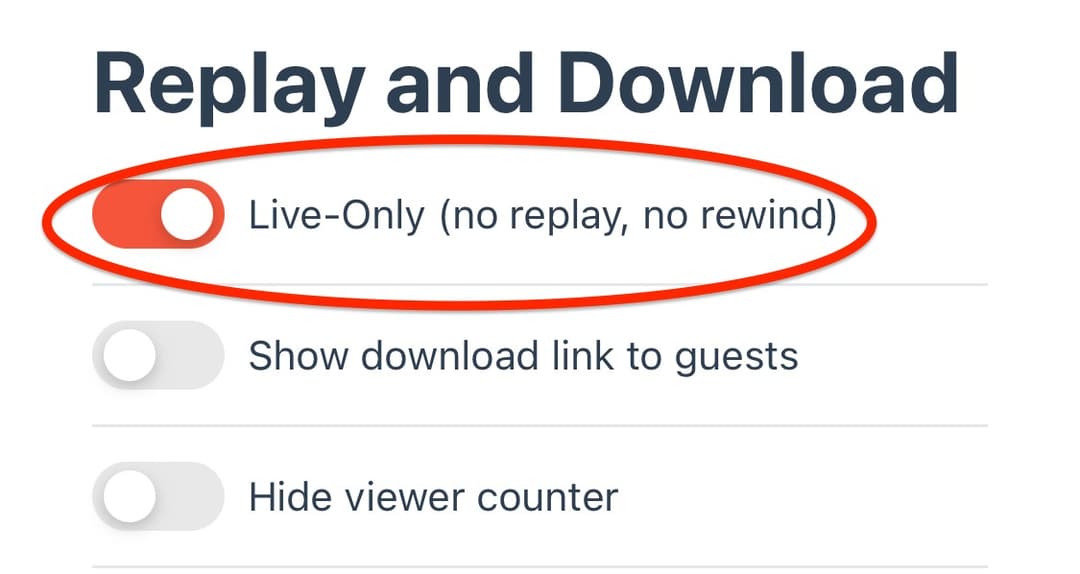
- In replay/download settings, turn on Live Only and save.
This disables online replay and rewind in the event’s Live-Only player. Tell viewers they need to attend live.
Downloads are separate
Live Only does not automatically prevent a downloadable video file. If you sell downloads, a paid download may be offered after the event. Review download settings separately if you do not want that.
For ticketed events, check the buyer preview after changing replay/download options so the description matches what you sell.
Illustrated steps