Only guests with the password can watch, live or on the replay. Keep family celebrations, private ceremonies and company meetings away from social media.



4.7 from 1,000+ ratings on the  App Store and
 Google Play
Choose Password protected in your event's Privacy Settings and pick any password. You can change it or turn it off at any time, before or during the event.
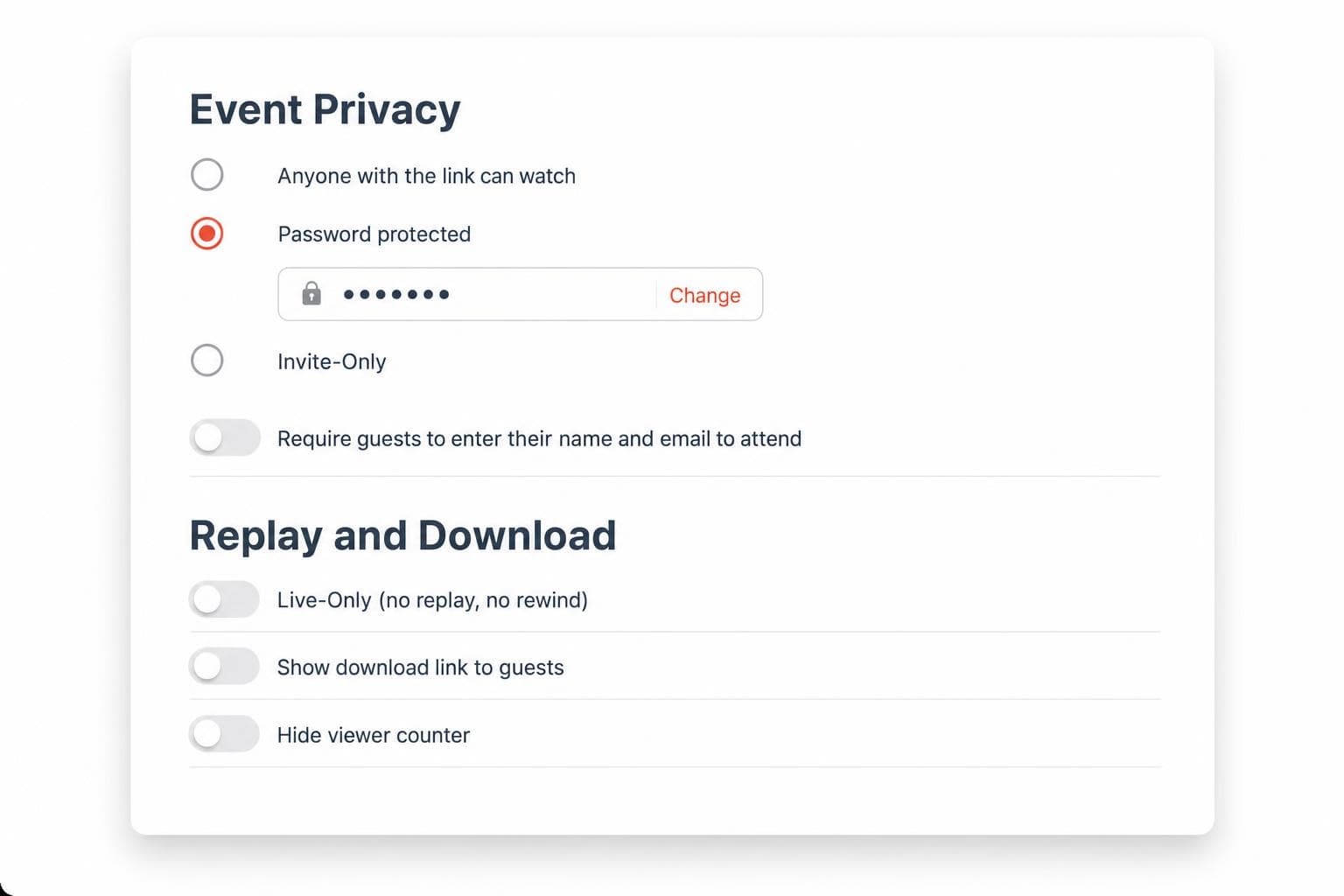
Guests open your link, enter the password and watch, with no account and no app. It works on phones, tablets, computers and smart TVs, and the replay is protected too.

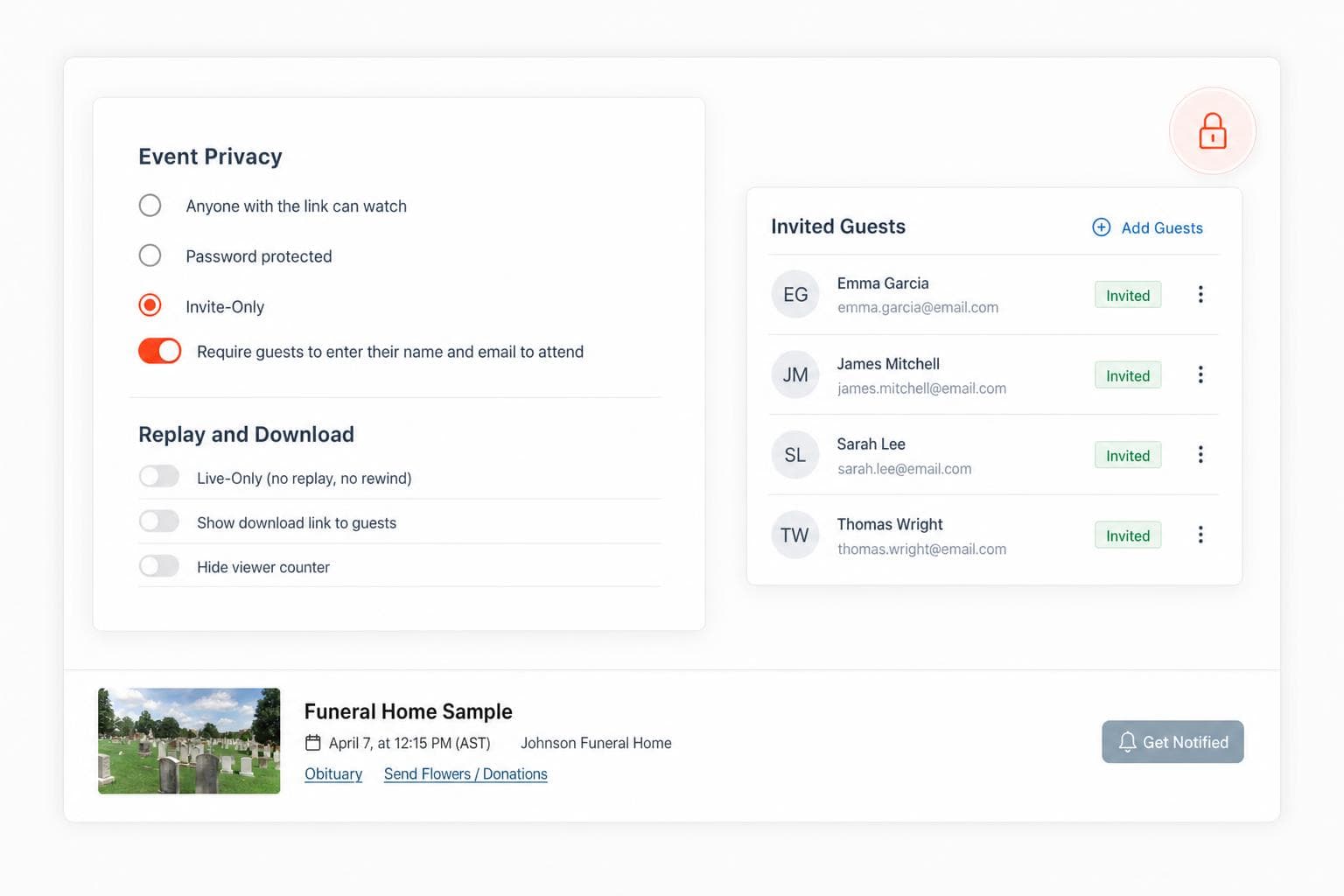
Prefer a guest list? Choose Invite only and add guests by email, or ask everyone for their name and email before they watch. Your event is never listed publicly or shared to a social feed.
“EventLive's password protection gave us the security we needed for our company meeting while keeping the experience simple for our team. The quality was excellent and setup took minutes. Highly recommend for any confidential streaming.”
“I was looking for a way to livestream an event without having to use the very public options such as Facebook or periscopes and this worked beautifully!”

We stand behind our service.
If it doesn't work for you, we'll refund you.

Have any questions?
We're always one message away.
Yes. You can enable or disable password protection at any time if you decide to make the stream publicly accessible or change your privacy settings. You have full control over your event's security.
No. Password protection is included free with all EventLive plans. There are no additional fees for this security feature. It's available on every single event.
Your event link is never listed publicly, and once you set a password, only people who have it can watch. Pages and video load over secure HTTPS connections.
Yes. The same password protects both the live stream and the replay recording for the duration of your online hosting period. Viewers must enter the password each time they access the content.
No. Guests only need the event link and password. They enter the password once and can watch immediately—no account creation, no app download, no sign-up required.
Simply enable password protection when creating your event in the EventLive app or dashboard. Choose any password you want and share it privately with your guests. You can update the password at any time before or during your event.
Create your event in the EventLive app, add a password and run a free test first.
