Raise donations right on your live stream

Built for nonprofits of any size and budget. Go live from a phone or pro gear, and supporters give right beside your video — no app, no login.

Questions first? Talk to us.

OfferStreaming fees waived through Dec 31, 2026 for qualifying nonprofits
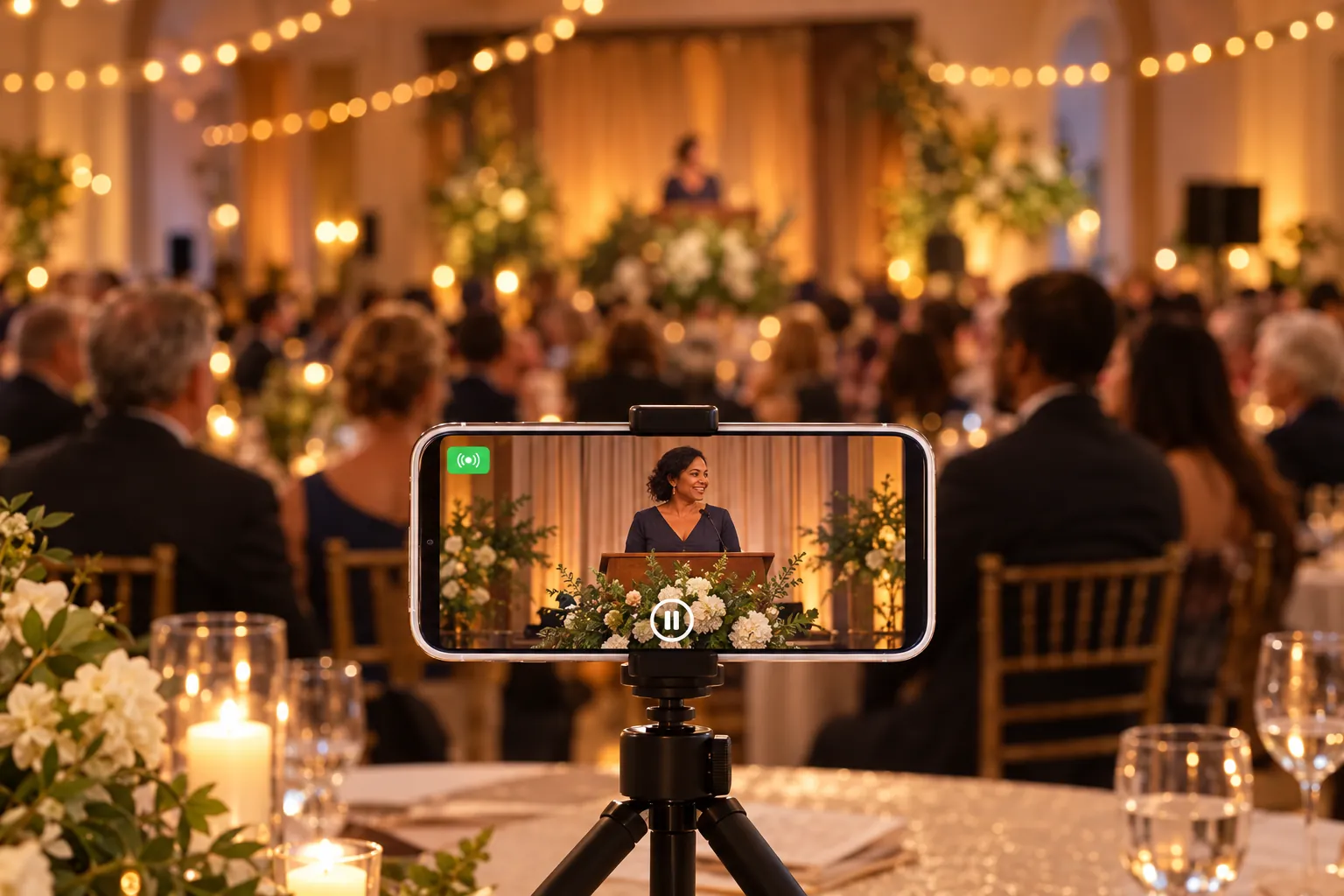
A smartphone on a small tripod live streaming a nonprofit's charity gala
Rated 4.7 from 1,000+ ratings on the App Store and Google PlayDonations processed securely by Unlimited viewers, no app or loginTax receipts emailed to donors

GivingTuesday & year-end giving

Streaming fees waived through December 31, 2026

Registered US nonprofits that fundraise with Pledge on EventLive can apply to stream fee-free this giving season. GivingTuesday is Tuesday, December 1, 2026 — set up your event today and go live with a donate button beside your video.

Check if you qualify
  1. Now✓Find your nonprofitCreate your event and run a test stream
  2. Dec1GivingTuesdayGo live and raise donations on stream
  3. Dec31Year-end givingFee-free streaming through the end of 2026

Offer details: for US-registered 501(c)(3) organizations listed on Pledge, with fundraising enabled on the EventLive event, for events created by December 31, 2026, even if they take place in 2027. Eligibility is subject to verification; one organization per account. EventLive may change or end this offer at any time.

Any size, any budget

Start with what you have. Grow from there.

No crew or production budget needed on day one — and room to scale up for your biggest night.

Start with the phone in your pocket

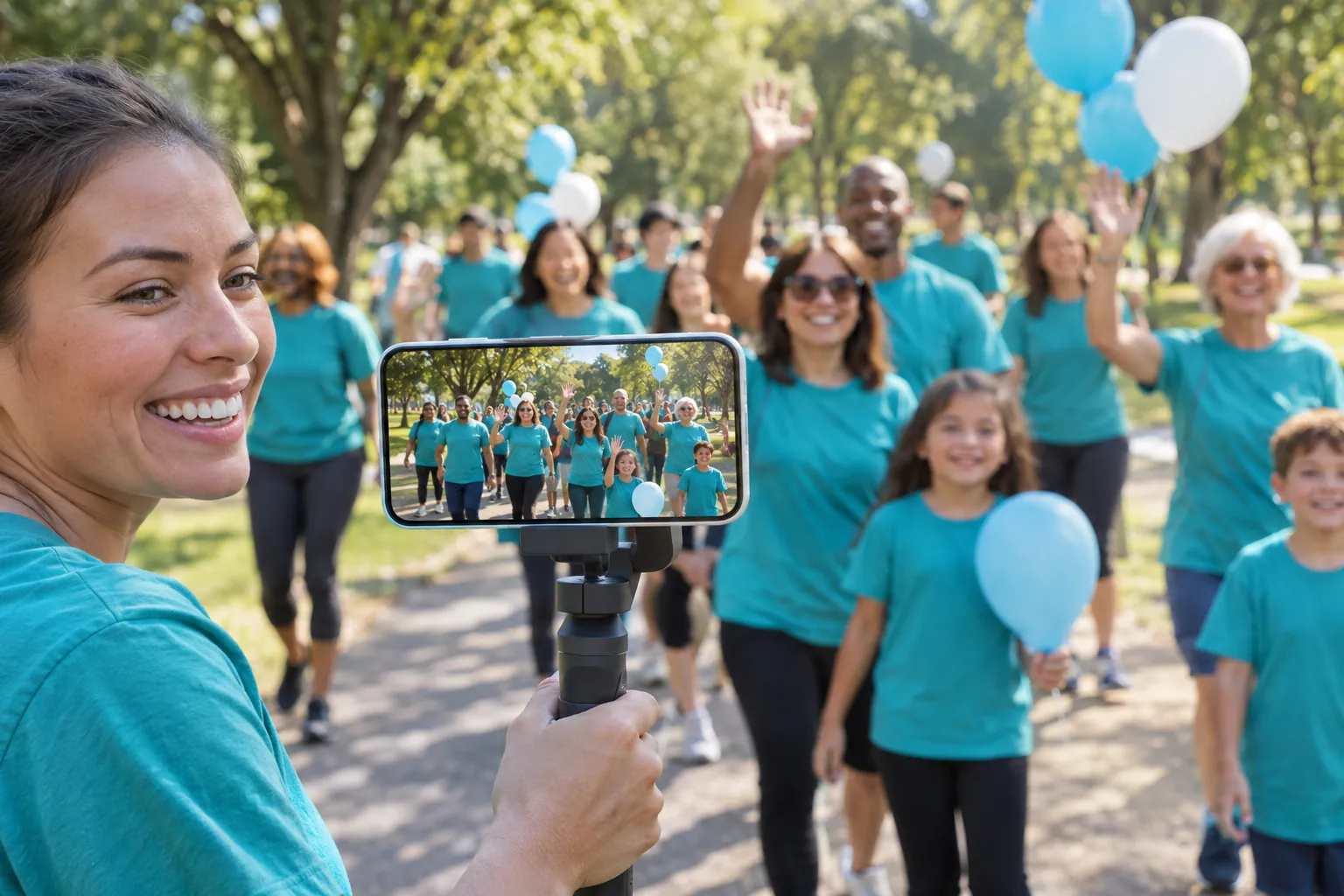
Open the free EventLive app on iPhone or Android and tap to go live. One volunteer and a phone on a tripod are all it takes — your supporters watch on your event page.
Find your nonprofit
section divider

Scale up to multi-camera when you’re ready

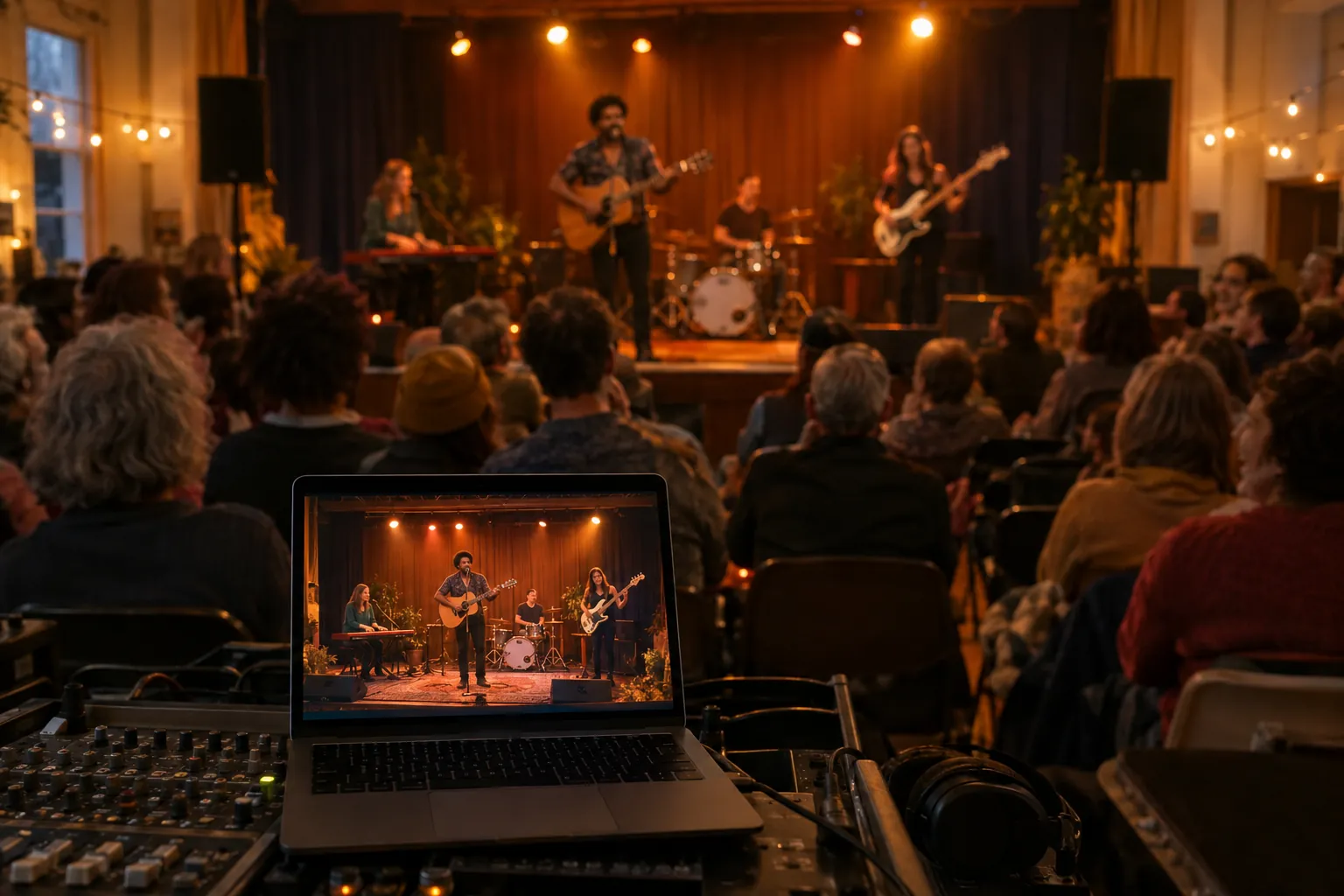
Connect OBS, a video switcher or any RTMP encoder for concerts, galas and conferences. Same event page, same donation tools — just a bigger production.
Find your nonprofit
section divider

Unlimited viewers, zero friction

Supporters join from one link on any phone, tablet or computer. No app, no login and no account needed — to watch or to give.
Find your nonprofit

How it works

From search to live donations in four steps

  1. Step 1

    Find your nonprofit

    Search by name or EIN and confirm your organization’s Pledge listing. Not listed yet? Request it in a minute.

  2. Step 2

    Create your event

    Sign up free. Your event starts with fundraising already set up for your organization.

  3. Step 3

    Go live

    Stream from the EventLive app on your phone, or connect any RTMP encoder like OBS or a video switcher.

  4. Step 4

    Watch the donations roll in

    Gifts show on your stream, beside the video and in the live guestbook. Replays keep raising after you sign off.

Fundraising tools

Everything you need to raise more on stream

Your viewers see the goal, the donate form and every gift as it happens — without leaving your stream.

  • Live donation tracker

    Show your goal and progress right on the video, so every gift builds momentum.

  • Donate beside the video

    A donate button and mini form sit next to your stream. Viewers give without leaving.

  • Text-to-donate keyword

    Put a short keyword on screen and supporters give by text from their phones.

  • Gifts in the live guestbook

    Donations appear in the guestbook and live chat, so you can thank donors in real time.

  • Replays keep raising

    Your replay and donate form stay up for everyone who watches after the event.

  • Your logo, your brand

    Put your logo on the event page — one click takes viewers to your website.

  • Phone or pro gear

    Start with the EventLive app on iPhone or Android, then add cameras and encoders over RTMP.

  • Tickets & pay-per-view

    Optional: sell tickets or pay-per-view access for galas and premium events.

Donations are processed by Pledge, and every donor gets a tax receipt by email.

Any fundraiser

Try EventLive for your next fundraiser

From a church bake sale to a black-tie gala, every event can reach supporters who can’t be in the room — and give them an easy way to help.
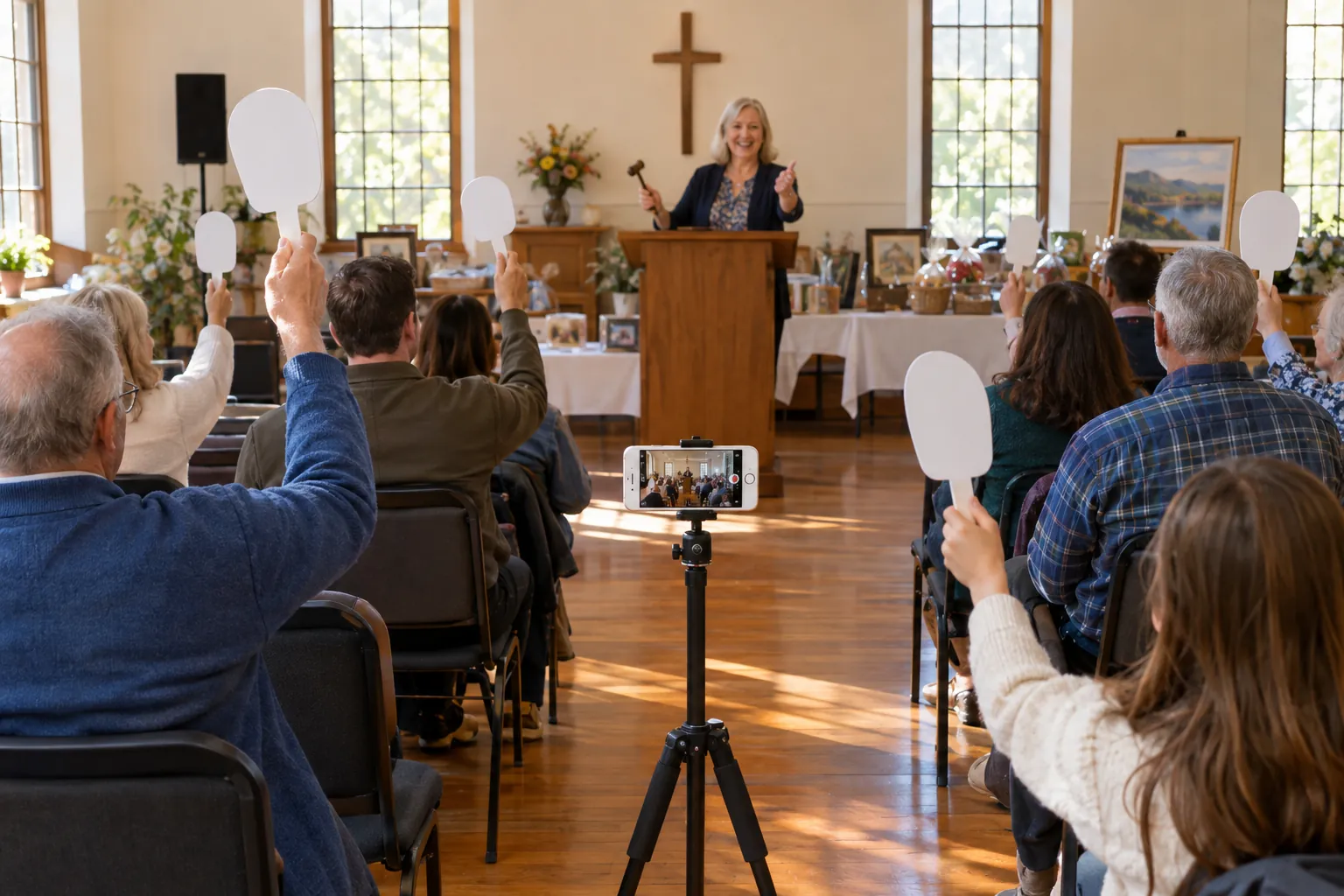
Guests raising paddles at a community hall fundraising auction that is being live streamed from a phone
  • Galas & award nights

    Bring remote supporters into the ballroom.

  • Walkathons, 5Ks & fun runs

    Stream the start, the route and the finish line.

  • Telethons & giving days

    Run a GivingTuesday broadcast with a live goal.

  • Benefit concerts & talent shows

    Let fans everywhere watch the show and give.

  • Auctions & paddle raises

    Add online bidders’ energy to the room.

  • Faith services & special collections

    Welcome members who can’t be there in person.

  • Memorials & celebration-of-life funds

    Honor a loved one and support the cause they cared about.

  • School, PTA & scholarship nights

    Share the night with families and alumni.

  • Sports tournaments & marathons

    Turn every game or mile into a reason to give.

  • Town halls & awareness events

    Reach your community and grow your supporters.

  • Animal-shelter adoption drives

    Show adoptable pets live and fund their care.

  • Disaster-relief appeals

    Rally help quickly when your community needs it.

“I decided to try EventLive. Loved the guestbook and I was able to embed it to my website. It is so easy! Guests don't have to download any apps, sign up or anything. They simply jump on and the live stream starts automatically, they don't even have to push a button.”


Todd Kwiczak
TODD KWICZAK
Photographer at Tkshotz

Frequently Asked Questions

Through December 31, 2026, registered US nonprofits that fundraise with Pledge on EventLive can apply to have their streaming fees waived — see the offer details above. After that, or for events without fundraising, standard EventLive pricing applies. Donations are processed by Pledge; its fees are listed on Pledge’s pricing page.
US-registered 501(c)(3) organizations that are listed on Pledge and turn on fundraising for their EventLive event, for events created by December 31, 2026, even if they take place in 2027. We’ll verify your organization and that fundraising is enabled. One organization per account, and EventLive may change or end the offer at any time.
Donations are processed securely by Pledge. Gifts are made to Pledgeling Foundation, an IRS-approved 501(c)(3), which emails each donor a tax receipt right away and passes the funds on to your nonprofit — by check each month, or by direct deposit if your organization sets it up in Pledge’s Impact Hub.
No. Pledge sends donations to your organization even if you never sign up with them. If you’d like to see donor details or switch payouts to direct deposit, someone from your organization can sign up for Pledge’s Impact Hub at any time.
Choose “Can’t find your organization?” at the top of this page and enter your EIN. We’ll ask Pledge to add it — Pledge usually adds organizations within 24 hours, and we’ll email you when it’s ready. You can create your EventLive account in the meantime.
A smartphone with the EventLive app (iPhone or Android) and a good internet connection is all it takes. For bigger productions, stream from a computer, camera or video switcher with any RTMP encoder, such as OBS.
Yes. Viewers open your event link in any browser — no app and no login. They give through Pledge’s secure form right beside the video and get their tax receipt by email.
Donors can choose to add an optional tip on top of their gift. Tips help cover the cost of running the Pledge and EventLive platforms, and donors can always set the tip to zero.
Share your event link early and remind supporters on the day. Set a goal so the tracker shows momentum, run a quick test stream beforehand, and thank donors by name as their gifts appear in the guestbook. Afterwards, share the replay — it keeps raising.

Ready to raise more at your next event?

Find your nonprofit and set up your fundraising stream in a few minutes. Questions first? Talk to us.
Find your nonprofit