

Yes. The app is free to download. You pay for events the same way as in the phone apps and on the website, and you can always run a free test first. See pricing.
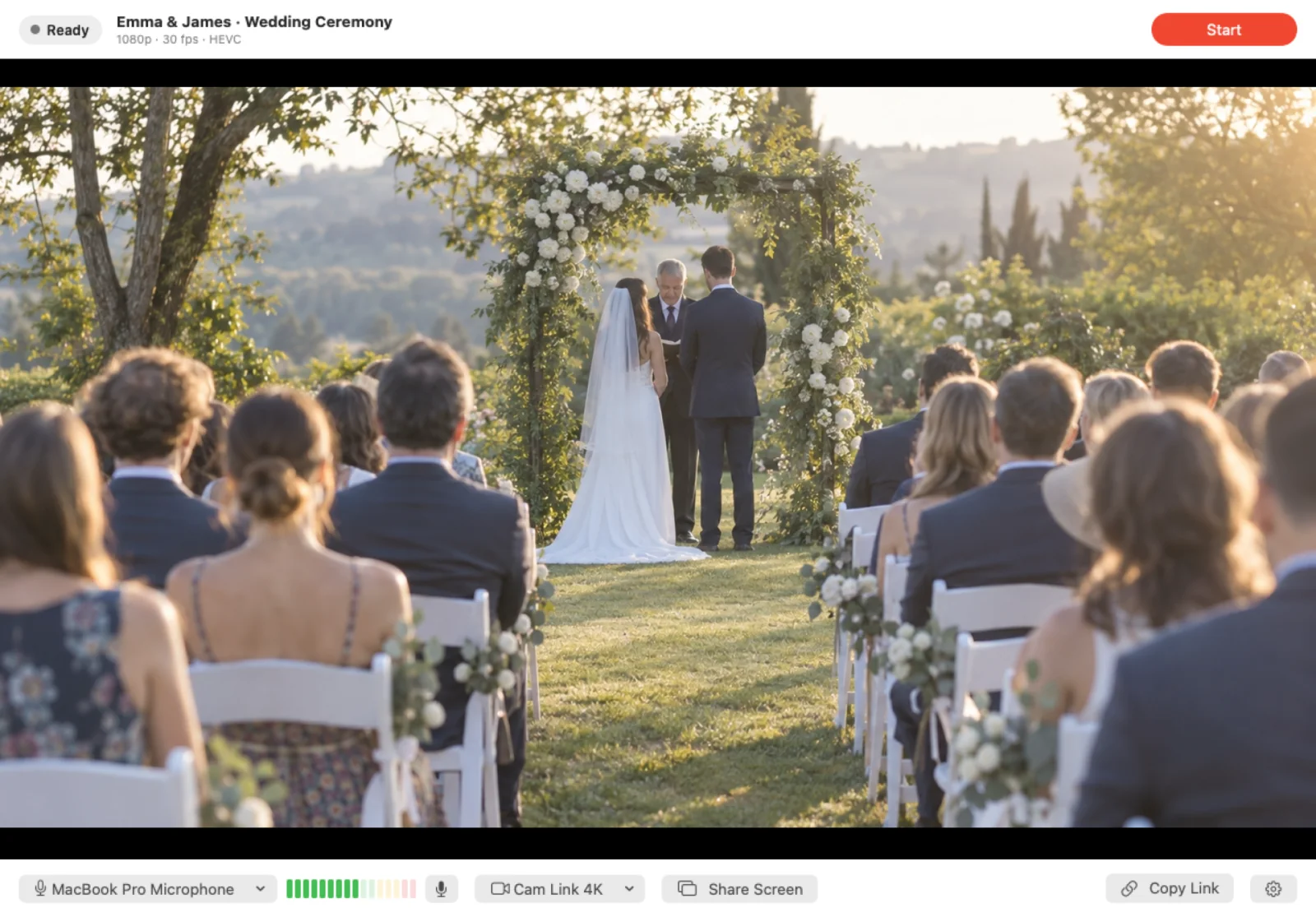
No. Open your event, choose This Mac and press Start. If you prefer OBS, a hardware encoder or another RTMP app, those still work: see how to go live using RTMP.
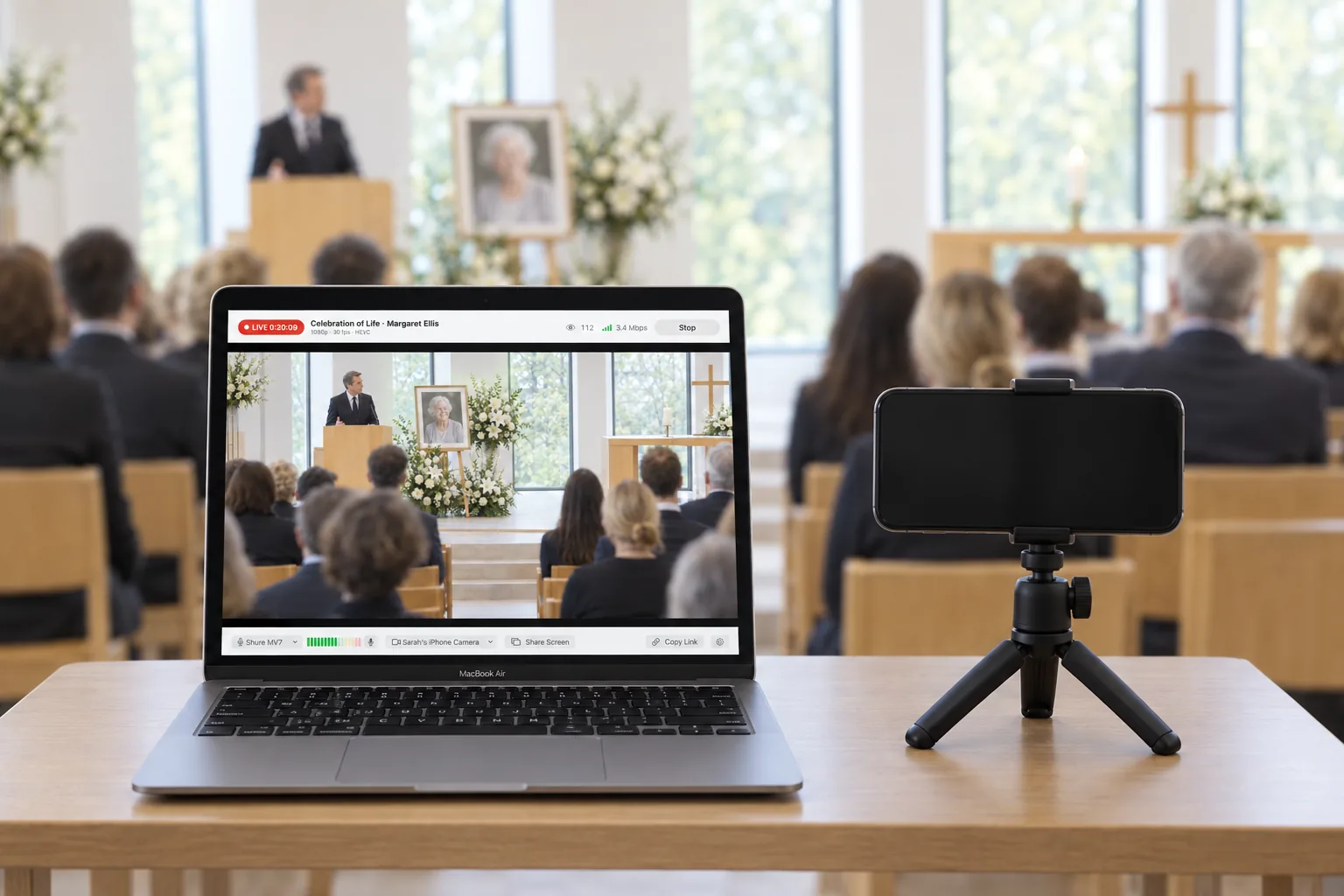
Yes. With Continuity Camera, an iPhone near your Mac shows up as a camera in EventLive. Mount it on a stand or tripod pointed at the front. It needs iOS 16 or later on an iPhone XR or newer, signed in to the same Apple Account as your Mac.
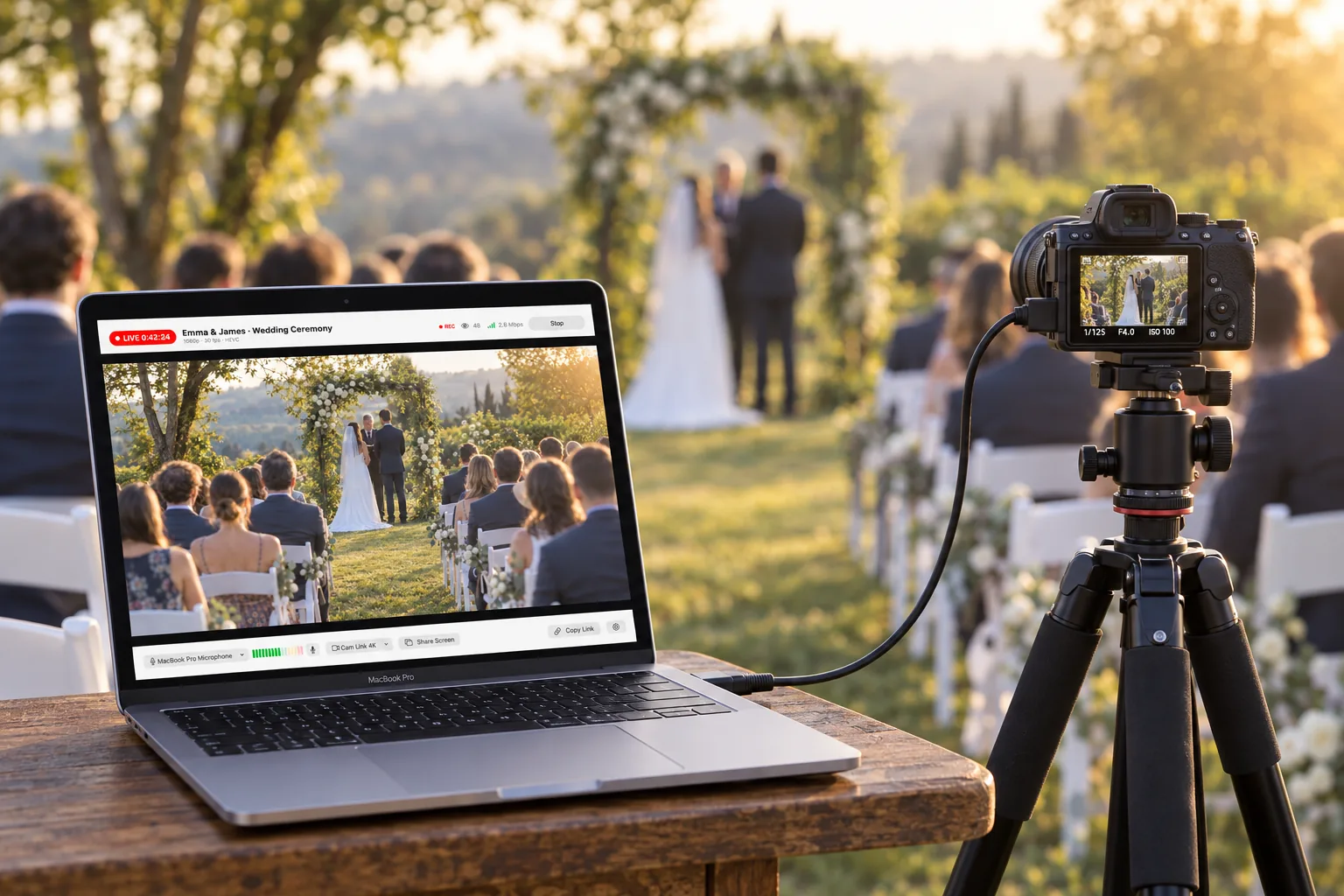
Yes, through an HDMI capture device such as a Cam Link, or with a camera that works as a USB webcam. Turn on clean HDMI output on the camera first: see how to enable HDMI output.
EventLive lowers the picture quality to match your connection and raises it again when the connection recovers, so viewers keep watching. Turn on the backup recording to keep a full-quality copy on your Mac.
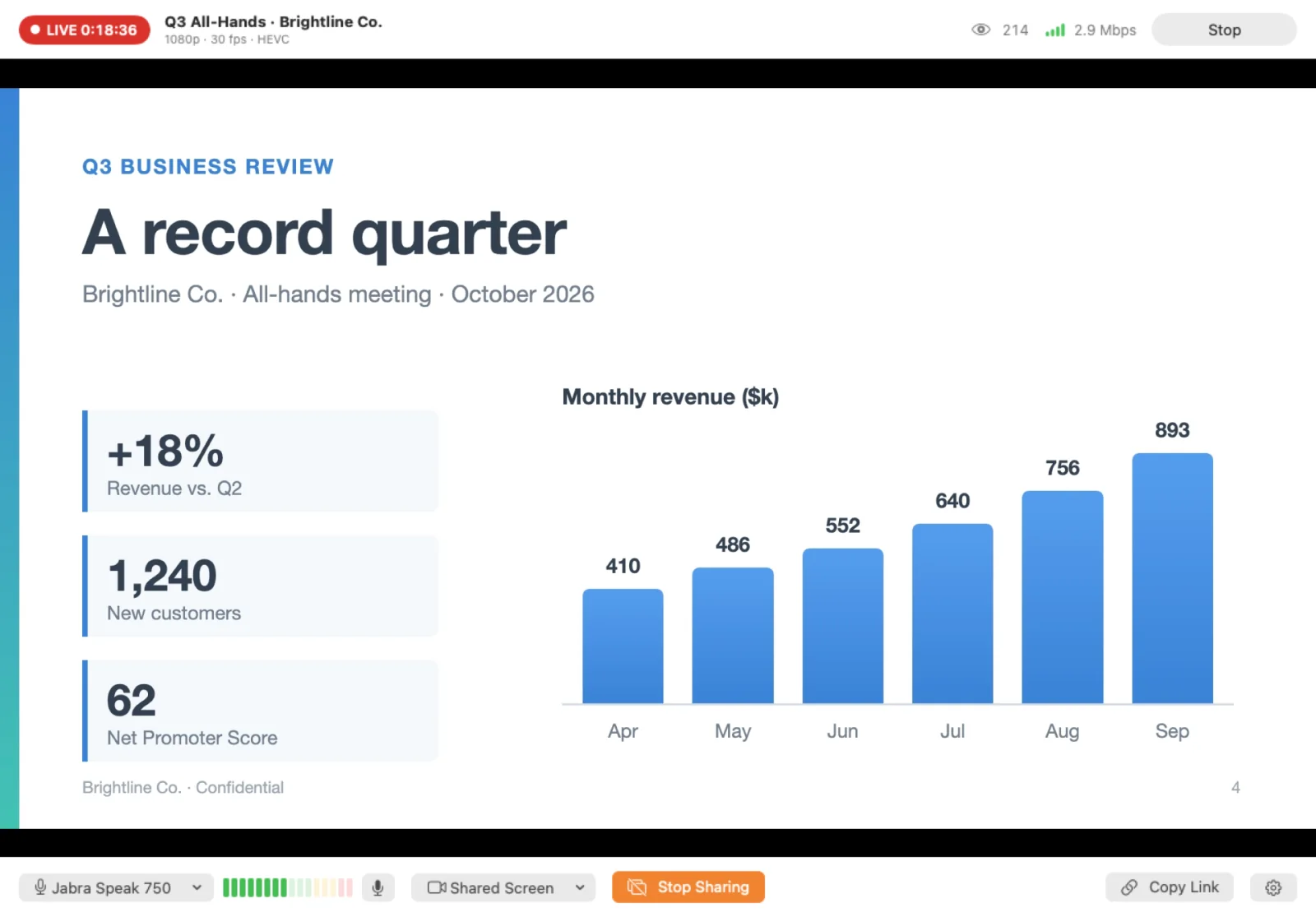
Yes. Share Screen shows a whole display, one window or one app to your viewers. Sharing your Mac's sound isn't available yet, so for music, play it through a speaker near your microphone.
EventLive for Mac checks for updates once a day and installs them when you say so. It never updates while you're live.
Yes. EventLive for Mac is made for the Mac: external cameras, microphones and screen sharing all work properly. Your account and events stay the same, and you can delete the iPad version.
Not yet. On Windows, use OBS Studio or another RTMP encoder.

