






Live streaming for videographers and production companies

Stream your clients’ weddings, funerals and events from your own cameras to an event page with your logo on it. Guests watch from one link, with no app or account.

Free test streams. No credit card needed.

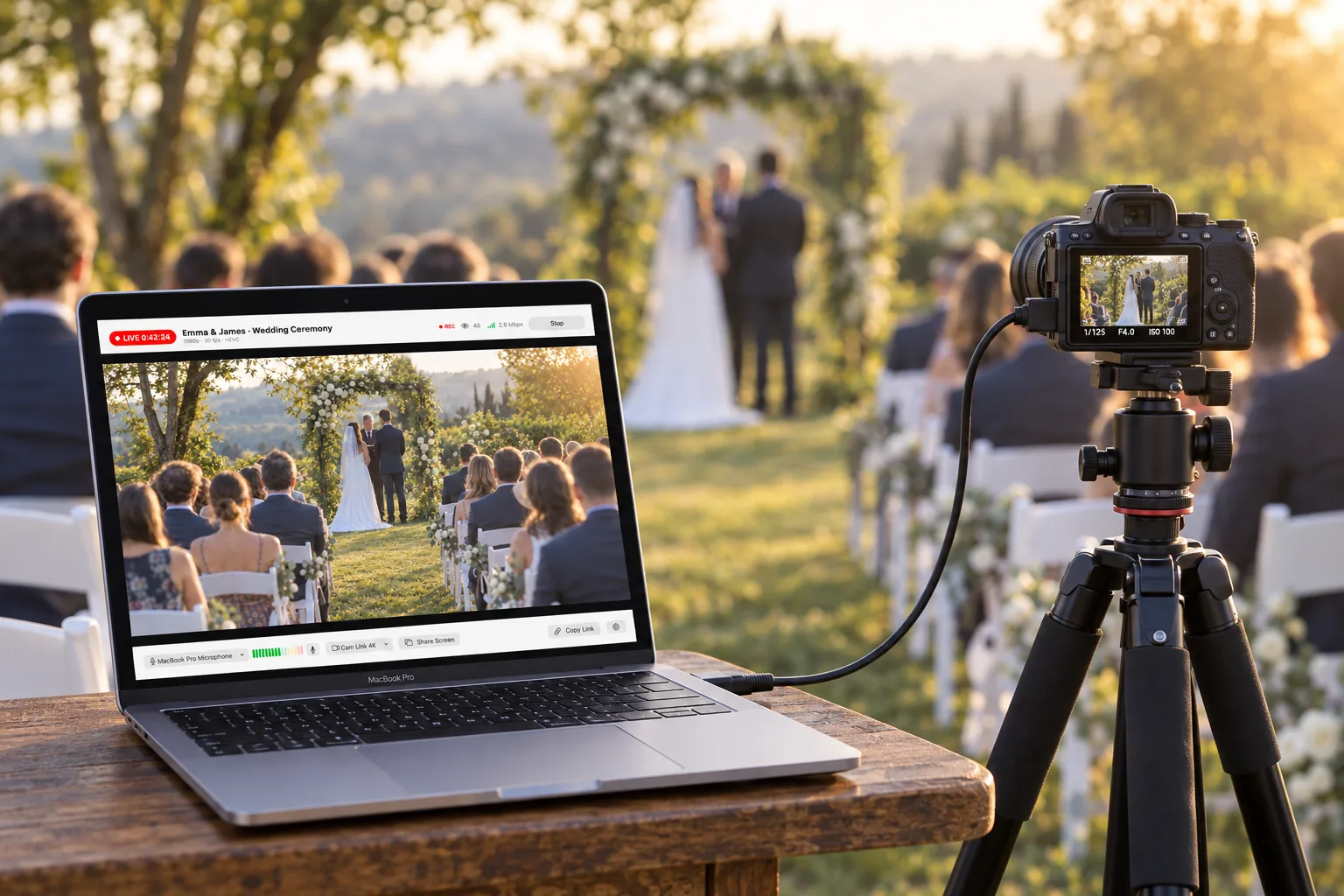
A camera on a tripod streaming an outdoor wedding ceremony live to EventLive on a MacBook Pro
Rated 4.7 from 1,000+ ratings on the App Store and Google PlayStreaming events since 2018Your branding on every event pagePay per event or subscribe

Stream from OBS, vMix, ATEM, LiveU or any RTMP encoder

Stream from the gear you already own

Send RTMP or RTMPS from OBS, vMix, an ATEM Mini Pro, a LiveU Solo or any hardware encoder, in H.264 or HEVC up to 1080p. EventLive turns your feed into several qualities, so guests on slow connections keep watching instead of buffering. Shooting light? Go live from a phone with the EventLive app, or switch HDMI cameras in EventLive for Mac without OBS.How to go live using RTMP
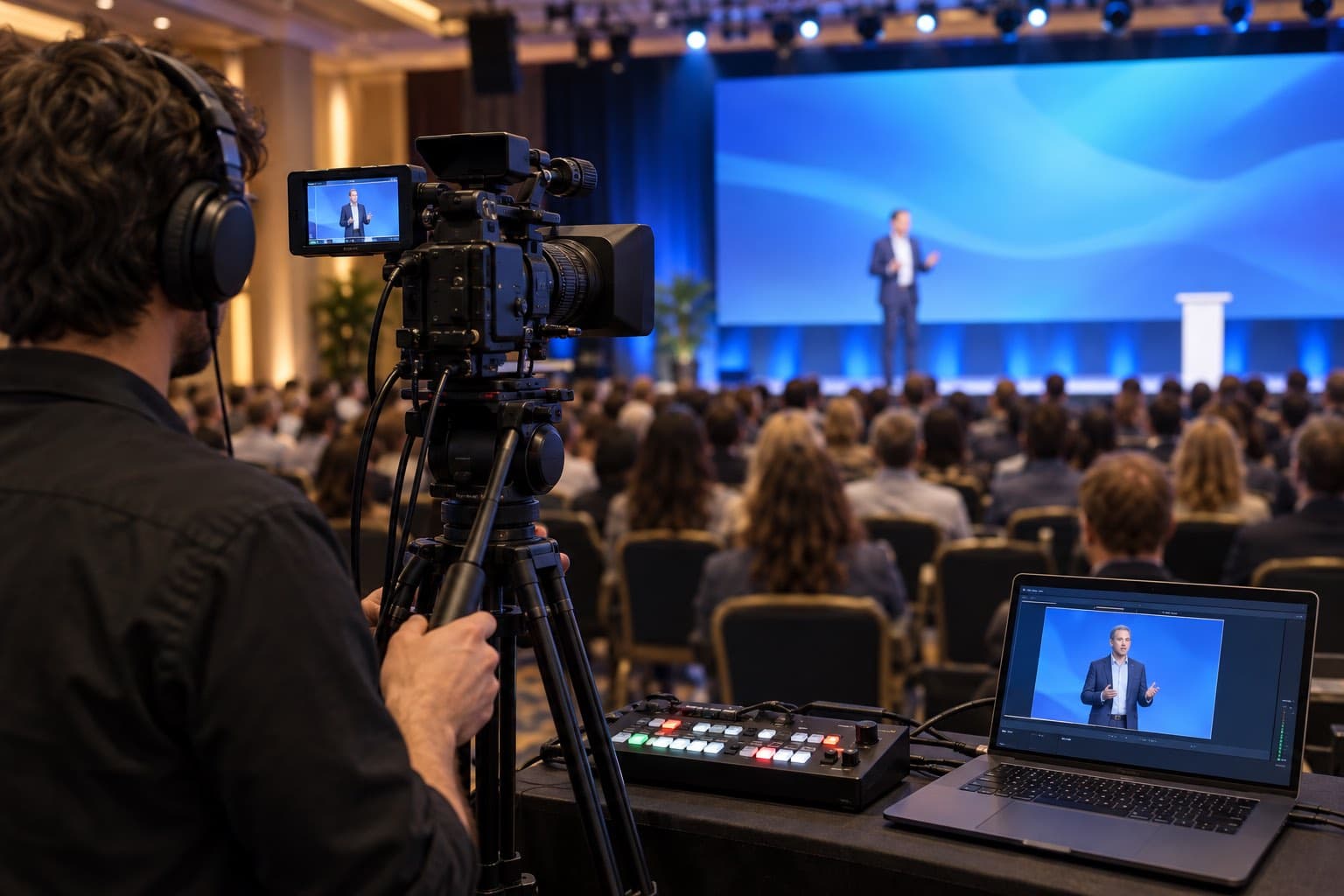
A camera operator streaming a conference keynote through a video switcher and a laptop
section divider

Your brand on every event page

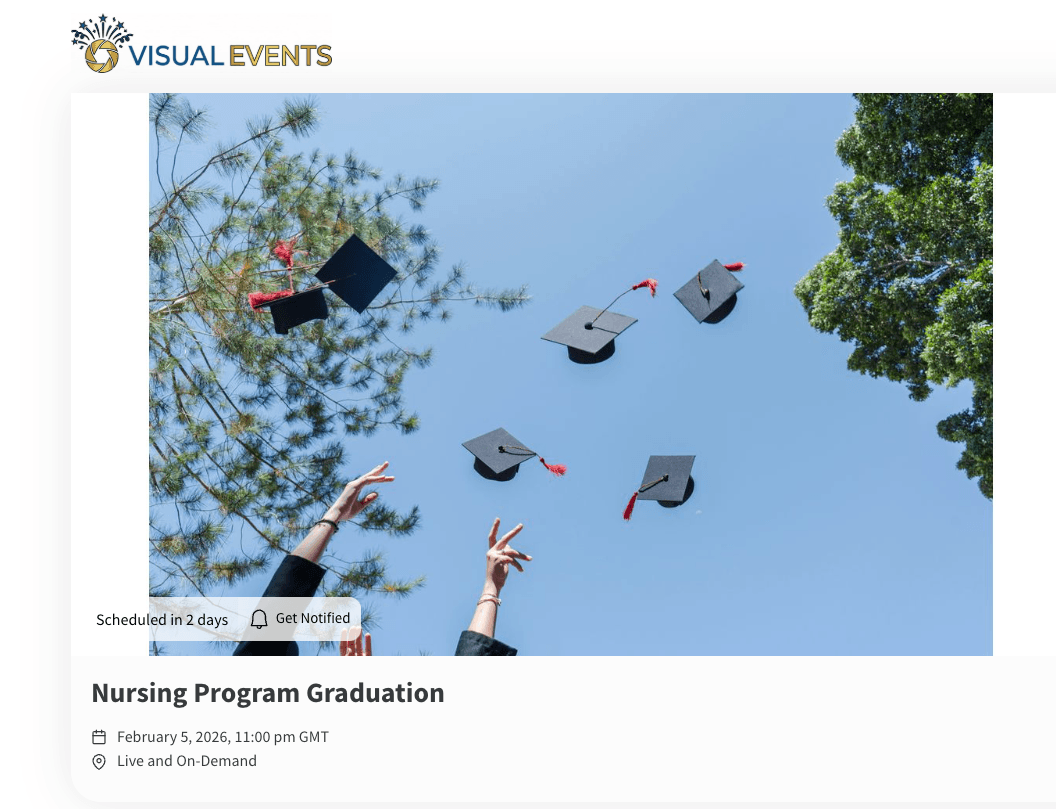
Add your logo and company name once. They replace the EventLive logo on every event page, link to your website and carry through to guest emails. Streaming for a venue or an agency? Give that event its client’s logo, or remove branding altogether. You can also embed the player on your website or your client’s.White label live streaming
A graduation event page showing a production company’s own logo instead of EventLive’s
section divider

Sell tickets to your clients’ events

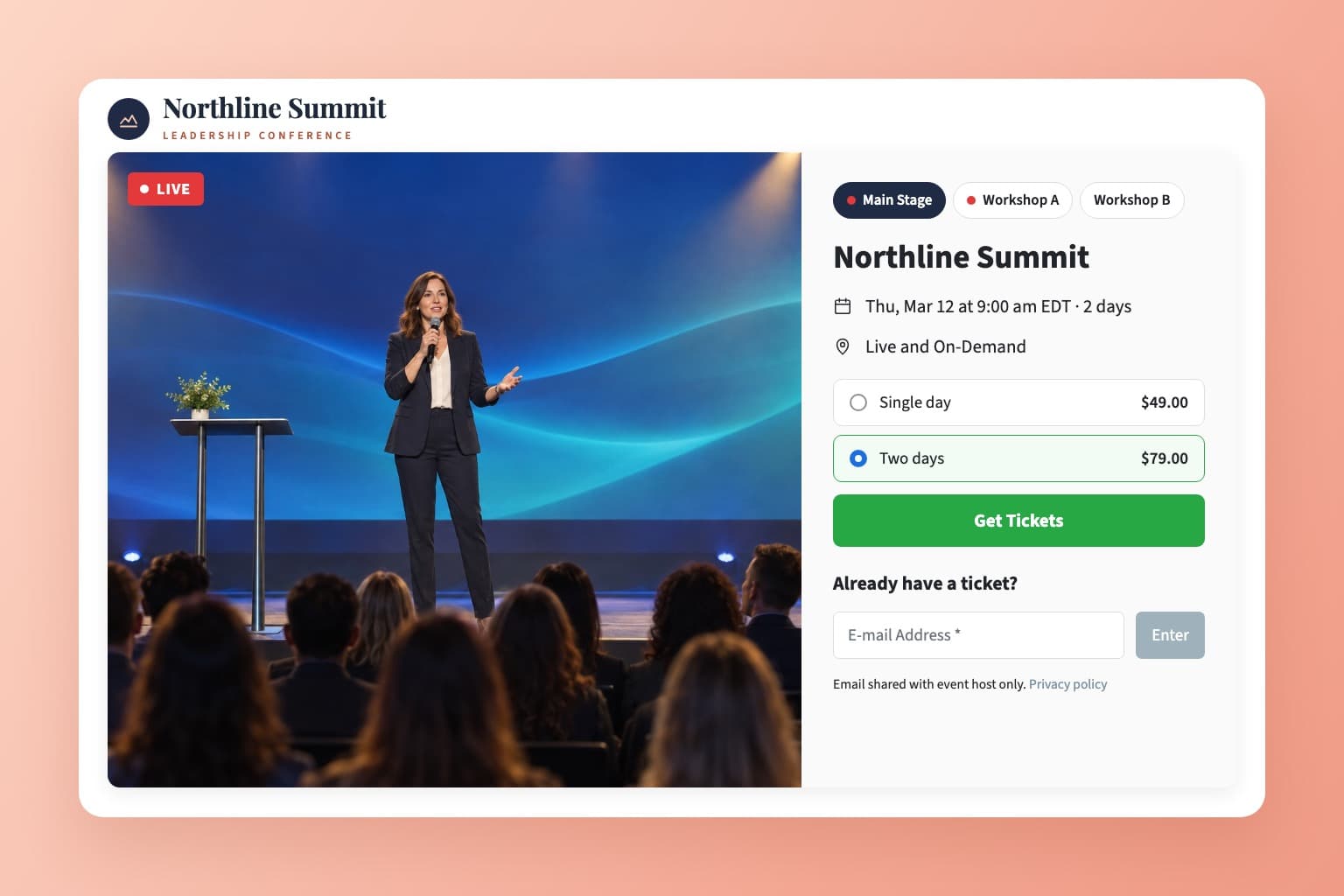
Recitals, competitions, concerts and conferences can pay for themselves. Set a fixed price or let viewers choose, sell day passes, replays and downloads, and each ticket plays on one screen at a time. Send your client a link to connect their own Stripe account, and the ticket money goes straight to them.Pay-per-view live streaming
A conference ticket page with day passes and tabs for the main stage and two workshops
section divider

Several cameras on one link

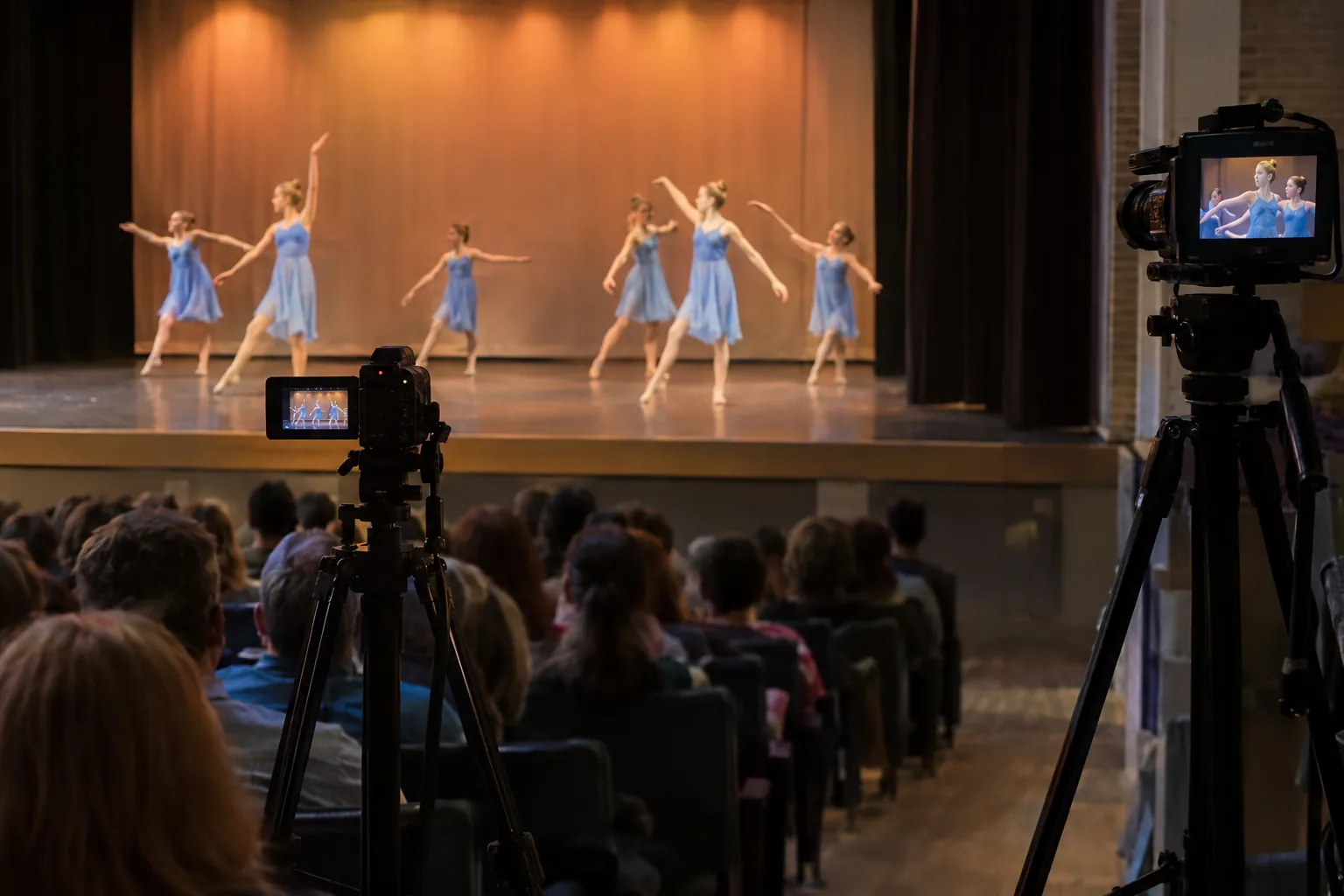
Cut between cameras in OBS, vMix, an ATEM switcher or EventLive for Mac and send one program feed. Or add rooms: up to 10 streams on one event link, for a second stage, an overflow hall or camera angles that viewers pick themselves. One ticket can cover every room, and rooms are included in the Unlimited plan.Multi-camera live streaming
Two cameras on tripods filming a dance recital from different angles

From booking to live in four steps

  1. Step 1

    Create a business account

    Sign up free and choose a business account. No credit card needed.

  2. Step 2

    Add your logo

    Upload your logo and website once. Every event page and guest email uses them.

  3. Step 3

    Schedule your client’s event

    Get the link for guests and a stream key for your encoder, then rehearse with free test streams.

  4. Step 4

    Go live

    Start your encoder, the EventLive app or EventLive for Mac. The replay and download are ready afterwards.

Built for paid work

Your client gets one chance at their event. These are the tools that keep the stream, and the footage, safe.

  • Free test streams

    Rehearse with your encoder and the venue’s internet as often as you like. Tests never use a credit.

  • Backup recording

    The EventLive app and EventLive for Mac save a high-quality copy while you stream, even if the internet drops.

  • Pause and resume

    Stop after the ceremony and resume for the reception on the same link and stream key.

  • Music never muted

    No automatic copyright detection, so first dances, hymns and live bands play as they are.

  • Private by default

    Event pages are unlisted. Add a password, an invite-only guest list or a name-and-email step.

  • HD file for your client

    Download the whole event as an MP4 in up to 1080p, or upload your edited film for the replay.

  • Hand off the camera

    Send a second shooter the go-live instructions for one event, without sharing your login.

  • Viewers and guest lists

    See live and replay viewer counts, and download guest lists, guestbooks and ticket sales.

What videographers and production companies say

“They handle all the hard stuff. We only need to provide the RTMP feed, so as long as we have internet connectivity, we can stream professional events without copyright takedown or strikes.”

Bradley WhitlockBW Photography Studio
  • “My favorite were the test page and telling me that I have a good internet service on location. I love how you can pause/stop the streaming and continue later on without getting charged extra.”

    Kutz Wedding FilmsWedding videographer, New Zealand
  • “Flexible, easy-to-use professional RTMP streaming for events.”

    Anthony RizzutoDirector, Otto Studios
  • “Customer service. There are so many benefits, but no one tops the customer service.”

    Kayla HigginbothamOwner & Videographer, Cub Bear Creative
  • “Guests don’t have to download any apps, sign up or anything. They simply jump on and the live stream starts automatically, they don’t even have to push a button.”

    Todd KwiczakPhotographer, Tkshotz

Build live streaming into your packages

Pay per event and add it to your quote, or cover every booking with one Unlimited plan. Credits never expire, branding costs nothing extra, and you set what your clients pay.

Event Credits

Pay as You Go
$59
$59 per event
5 Events
$250
$50 per event
10 Events
$400
$40 per event
25 Events
$875
$35 per event
50 Events
$1,500
$30 per event

Unlimited Plans

AnnualSave $389/yr
$167
~ /month
Billed at $1,999/yr
Save $389

Frequently Asked Questions

Yes. Choose a business account (it costs nothing extra) and add your logo, company name and website under Event page branding. Your logo replaces the EventLive logo on every event page and links to your website, and guest emails carry your branding too. Give a client’s event its own logo, or turn on Remove all branding to show no logo at all. See how branding works, or ask us about a custom domain or a branded app.
Anything that streams over RTMP or RTMPS: OBS Studio (EventLive is in its list of services), vMix, an ATEM Mini Pro, LiveU Solo, Mevo and GoPro cameras, or a hardware encoder. Send H.264 or HEVC at 1920×1080 or 1280×720, 30 fps, with a 2-second keyframe interval (see the recommended RTMP settings). SRT and 4K aren’t supported. You can also go live from the EventLive app on a phone, or from EventLive for Mac with HDMI cameras.
Yes. Switch cameras in OBS, vMix, an ATEM switcher or EventLive for Mac and send one program feed. If viewers should choose for themselves, such as two stages or a wide shot and a close-up, add rooms: up to 10 streams on one event link, each with its own stream key and recording.
In Sell Tickets, choose Copy link to connect Stripe and send it to your client. They connect their own Stripe account, so the ticket money goes straight to them, and they never need your login. EventLive charges US $1.50 per ticket plus Stripe’s processing fee; with a fixed price, you can add the fees at checkout so buyers pay them. More on pay-per-view live streaming.
Run a free test on site first: the app shows your signal before you start. While you stream, the EventLive app and EventLive for Mac save a high-quality copy on the device, so you can fill any gap in the replay afterwards. With OBS or a hardware encoder, record locally as well. Each guest’s player adjusts the quality to their own connection.
Yes. Event pages are unlisted and not shown in search engines. Add a password, limit viewing to an invited guest list, or ask guests for their name and email before they watch. Guests never need an app or an account.
The replay plays on the same event link, and you can download the whole event as an MP4 in up to 1080p. You can let guests download it too, or sell downloads with tickets. To show your edited film instead, upload it with Manage Video.
Each event day is a 24-hour window from the scheduled start, and you can start an hour early. Stop and resume as often as you need on the same link and stream key, for example for the ceremony and the reception. Festivals and tournaments can run up to 7 consecutive days on one link.
Yes. Open the event’s How to Go Live, choose Share instructions under Delegate going live and send them to your operator. They can stream that event without signing in to your account (step by step).
There’s no hard limit on viewers. A business event includes 5,000 viewer hours, for example 2,500 people watching for two hours. Going over doesn’t stop your stream, but an extra charge may apply, so tell us in advance about very large audiences. Ticketed events have no viewer-hour limit. See viewer limits.
Pay per event, buy credit packs that never expire, or choose an Unlimited plan; see the prices above. Branding is included at no extra cost, and you decide what your clients pay, whether streaming is an add-on or part of a package.

Stream your next booking under your own brand

Create a free business account and run a test stream with your own gear today.
Create a free account