A camera on every court, mat or field
Put a phone on a tripod or a camera on each court. Every room streams on its own, with its own stream key, recording and replay, so a long match on Mat 3 never holds up Mat 1.
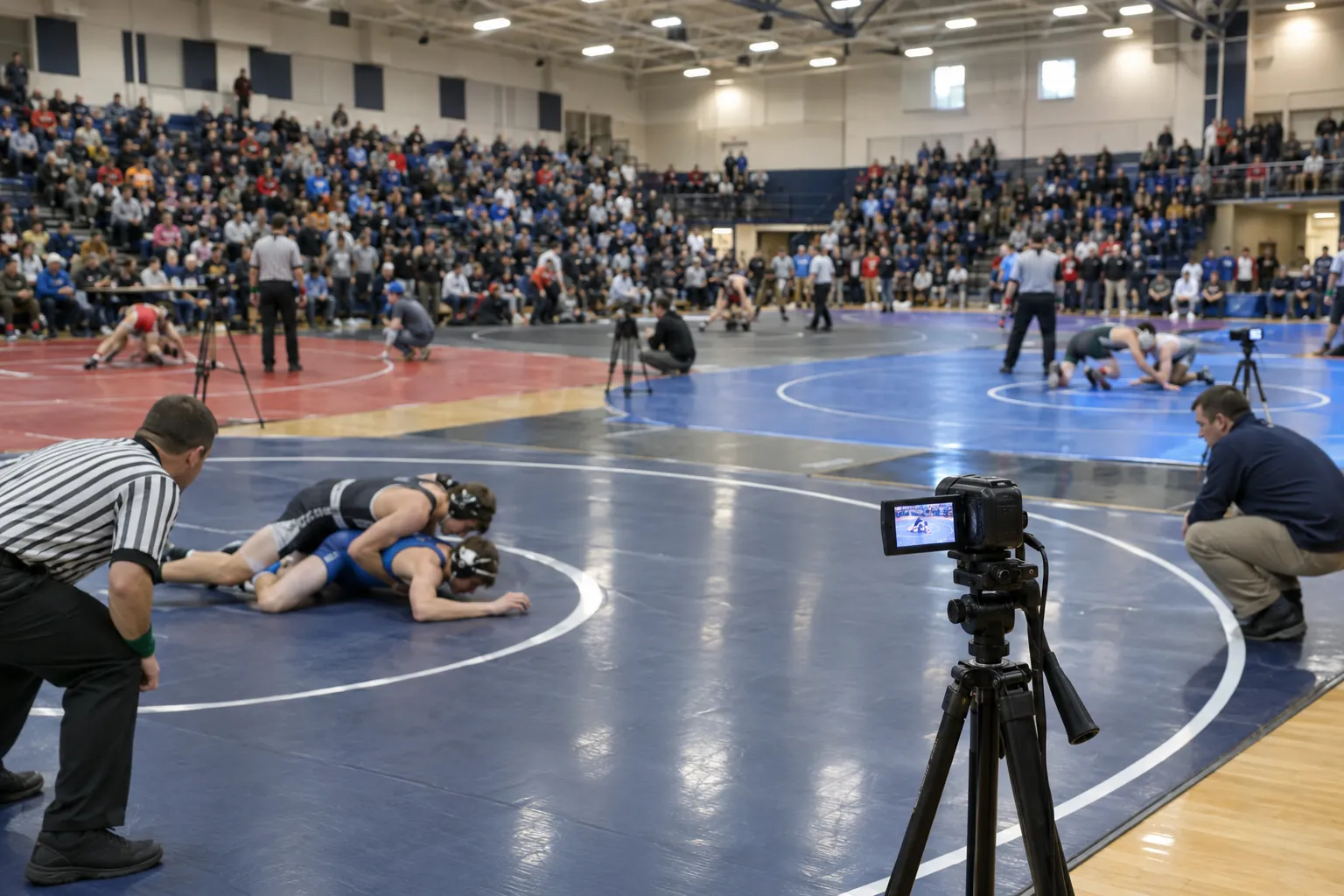

Multi-camera live streaming
Give each court, stage or camera its own live stream. Guests open one link, switch with tabs, and one ticket covers every room.
Try it on a free test event. Up to 10 rooms per event. How rooms work
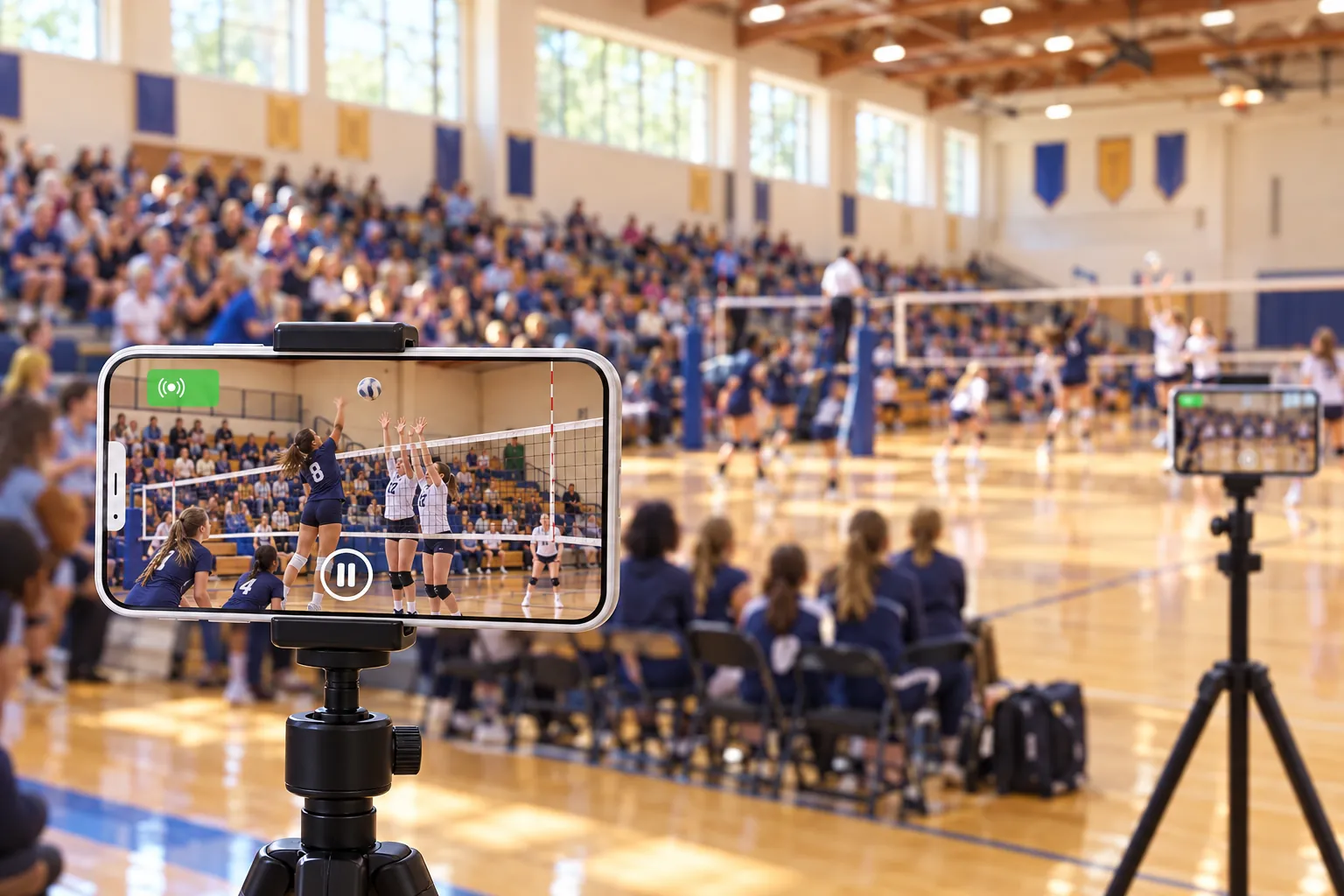
 Up to 10 rooms per eventPhones, OBS or any RTMP encoderNo app needed to watch
One event, many places
Tournaments run several courts at once, conferences split into tracks and festivals have more than one stage. Rooms give each of them its own live stream, all on the same event.

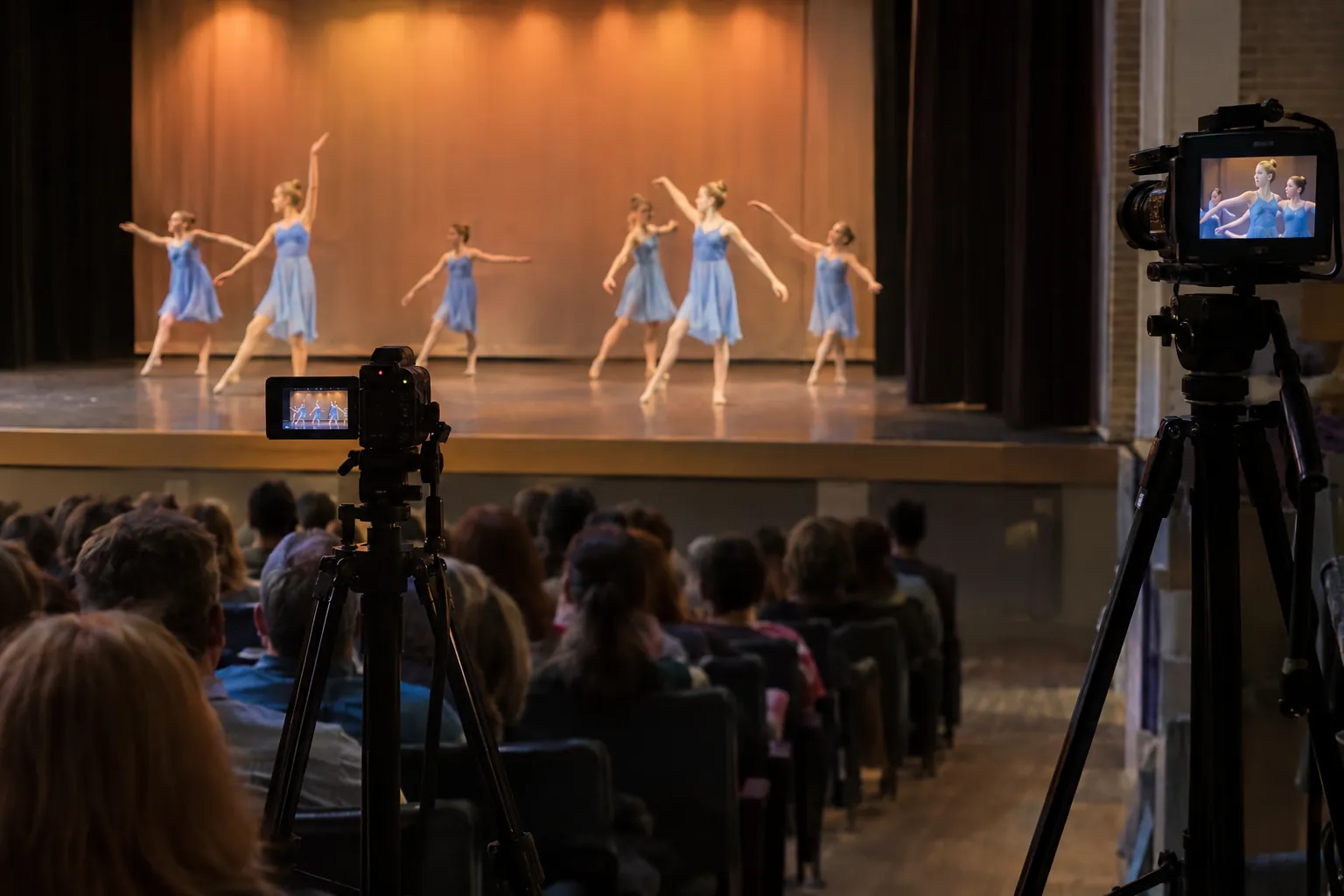
How it works
Set the date, cover and privacy once. Its link becomes the one link your guests use for every room.
Call them courts, stages, tracks, halls, fields or cameras, and add up to 10. Each one copies your event’s settings.
Put a phone, camera or OBS on every room. Each streams with its own key, so they can start and stop on their own.
One link, a tab for every room, a red dot on the ones that are live. Guests sign in or buy a ticket once.
What guests see
Guests open your event on any phone, tablet, computer or TV and switch rooms at the top of the page. A red dot shows which rooms are live.
Guests open your event and switch between rooms at the top of the page. Every room also has its own direct link.
Each room has its own stream key, recording and replay, so one court running late never holds up another.
Sell a pass for the whole event, or a separate ticket per room. Payments go straight to your Stripe account.
Registrations from every room land on one list, and guests get one go-live email, not one per room.
Each room keeps its own conversation, so a family cheering on Court 3 isn’t lost in Court 1’s chat.
Your event’s fundraiser shows on every room’s page, and the live donation tracker on every stream.
Embed the event on your website and the room tabs come along, so visitors switch rooms without leaving your page.
See how many people are watching each room right now, and unique viewers for the whole event.
Pay-per-view
Charge once for every court, stage and track, or price each room on its own. Payments go straight to your Stripe account, and buyers sign in once with their email.
Like a weekend pass for a whole tournament. Buyers switch courts with the tabs and never pay twice. It works on one screen at a time.
Sell each court, stage or track on its own, at its own price. Rooms without a price fall back to the main ticket.
Single-day tickets, replay prices and video downloads work the same, and a download from the main ticket covers the rooms.
Multiple cameras, two ways
EventLive does both. Use rooms when viewers should choose what to watch, and a switcher when one edited program is the show.
Add rooms to any event in a minute. How rooms work
Send the switched program to any event or room over RTMP. Multi-camera setup guide
Built for
From a two-gym volleyball tournament to a festival with a second stage, every room gets its own stream, and your audience gets one place to watch it all.
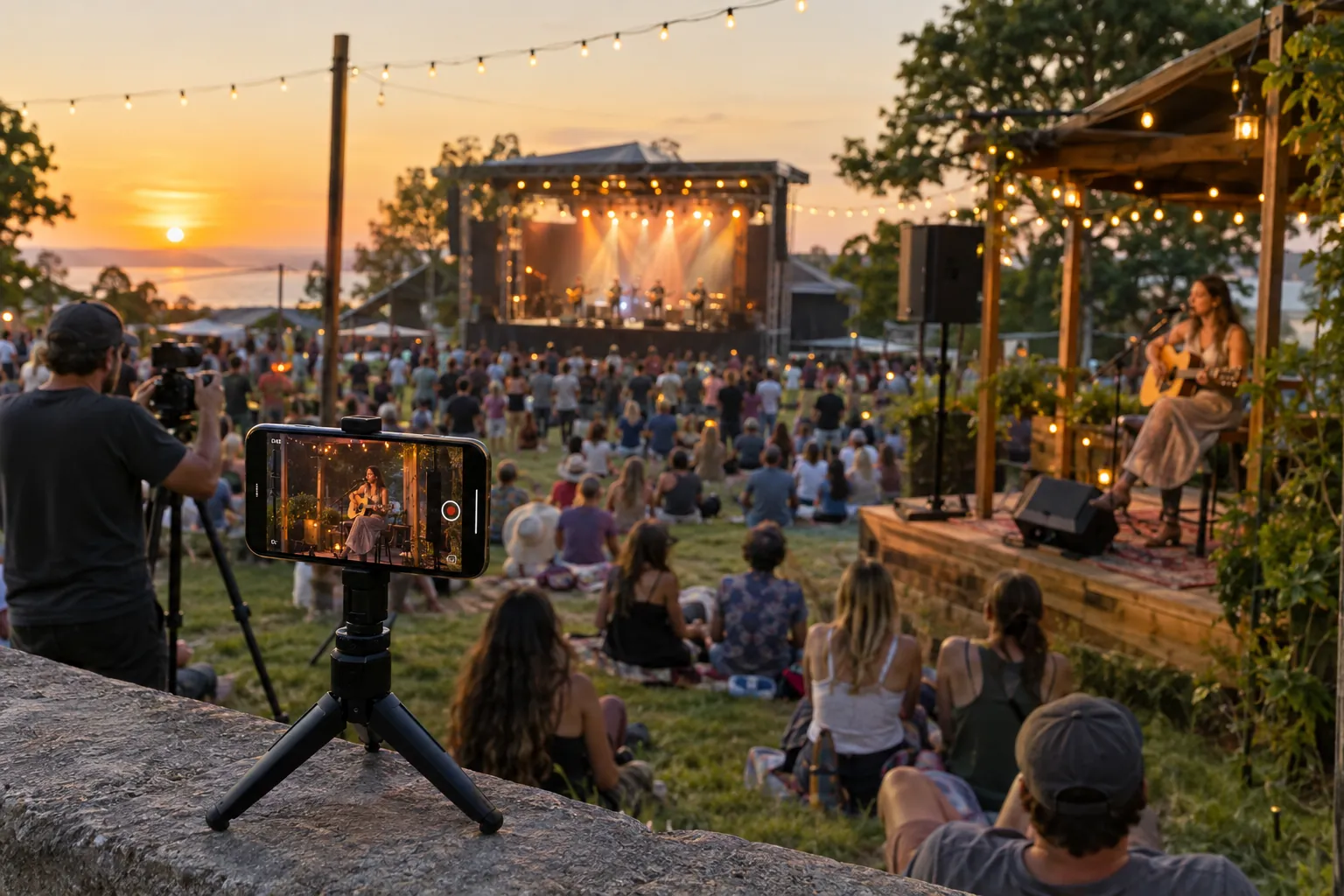
Volleyball, basketball and pickleball courts, wrestling mats, cheer and gymnastics floors, soccer fields.
Parallel tracks, breakout sessions and workshops alongside the main keynote.
A main stage and a second stage, or a performance plus backstage interviews.
The main service and a children’s or youth service, or a sanctuary and a chapel at the same time.
Several ceremonies, gyms or performance halls on the same day, under one school link.
Main hall, demo stage and workshop rooms, each streaming for exhibitors and remote visitors.
A wide shot and a close-up of the same stage, and viewers pick the angle they want.
Dance, music and debate events with performances in several rooms at once.
Pricing
Event credits
Each room unlocks like an event, so a two-day tournament on two courts uses four credits. See credit packs
Unlimited plan
Rooms are covered like any other event while your Unlimited plan is active. See Unlimited
Nonprofits
Qualifying nonprofits that fundraise with Pledge on EventLive pay no streaming fees for events created by December 31, 2026, rooms included. Nonprofit offer
“I decided to try EventLive. Loved the guestbook and I was able to embed it to my website. It is so easy! Guests don't have to download any apps, sign up or anything. They simply jump on and the live stream starts automatically, they don't even have to push a button.”