Live Streaming for Schools
Graduations, concerts, plays and games. Set up a school live stream in about 5 minutes.




Graduations, concerts, plays and games. Set up a school live stream in about 5 minutes.
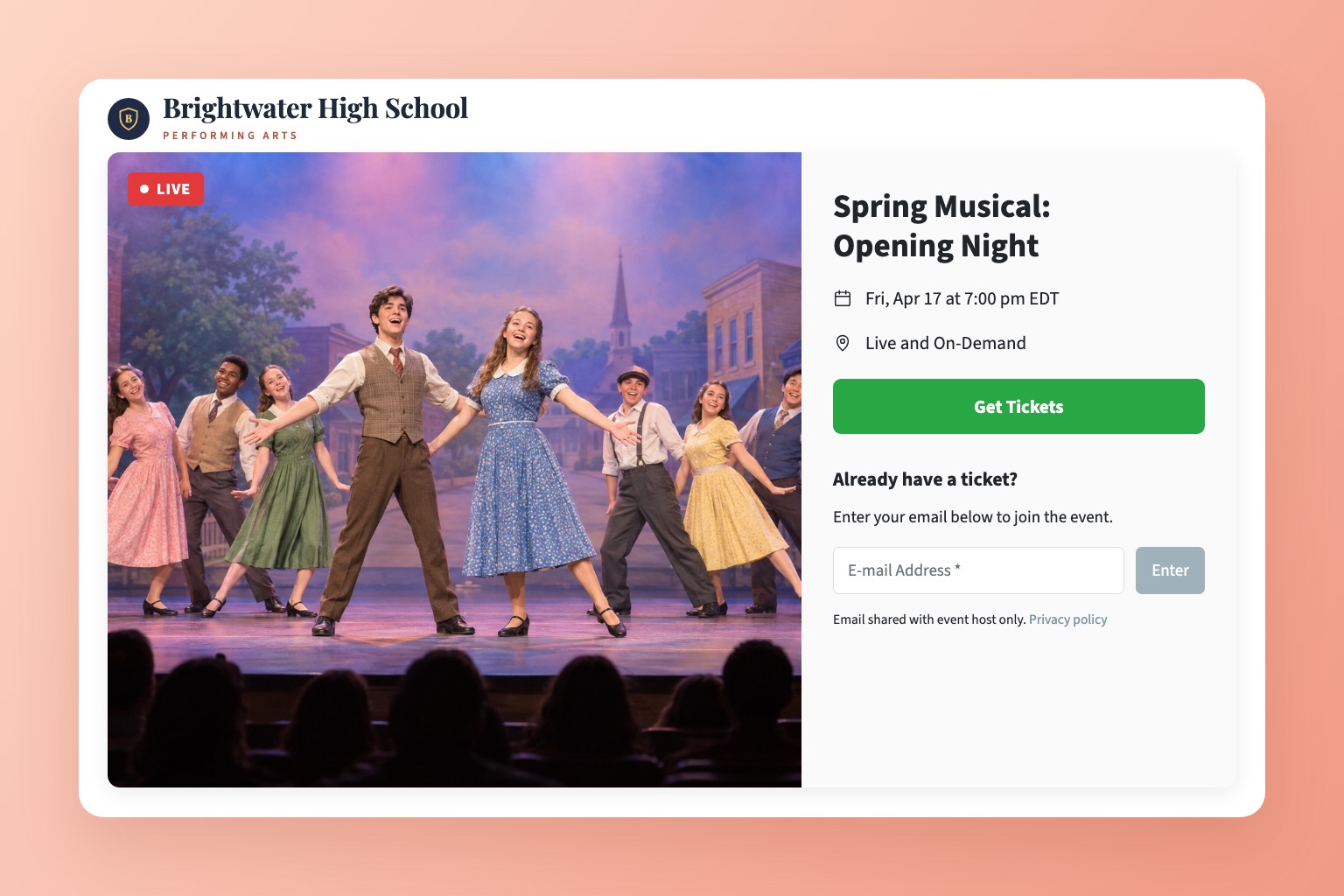
EventLive gives your school one simple link for every event on the calendar. Families watch in any browser with no app or account, and you choose who can watch: everyone, families with a password, or ticket holders.
Choose who can watch each event. Passwords, tickets and donations are all optional, and each event can be set up differently.
Booster club or PTO? US 501(c)(3) organizations that fundraise with Pledge stream free for events created by December 31, 2026. See the nonprofit offer
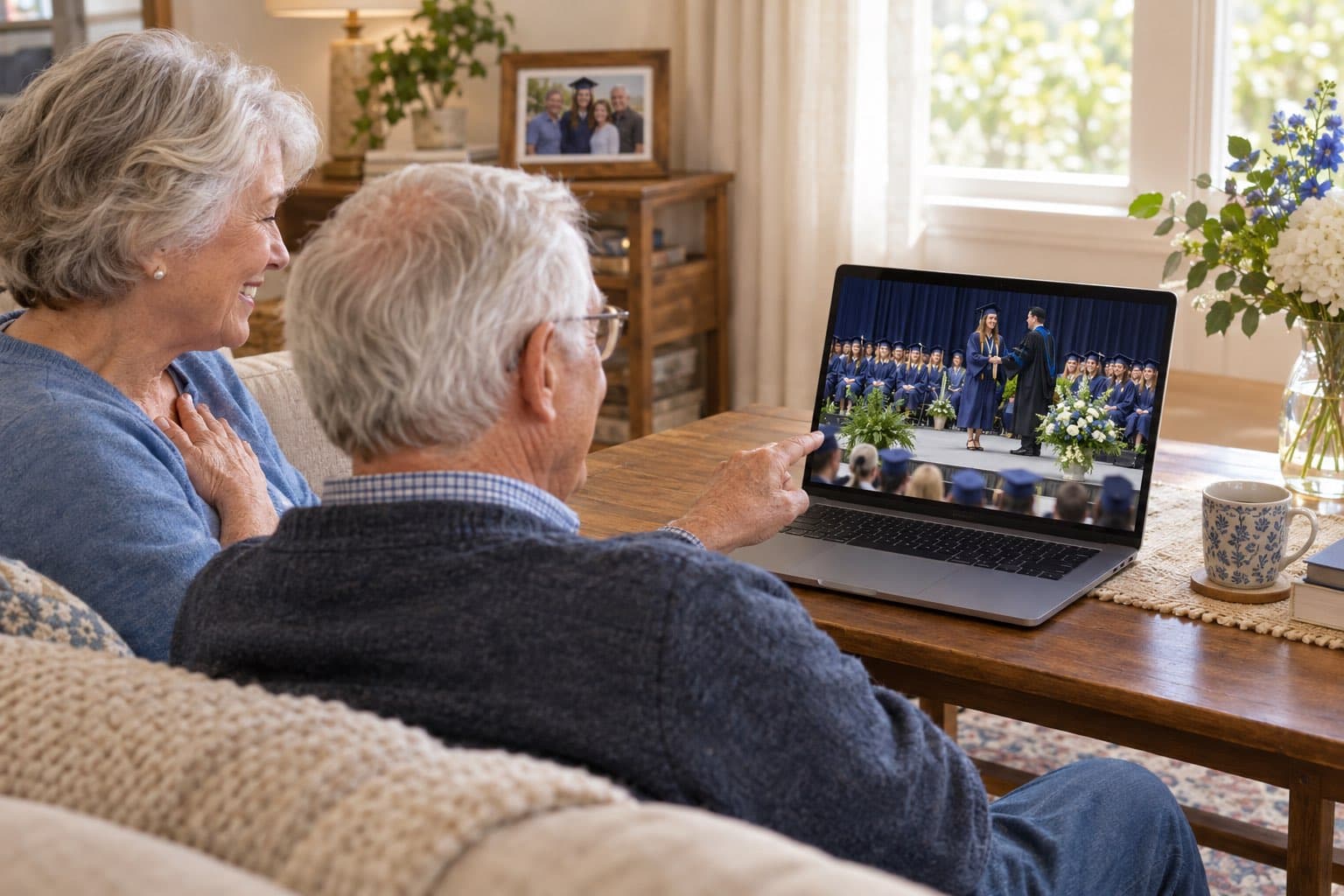
Graduations, concerts, plays, games, assemblies, award nights and board meetings. Each event gets its own branded page and link, and families can watch the replay afterwards. Planning a graduation? See graduation live streaming.

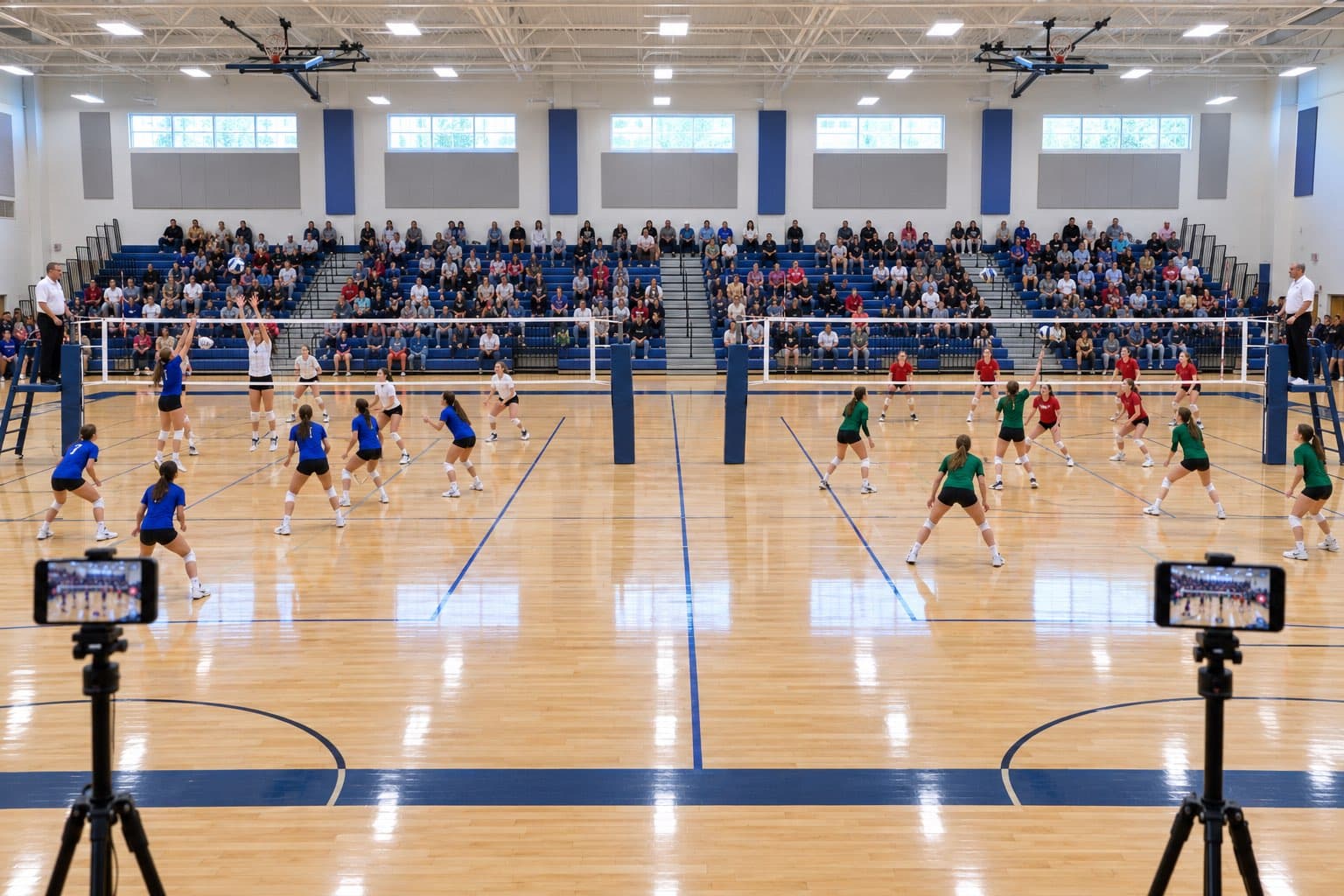
Hosting a tournament or a festival? Stream up to 10 courts, gyms or stages on one link, and families switch between them with tabs. How multi-room events work
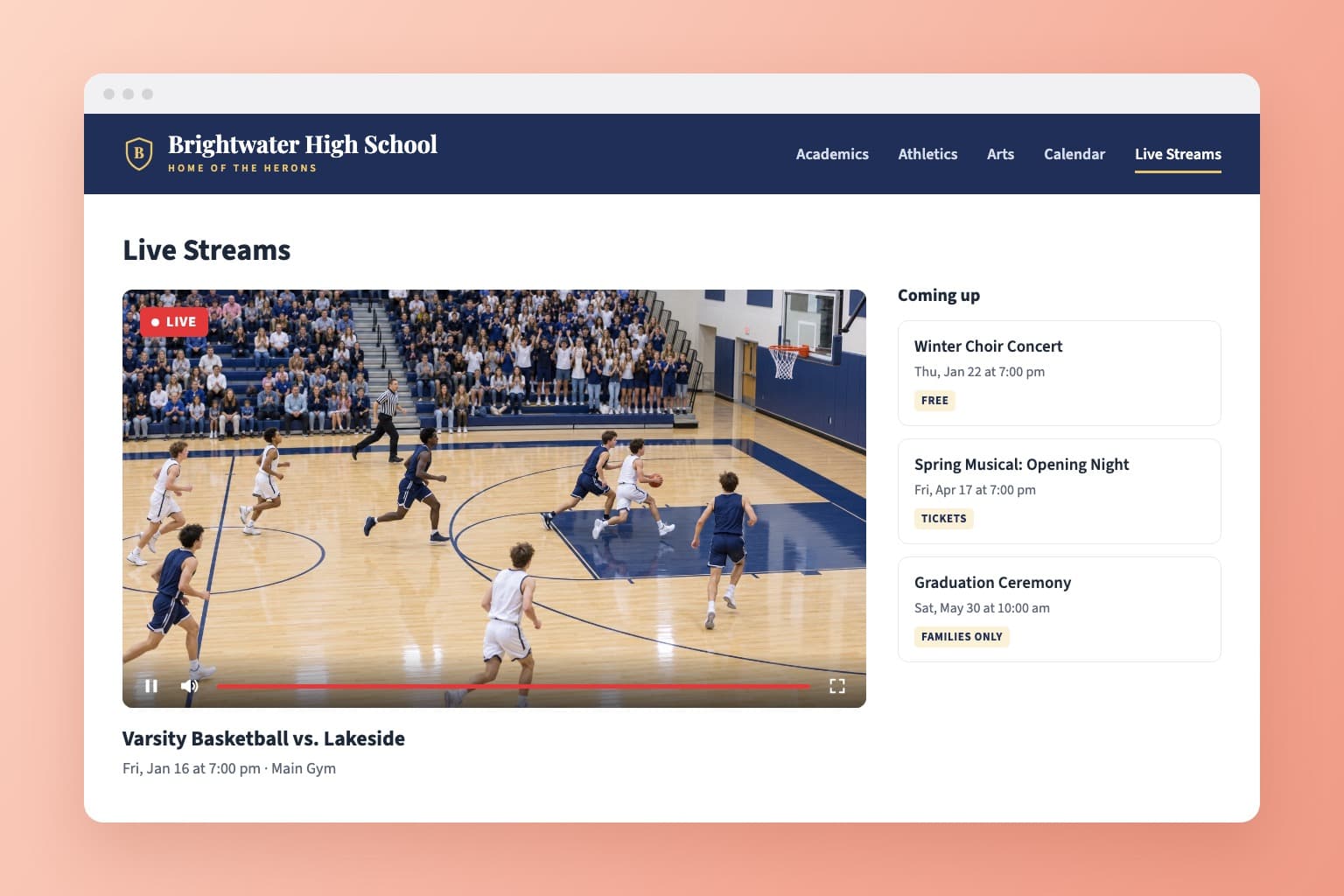
Embed the live stream on your school website, or share an event page with your logo and a welcome message. There are no ads or suggested videos next to your students. How to embed a stream
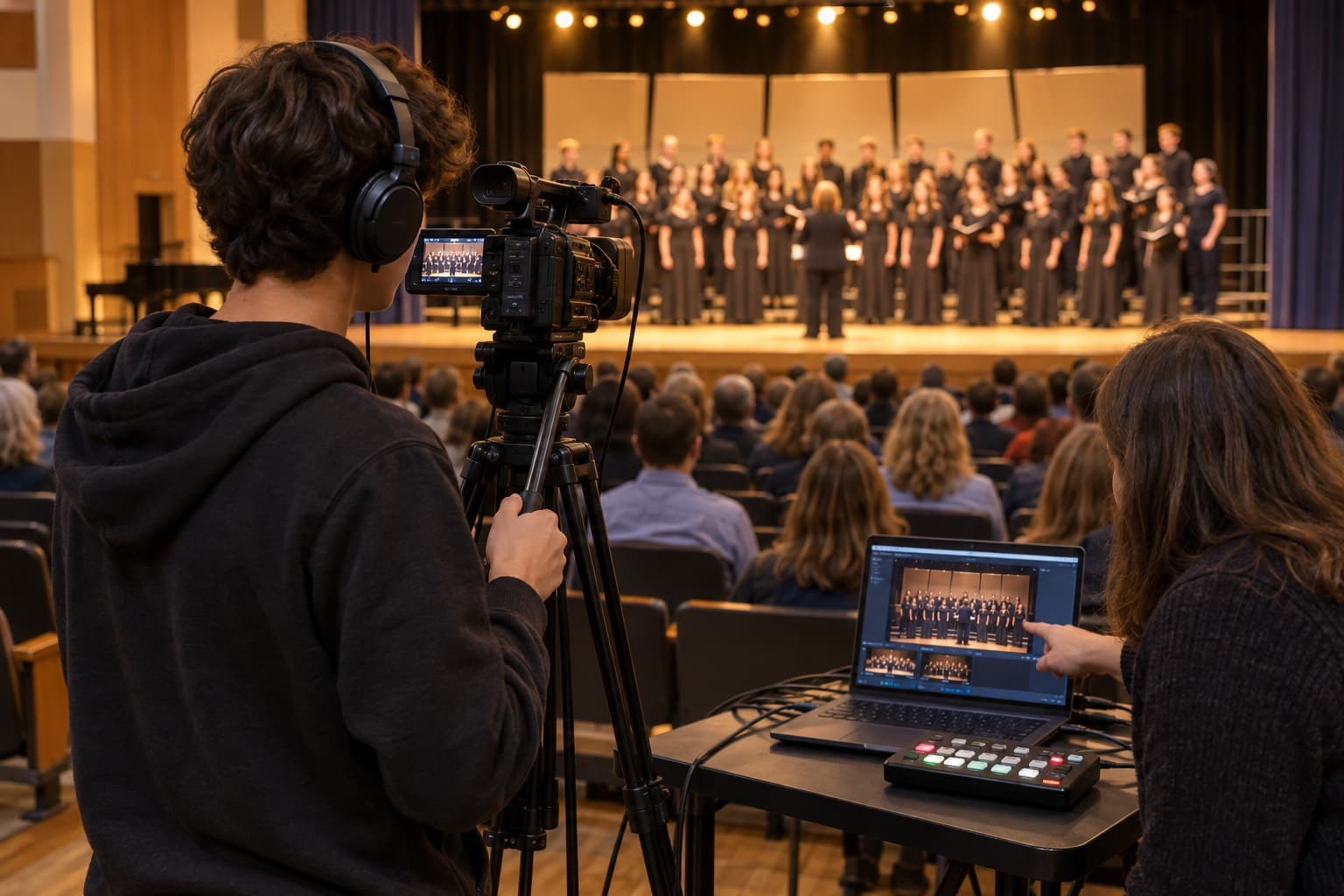
Start with a phone and the EventLive app for iOS or Android. When your AV team is ready, go live over RTMP from OBS, an encoder, a video switcher or a streaming camera. How to go live using RTMP
Yes. Add a password to the event and share it with your families. Only people with the password can watch, and password protection is included on every plan.
Yes. Connect your school's Stripe account and set a ticket price. Payments go straight to your Stripe account, and you can also sell access to the replay. How ticket sales work
Yes. A multi-room event streams up to 10 courts, gyms or stages on one link, each from its own phone or camera. Families switch rooms with tabs on the event page.
A phone with the free EventLive app for iOS or Android is enough to start, and a tripod and an external microphone help. For a multi-camera setup, stream over RTMP from OBS, a hardware encoder or a video switcher.
No. Families open the link in any browser on a phone, tablet or computer, or cast it to a TV. There's no sign-up, unless you add a password or sell tickets.
Every event includes 30 days of online replay. You can extend it to 1 year or 10 years in the app, and you can always download the video to keep in your school's archive.
Yes. Pay per event with event credits, or choose an Unlimited plan to cover every event while your subscription is active. For several schools or a district, contact us for pricing.
Graduations, concerts, plays and games, streamed from a phone or your AV gear. Set up your first event in minutes and test it for free.