Live Stream Cheer Competitions
Set up a cheer competition live stream in about 5 minutes.

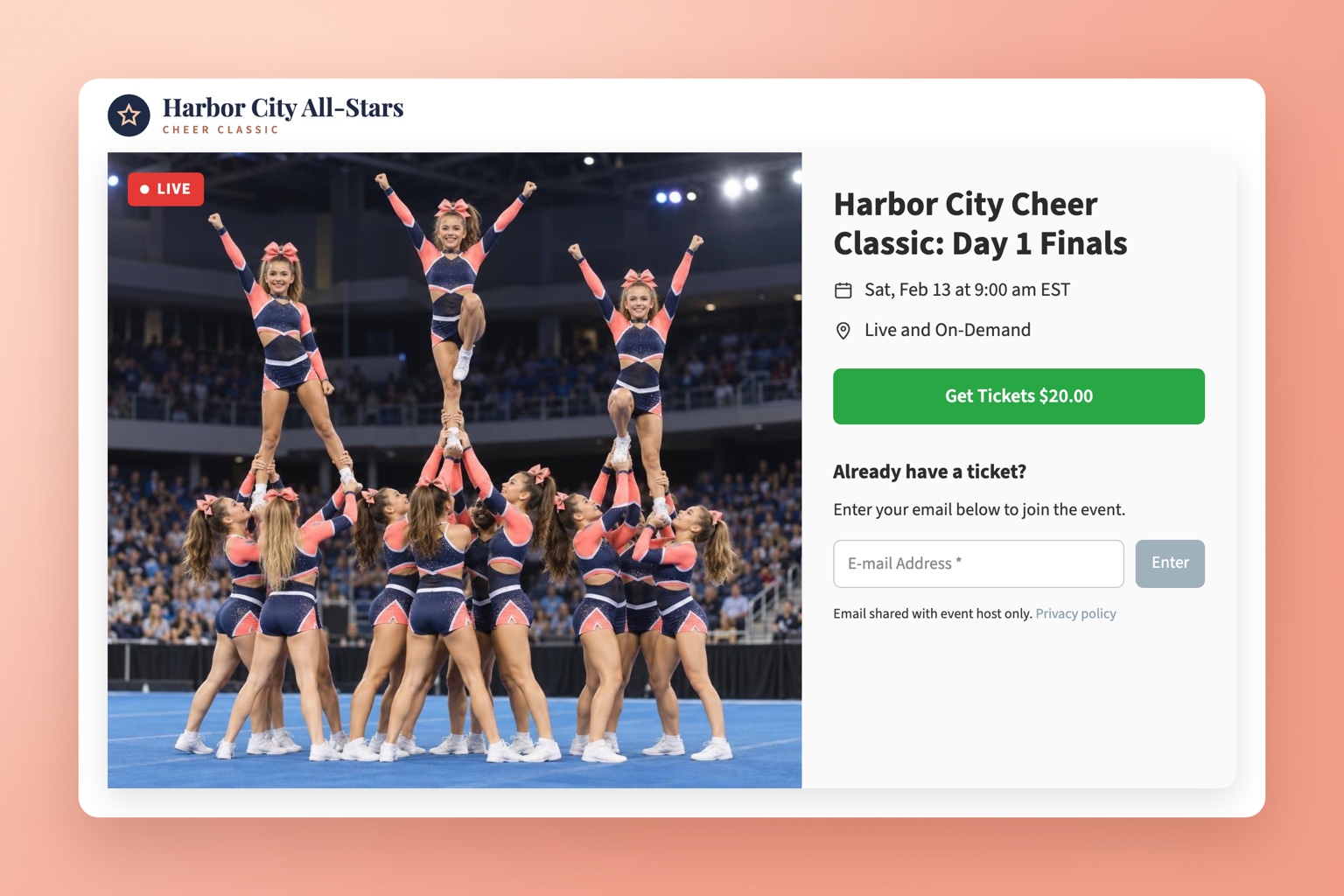

Set up a cheer competition live stream in about 5 minutes.
Not every parent, grandparent or teammate can travel to every cheer competition. With EventLive, event producers, all-star gyms and school programs can live stream a cheer competition and sell pay-per-view tickets from the same event link. There's no contract and no streaming network to sign up with. You pay per event, no subscription required, and keep your ticket revenue.
Set a fixed ticket price or let viewers choose what to pay. Payments go directly to your own Stripe account, and EventLive charges a flat $1.50 per ticket plus Stripe fees. Only ticket holders can watch, on one device at a time.
No need to sign up with a cheer streaming network or hire a broadcast crew. Anyone who can share a link can run a cheer competition live stream on EventLive.
Stream with the EventLive app for iPhone or Android, or send a professional feed from OBS, vMix or an ATEM switcher over RTMP. Running several mats? Stream each one as its own event.

Add your competition logo and cover photo, or embed the stream and ticketing on your own website so families buy and watch without leaving it.
Every live stream is recorded automatically. Ticket holders can rewatch their team's routine later, and you can download the full recording.

Create an event in the EventLive app or Broadcaster, set a ticket price, and share your event link. On competition day, mount a phone on a tripod facing the mat and tap Go Live, or stream from professional cameras over RTMP. Setup takes about 5 minutes.
Yes. Connect your Stripe account, set a fixed price or let viewers choose what to pay, and viewers buy tickets on a secure Stripe checkout. Ticket revenue goes directly to your Stripe account. EventLive charges $1.50 per ticket plus Stripe processing fees.
You set the price. Many cheer and youth sports events charge around $15 to $20 per viewer for a day of competition. Consider a lower price for school events and a higher one for championships.
EventLive is priced per event, with no contract and no subscription required. Each event credit covers up to 24 hours of streaming with unlimited concurrent viewers, and credit packs lower the price per event. Busy competition producers can also choose an unlimited plan. See the pricing below.
Yes. Create one event per day or per mat, each with its own link and ticket price. Credit packs make multi-day and multi-mat competitions more affordable.
Yes. Every stream is recorded automatically and ticket holders can watch the replay on the same event page. Replay is included for 30 days and can be extended to 1 or 10 years.
Just the event link. Viewers watch in a web browser on a phone, tablet, laptop or smart TV. No app download or account is needed.
Create your event, set your ticket price and go live in minutes. Families can watch every routine from anywhere.