EventLive for Windows streams your event from a laptop or desktop PC, with its built-in camera or USB cameras. Switch cameras and microphones while you’re live, with no OBS and no stream keys.
Snapdragon or other ARM PC? Get the ARM version
4.7 from 1,000+ ratings on the  App Store and
  Google Play
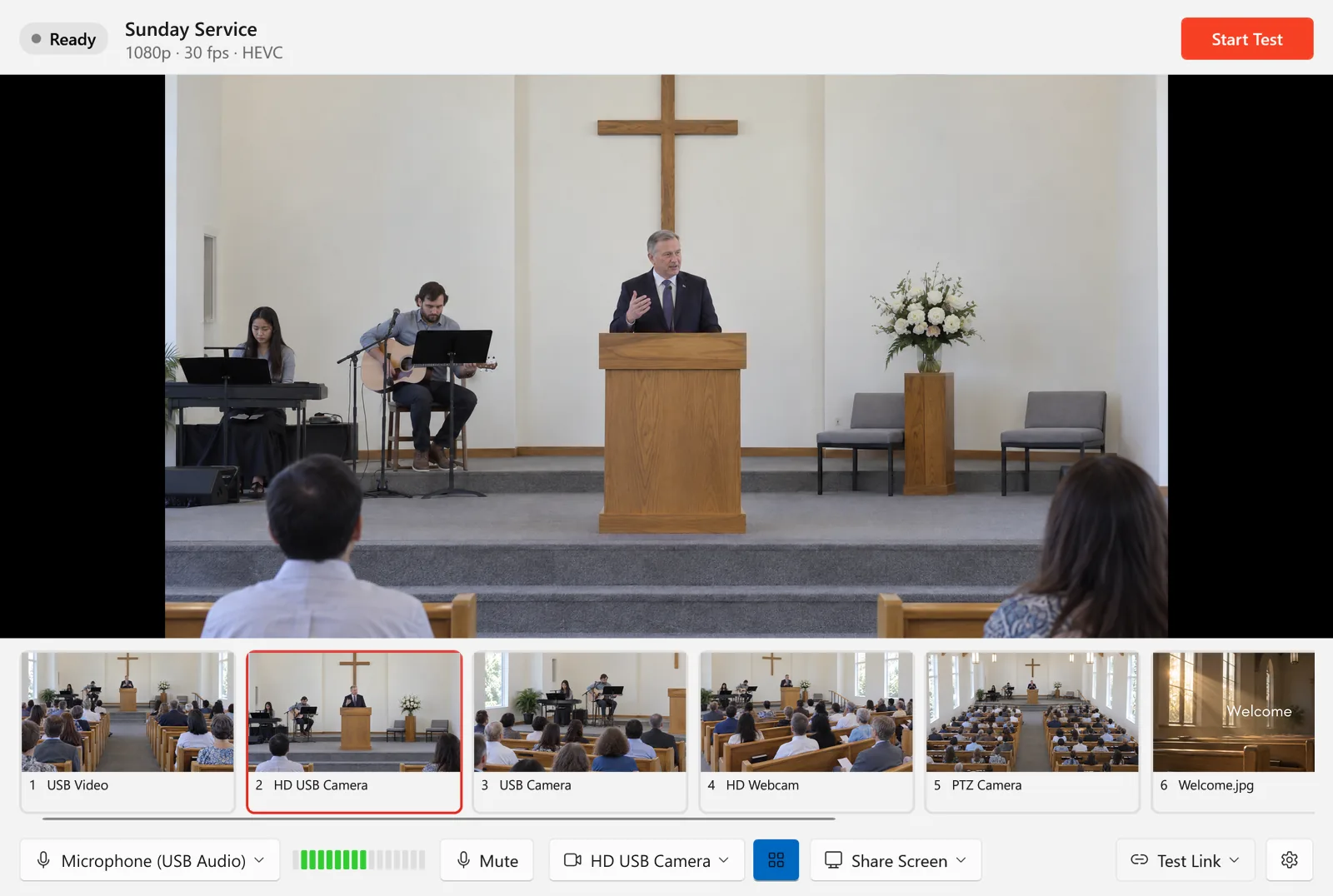
Use your laptop’s camera, USB webcams or a camera on a USB HDMI capture device, even one you plug in while you’re live. The strip shows every camera live and keeps them running, so a click switches instantly. If a camera stops, EventLive switches to another one by itself.
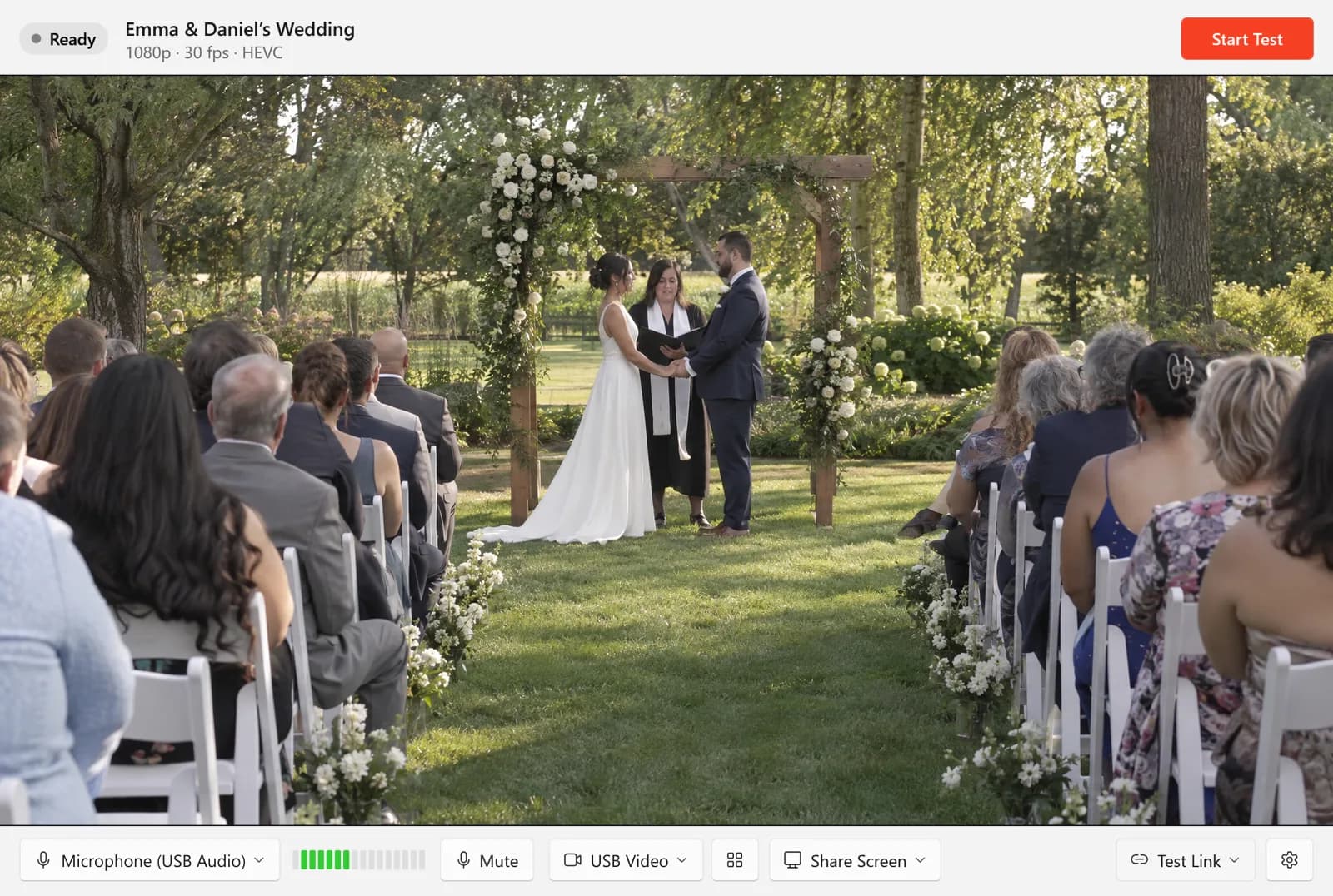
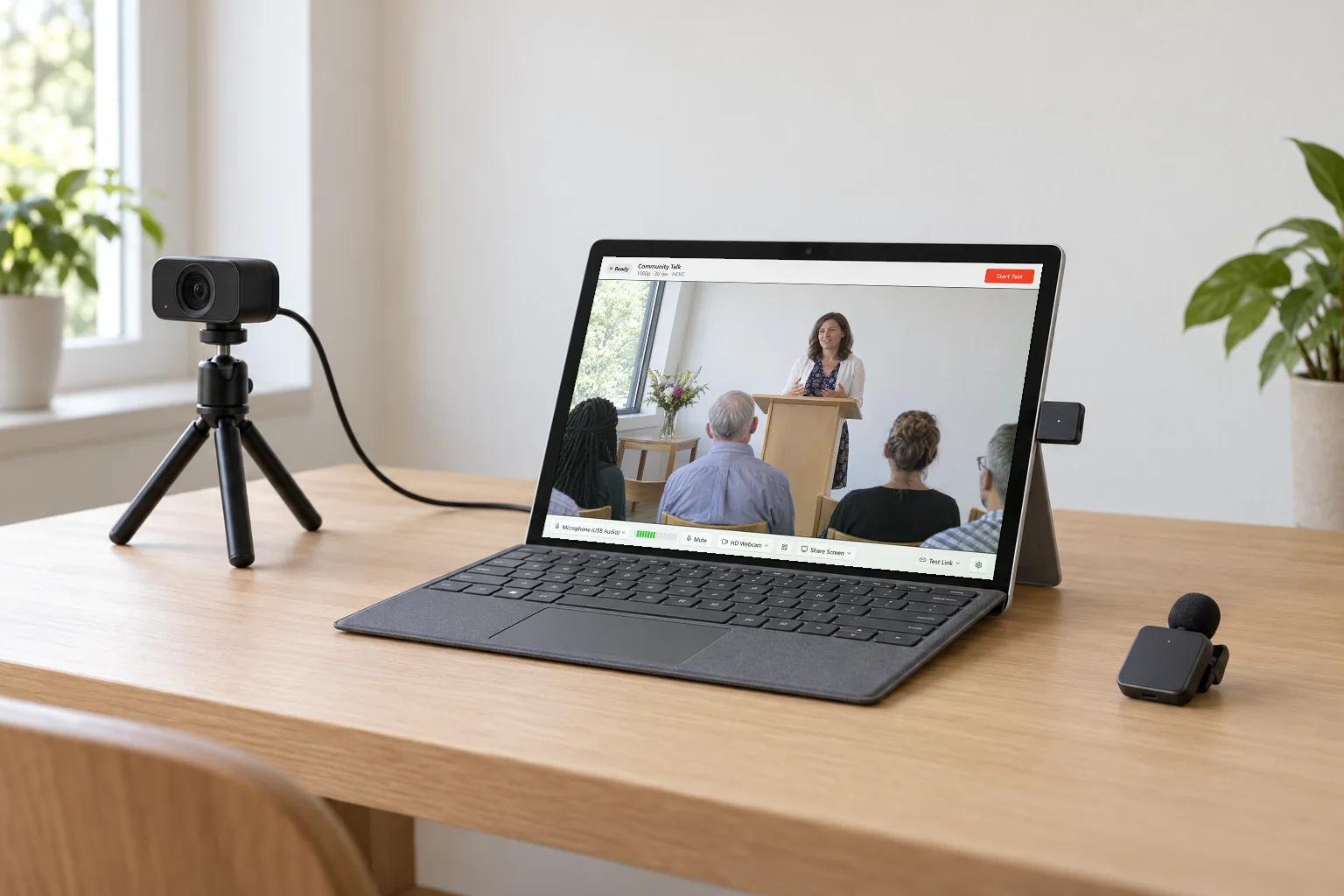
Plug in a USB webcam or an HDMI camera through a capture card, and a USB microphone, a wireless mic kit such as DJI Mic, or an audio interface. Pick them in the Studio and switch while you’re live. A Surface or a laptop, a camera on a small tripod and a clip-on mic make a setup that fits in a bag.
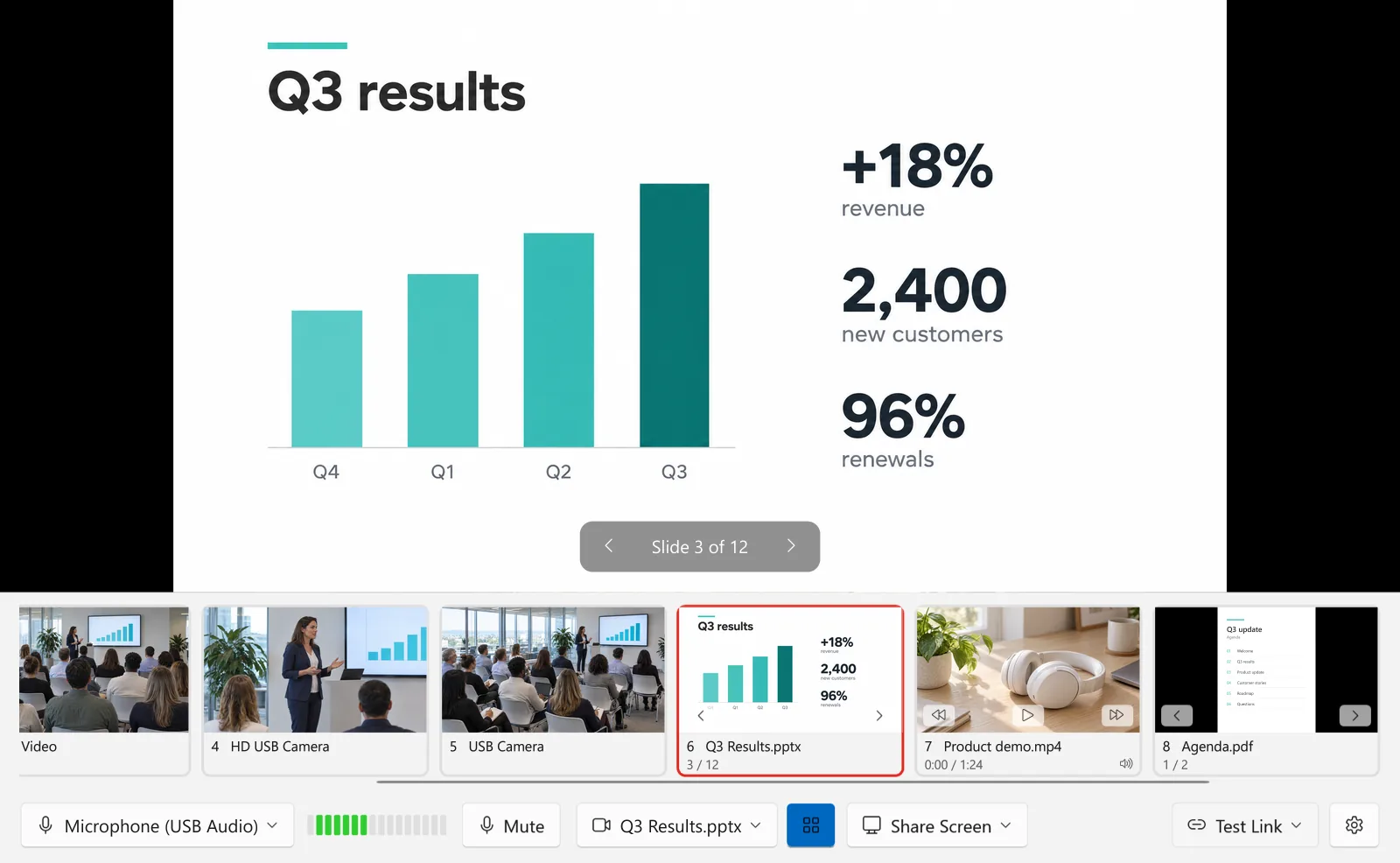
The last tile in the strip adds pictures, videos, PDFs and PowerPoint decks, and you switch to each one like a camera. While a video with sound is on air, viewers hear the video instead of your microphone. Turn on Loop to start a video again each time it ends, for a countdown or a slideshow. Pause a video, go back to the start or turn pages from a bar over the preview that viewers don’t see, or with the keyboard.
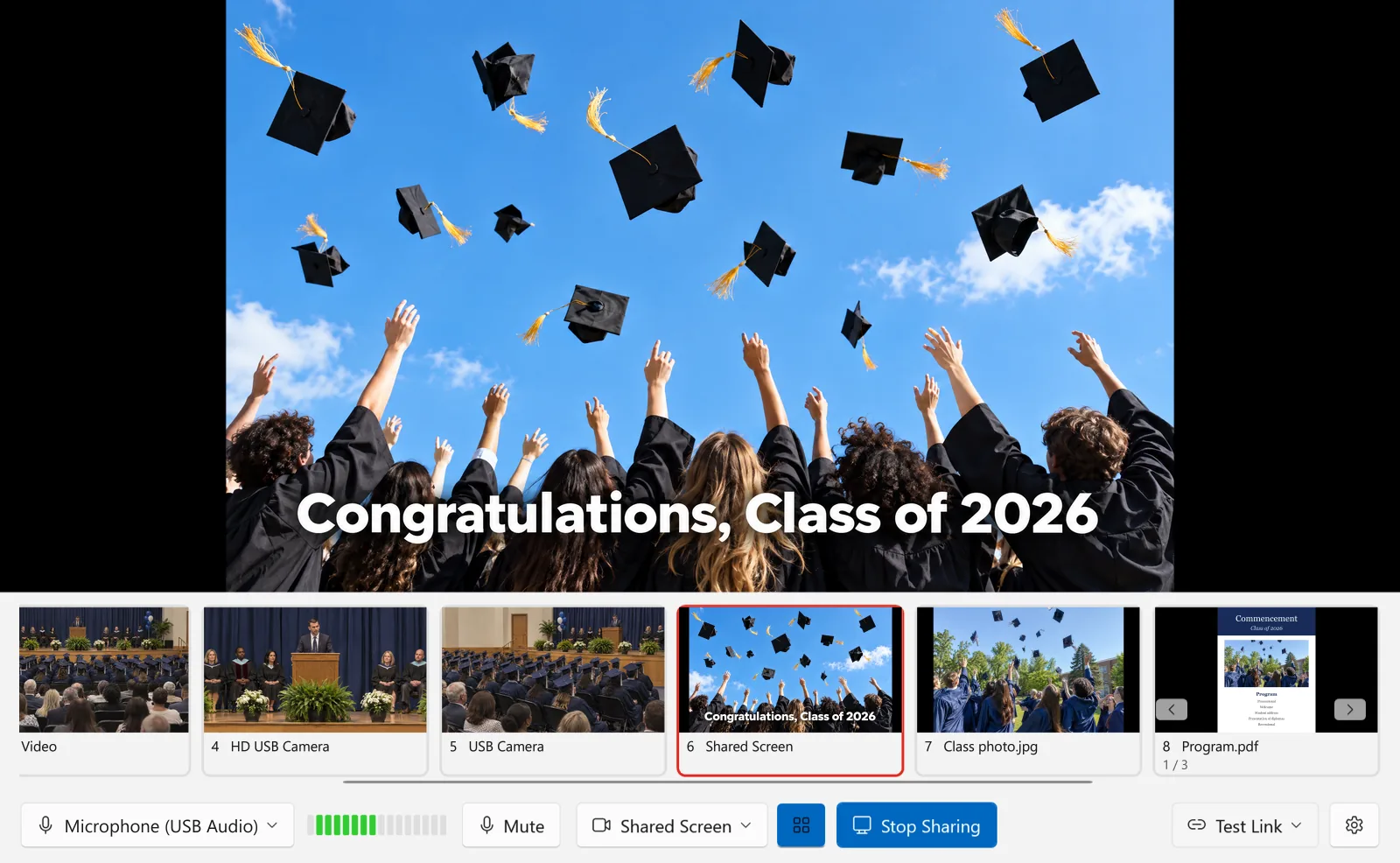
Show an entire screen or one window, such as a web page or another app, to everyone watching. The whole picture is shown, never cropped, and one click takes you back to your camera. While you’re live in another app, a small window stays on top with the picture, and it never appears in what you share.
“I’ve used this service with just a simple iPhone wedding livestream as well as with a more complicated multi-camera setup. Every thing works as advertised.”
Current version 1.0.10. Installer: 79 MB for x64 PCs, 73 MB for ARM PCs.
Still have a question? Talk to Us
Download EventLive for Windows and run a free test in a few minutes.
