
Live stream government events

Stream council meetings, town halls and public hearings from a phone or your meeting room camera. Residents watch from one link, and every meeting is recorded.

  • Free test streams
  • No credit card needed
A phone on a small tripod streaming a town board meeting, with residents seated in front of the board's table
LIVE Town Board Meeting
Public comment · 6:05 pm

How it works

  1. Create the meeting

    Set up your town hall, council meeting or public event in minutes. Add the agenda and choose public or password-protected access.
  2. Invite residents to watch

    Share the link on your municipal website, by email, on social media or with local media. Residents open it and watch, with no app to download.
  3. Go live and keep the recording

    Stream from a phone, laptop or meeting room camera. Every meeting is recorded automatically for public records and on-demand viewing.

Need a quote before you start?

Tell us about your meetings and we'll reply by email. You can create your account and run a test stream in the meantime.

  • Which plan fits how often you meet
  • Streaming from your meeting room cameras
  • Quotes and invoices for your council

Rather start now? Create a free business account

Made for public meetings

Residents watch from home, live or later

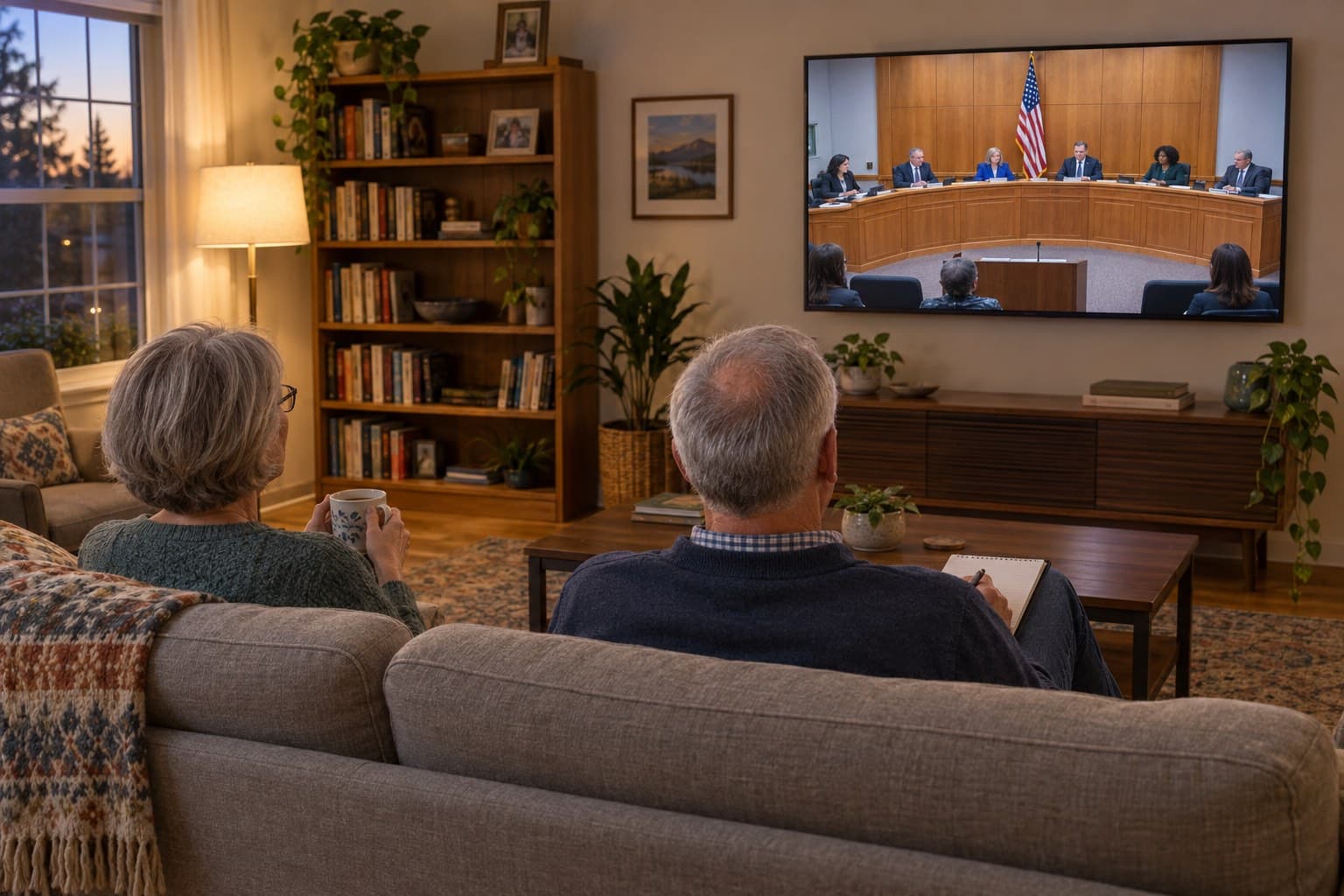
Anyone with the link can watch in a browser or on a smart TV, with no app and no account. Every meeting is recorded automatically, so residents who missed it can catch up, and you can download the video for your records. Downloading recordings

Try It Free
A retired couple at home watching a city council meeting live on their TV

No IT department required

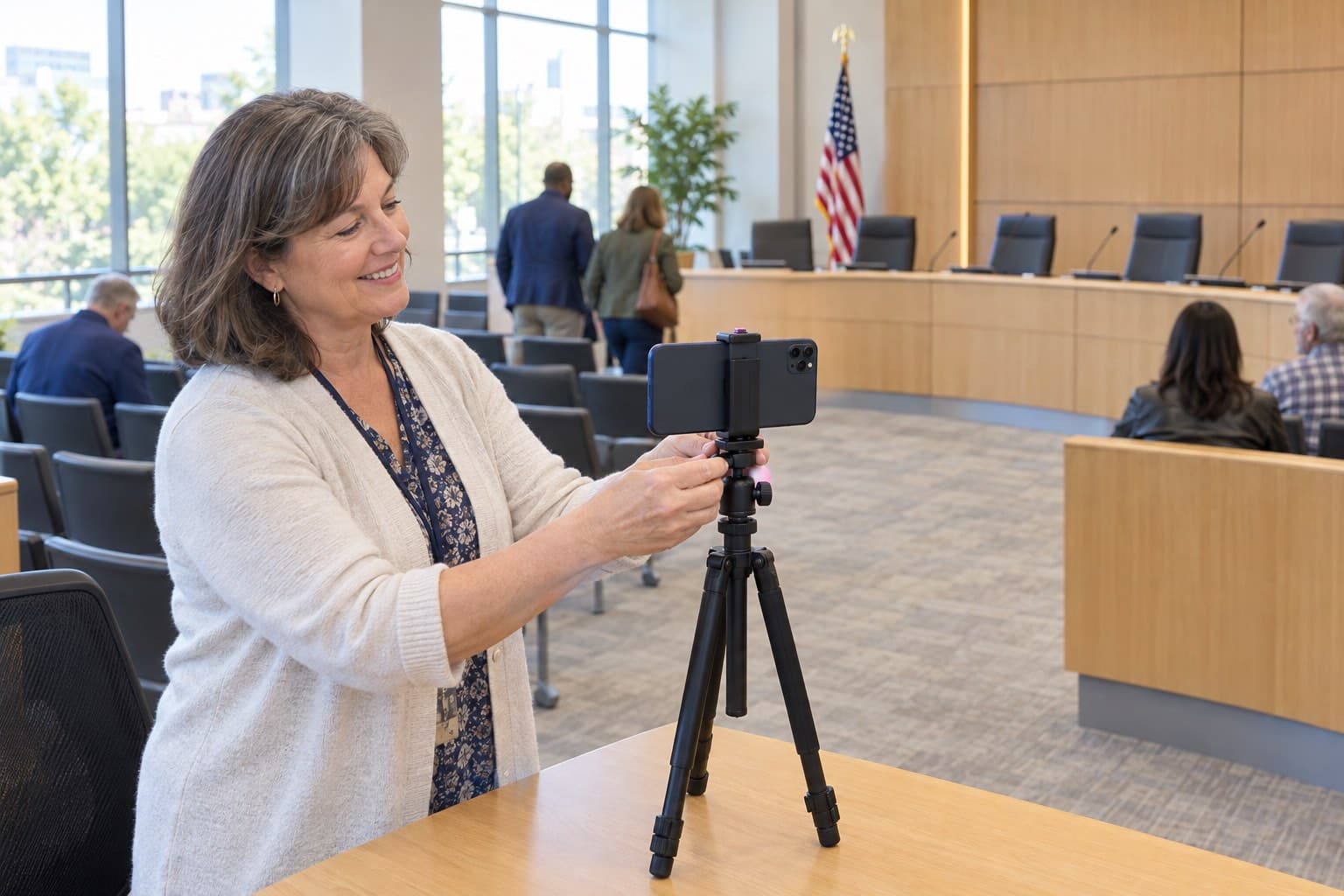
A phone on a small tripod is enough, and anyone on staff can run it, with no expensive equipment or IT contract. If your meeting room already has cameras, send their feed over RTMP. How to go live using RTMP

Try It Free
A city clerk clipping a phone onto a small tripod in the council chamber before a meeting

Several meetings at once

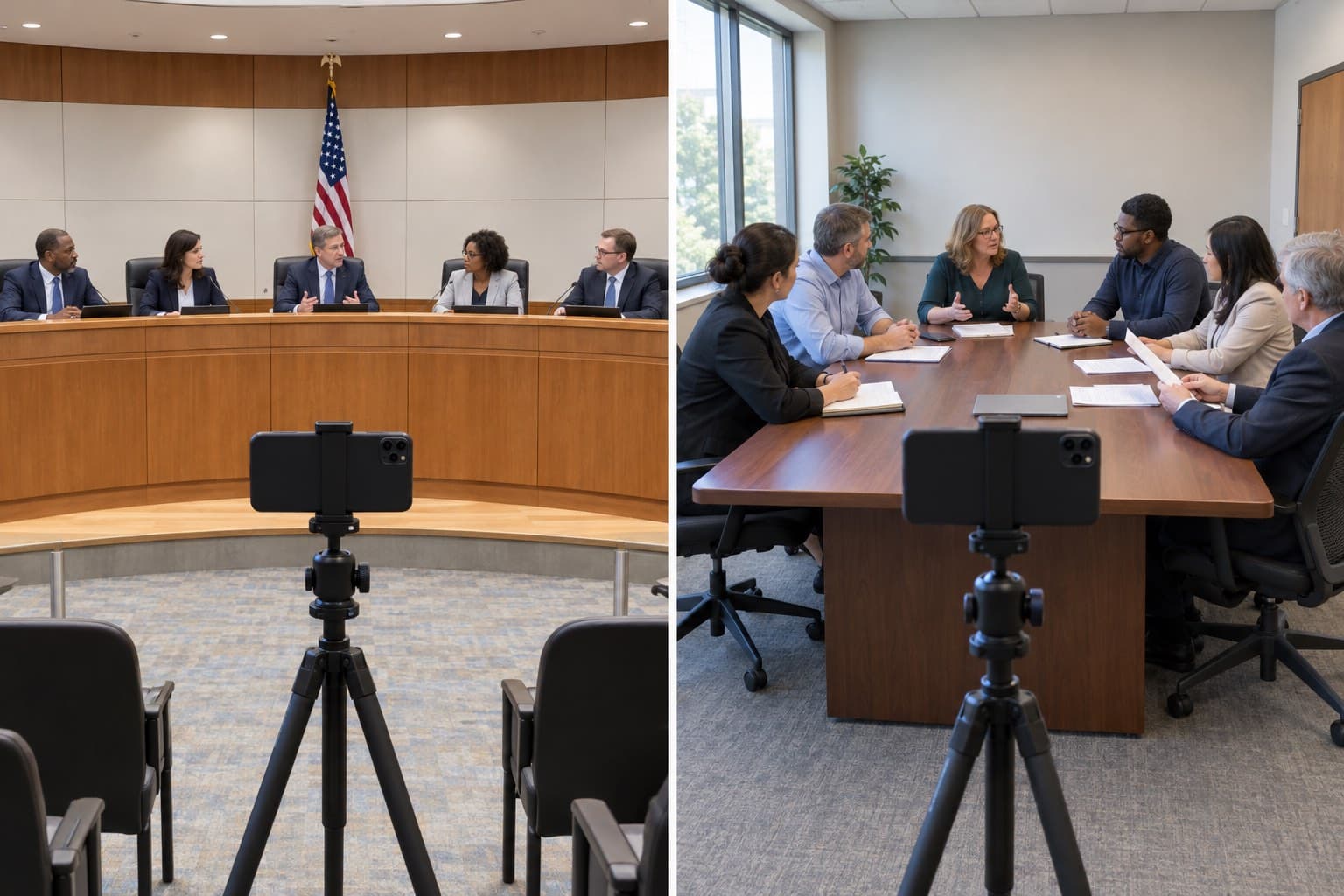
Committees meeting at the same time, or a hearing with an overflow room? A multi-room event streams up to 10 rooms on one link, and residents switch between them with tabs. Each room has its own stream and recording. How multi-room events work

Try It Free
A council chamber and a committee room side by side, each with a phone on a tripod streaming the meeting

Pricing for municipalities

Event credits

Pay as you go
$59
$59 per event
5 events
$250
$50 per event
10 events
$400
$40 per event
25 events
$875
$35 per event
50 events
$1,500
$30 per event

Unlimited plans

AnnualSave $389/yr
$167
/month
Billed at $1,999/yr

Every event includes

  • 24 hours of Full HD streaming
  • Unlimited guests
  • Pause and resume to the same link
  • Play the music your event needs
  • Instant replay, online from 1 month to 10 years
  • Your own event link and page
  • Link to gift registries or donations
  • Photo guestbook or chat
  • Welcome message, cover photo or intro video
  • Automatic email reminders for guests
  • Guest emails with your logo
  • Embed the stream on your website
  • Optional password protection
  • Money-back guarantee
  • Invite by CSV, link or email
  • Pay-per-view tickets through Stripe
Compare business streaming platforms

Frequently asked questions

No. EventLive is designed for simplicity. You can stream from any smartphone, tablet, or laptop with an internet connection. If you have existing meeting room cameras, those work too. No technical expertise or dedicated IT staff required.

Yes. EventLive helps municipalities meet public access requirements by broadcasting meetings live and creating automatic recordings. You control who can view each event (public or restricted), and all recordings are saved for permanent public records, if required.

You pay only for what you use: per event, or a monthly or yearly plan if you stream often. There are no enterprise contracts or hidden fees. See the pricing below.

Yes. EventLive offers password protection and access controls. You can make public meetings fully accessible to all citizens while keeping executive sessions, personnel discussions, or legal matters restricted to authorized participants only.

Yes. A multi-room event streams up to 10 rooms on one link, for example the council chamber and a committee room, or a hearing and its overflow room. Each room has its own stream and recording, and residents switch rooms with tabs on the event page. How multi-room events work

EventLive works with standard cellular data (4G/LTE) or Wi-Fi. The platform automatically adjusts video quality based on your connection. We recommend testing your connection before the first meeting. A mobile hotspot works too.

Yes. Citizens can watch on phones, tablets, laptops, smart TVs, or any device with a web browser. Viewers don't need to download an app: they open the link and watch.

Yes. Every live stream is automatically recorded and saved. You can download recordings for your permanent records, host them on-demand for public access, or both. Perfect for meeting minutes, transparency compliance, and citizen access to past proceedings.

Stream your next council meeting

Create a free business account and run a test stream in your council chamber before the next meeting.