Live Stream Conferences
Bring every keynote and breakout to remote attendees, with virtual passes on one link.



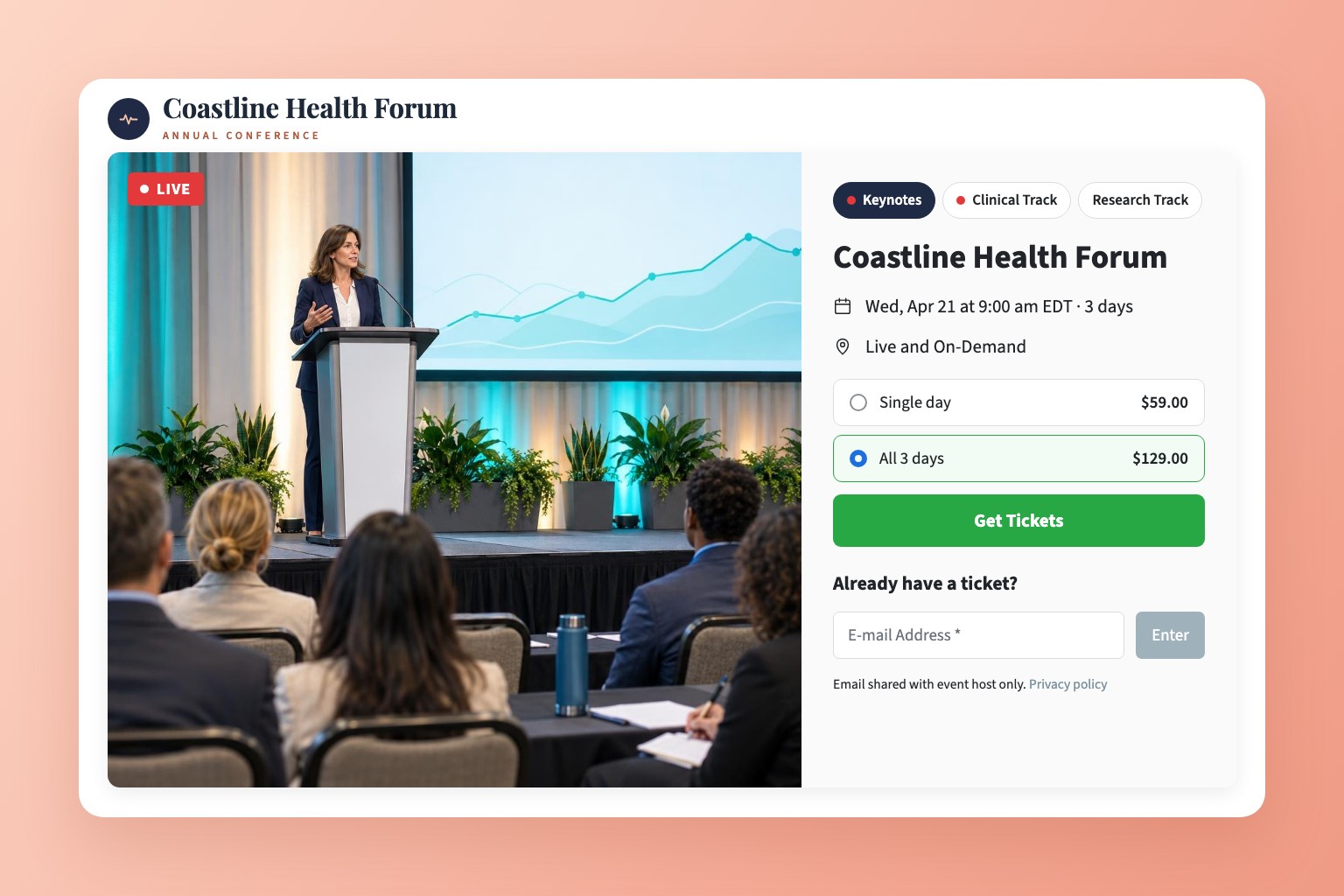

Bring every keynote and breakout to remote attendees, with virtual passes on one link.
Remote attendees want the keynotes and the breakouts, not another meeting link. Stream the main stage and every track to one event page, sell virtual passes, and keep the ticket money in your own Stripe account.
Sell the whole conference, a single day or one track. Every option works on the same event link, and payments go straight to your Stripe account.
Fees: EventLive charges US $1.50 per ticket plus Stripe's card processing fee. With fixed prices, you can add the fees at checkout so attendees pay them. PPV fees explained
Add a room for each track, up to 10. Attendees open one link and switch between the main stage and the breakouts with tabs, with a red dot on every room that's live. Each room streams from its own phone or camera and keeps its own replay. Learn how multi-room events work

Turn on Chat, and remote attendees post questions beside the video while they watch. Your moderator reads them out during Q&A, and a pinned message keeps the agenda or a feedback link at the top. Guestbook, chat or no messages

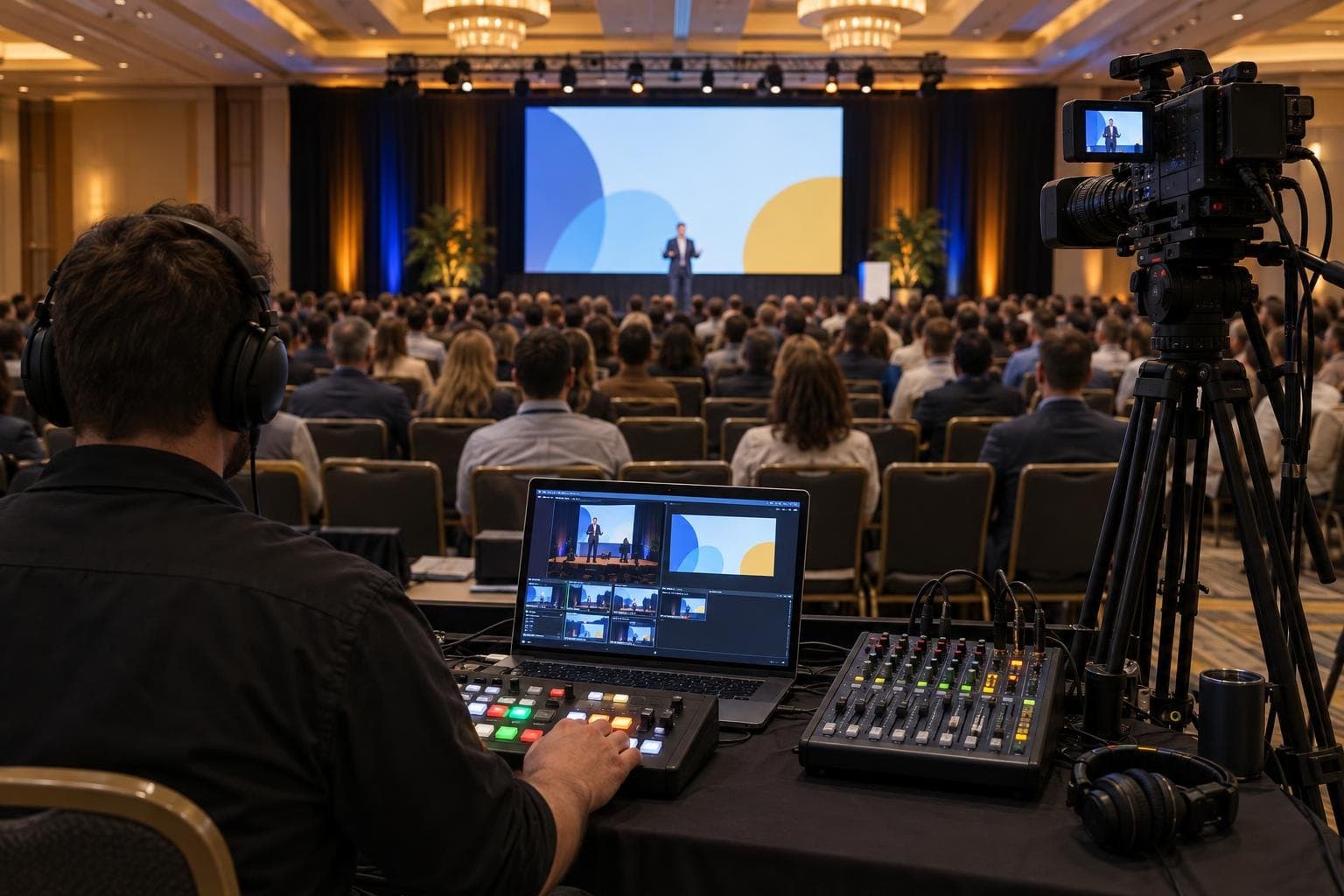
Mix cameras, slides and video in OBS, vMix or an ATEM and send the program over RTMP. Bring remote panelists in through Zoom and OBS, or share slides from EventLive for Mac. Adding remote speakers
Ask viewers for their name and email before they watch, invite registered attendees from a CSV, and EventLive emails them reminders before the conference starts and again when you go live. Ticket buyers' details come with every purchase. Collect names and emails

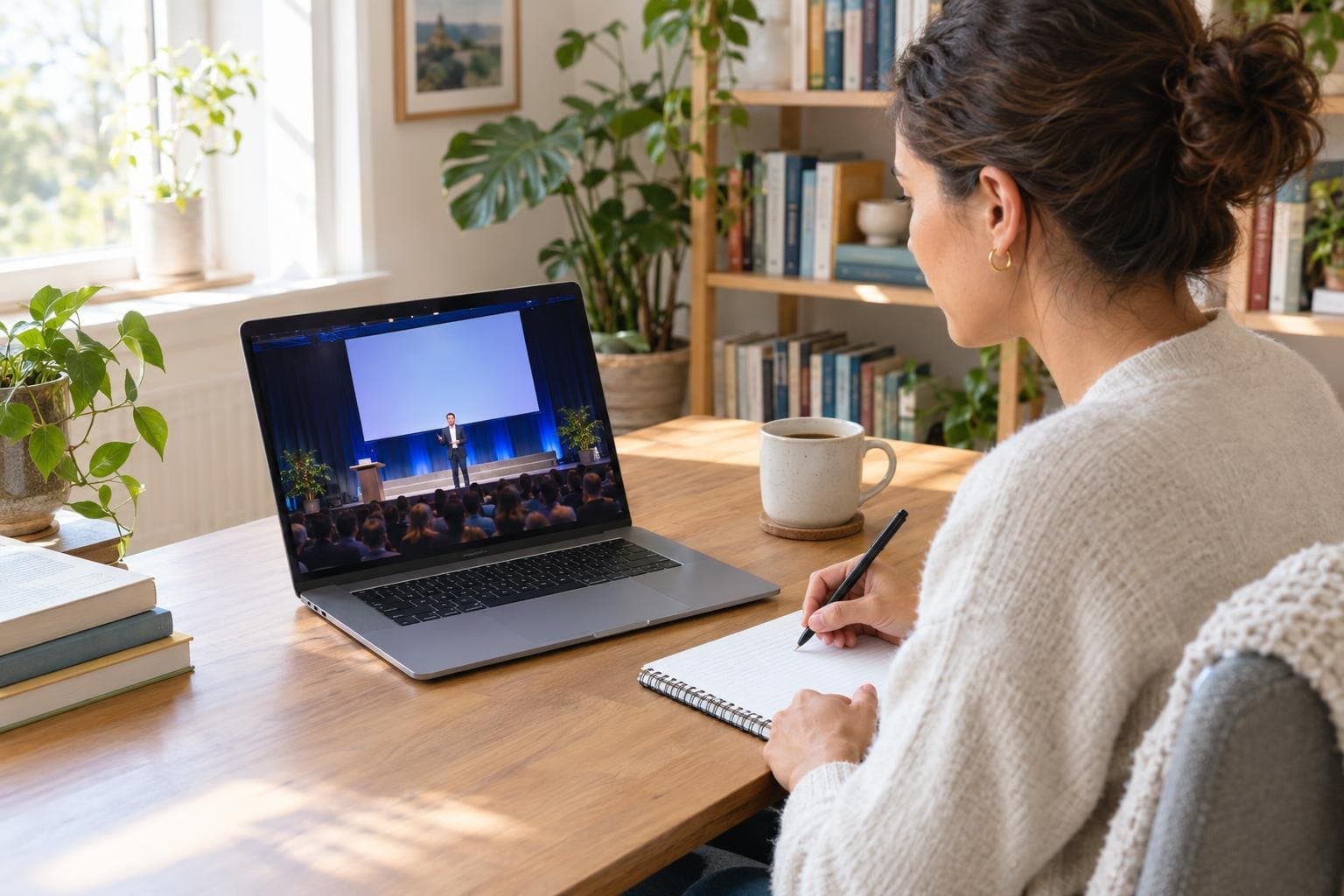
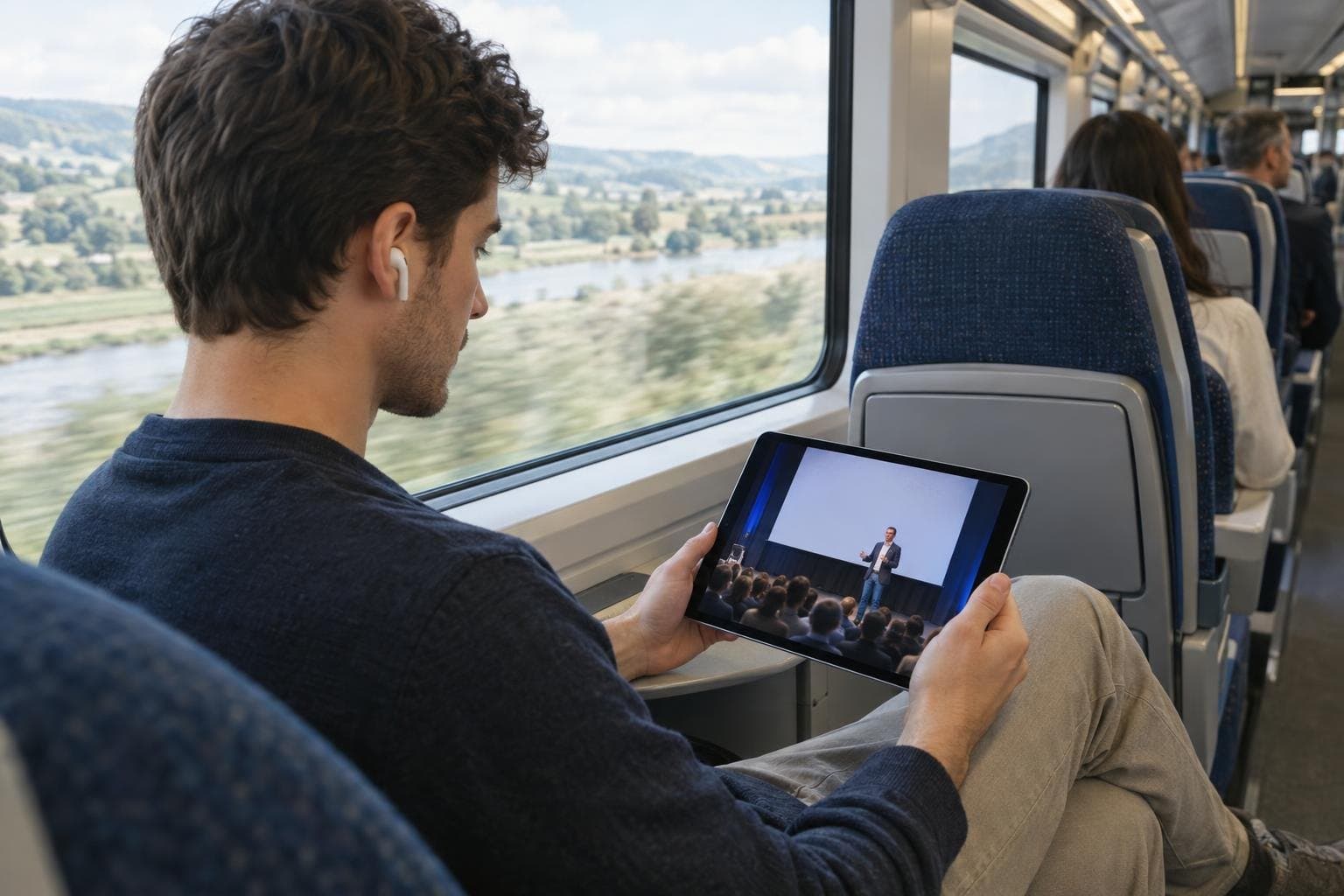
When the conference ends, the event page keeps selling. New buyers pay your pass price or a separate replay price and watch the sessions they missed on their own schedule. About replays
Production companies can run the stream while the organizer keeps the ticket money. Send the client a link to connect their own Stripe account, put their logo on the event page, and share go-live instructions with your crew without sharing your login.
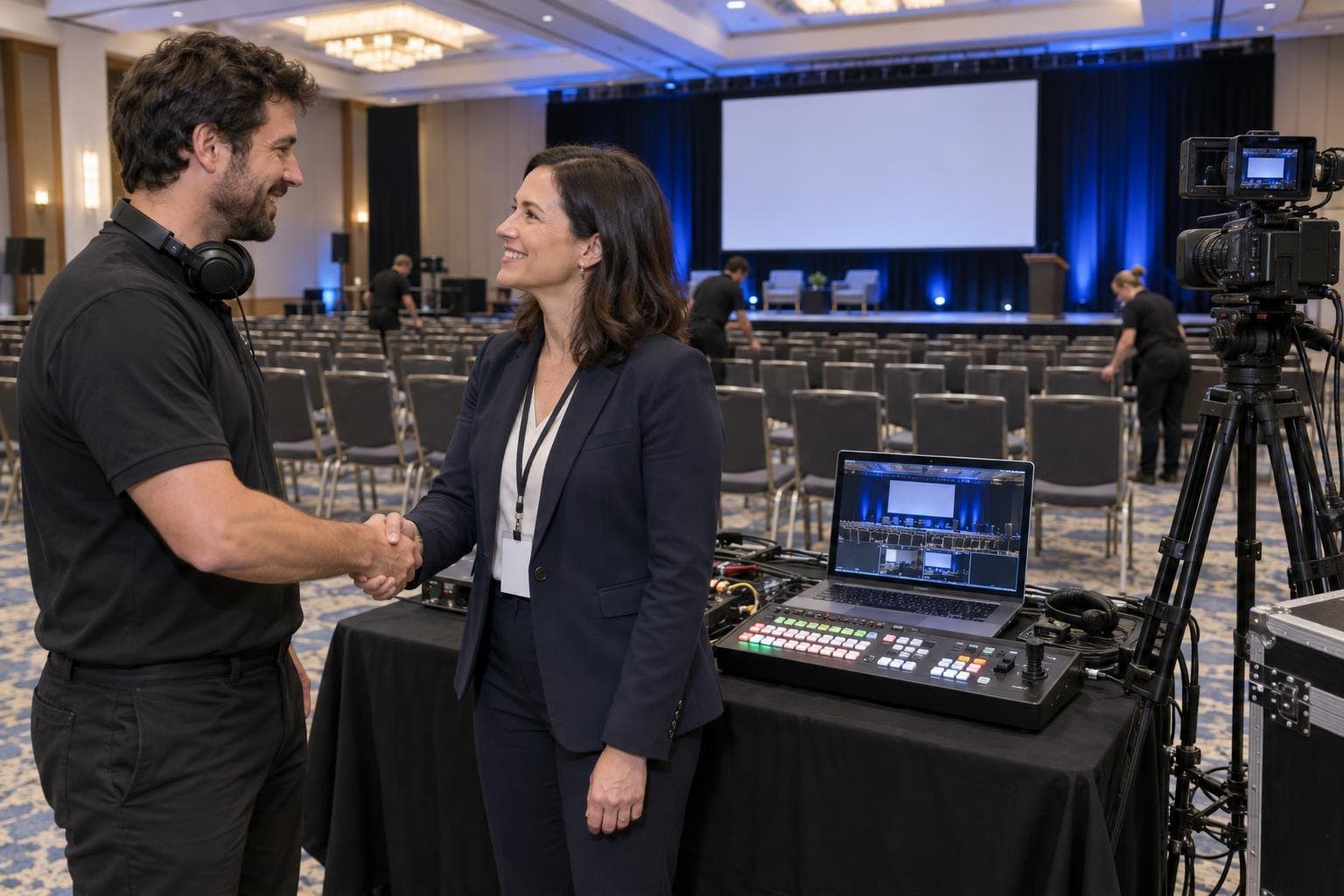
Create the event in the EventLive app or Broadcaster, set the number of days and add a room for each track. Connect Stripe if you're selling passes, then share the link. On the day, point a phone at the stage and tap Go Live, or send your switcher's program feed over RTMP. You can run a free test first.
Yes. Add a room for each track, up to 10, and stream each one from its own phone or camera. Attendees switch tracks with tabs on one link, and one pass can cover every room or each room can sell its own. Rooms need a business account. See multi-room events.
Turn on Sell Tickets, connect your Stripe account and set a price. Attendees buy on your event page through a secure Stripe checkout, and the money goes directly to your Stripe account. EventLive charges US $1.50 per ticket plus Stripe's card fee. See how to sell tickets.
Yes. A multi-day event keeps one link for up to 7 consecutive days. With fixed prices, you can offer single-day tickets next to a pass for all days, and a day ticket works for 24 hours from that day's scheduled start.
Yes. Add their emails in Guest List & Invite, one by one or from a CSV, and they can watch without buying a pass.
Yes. Switch guest messages to Chat, and attendees post questions beside the video while they watch. Your moderator can read them out during Q&A, and you can pin a message at the top. See guestbook, chat or no messages.
Combine cameras, slides and video in OBS, vMix or an ATEM switcher and send the result over RTMP. Remote panelists can join through Zoom captured in OBS, and on a Mac you can share slides from EventLive for Mac while you're live. See adding remote speakers.
Turn on Ask guests for their name and email, and every viewer enters their details before watching. Ticket buyers' details come with each purchase, and guests who opt in get reminder emails before the event.
Yes. The audience in the room sees the stage as usual, and remote attendees watch the same sessions live on the event page, with chat for their questions.
Yes, if the replay is on for your event. New buyers pay your pass price, or a separate replay price if you set one, and watch on demand. A Live-Only event has no online replay.
Yes. In Sell Tickets, choose Copy Link to Connect Stripe Account and send it to your client. They sign in to their own Stripe account, so the ticket money goes to them, and they don't need your EventLive login.
EventLive is priced per event, with no contract and no subscription required. Each event credit covers up to 24 hours of streaming with unlimited viewers. Extra days and extra rooms use more credits, credit packs lower the price per event, and the unlimited plan includes extra rooms at no extra cost. See the pricing below.
Set up your tracks, price your virtual passes and run a free test before opening day.