


Corporate event live streaming for the whole company

Put your all-hands, CEO town hall or sales kickoff on one private link. Office, remote and frontline staff watch on a phone or laptop and post questions in chat.

  • Free test streams
  • No credit card needed
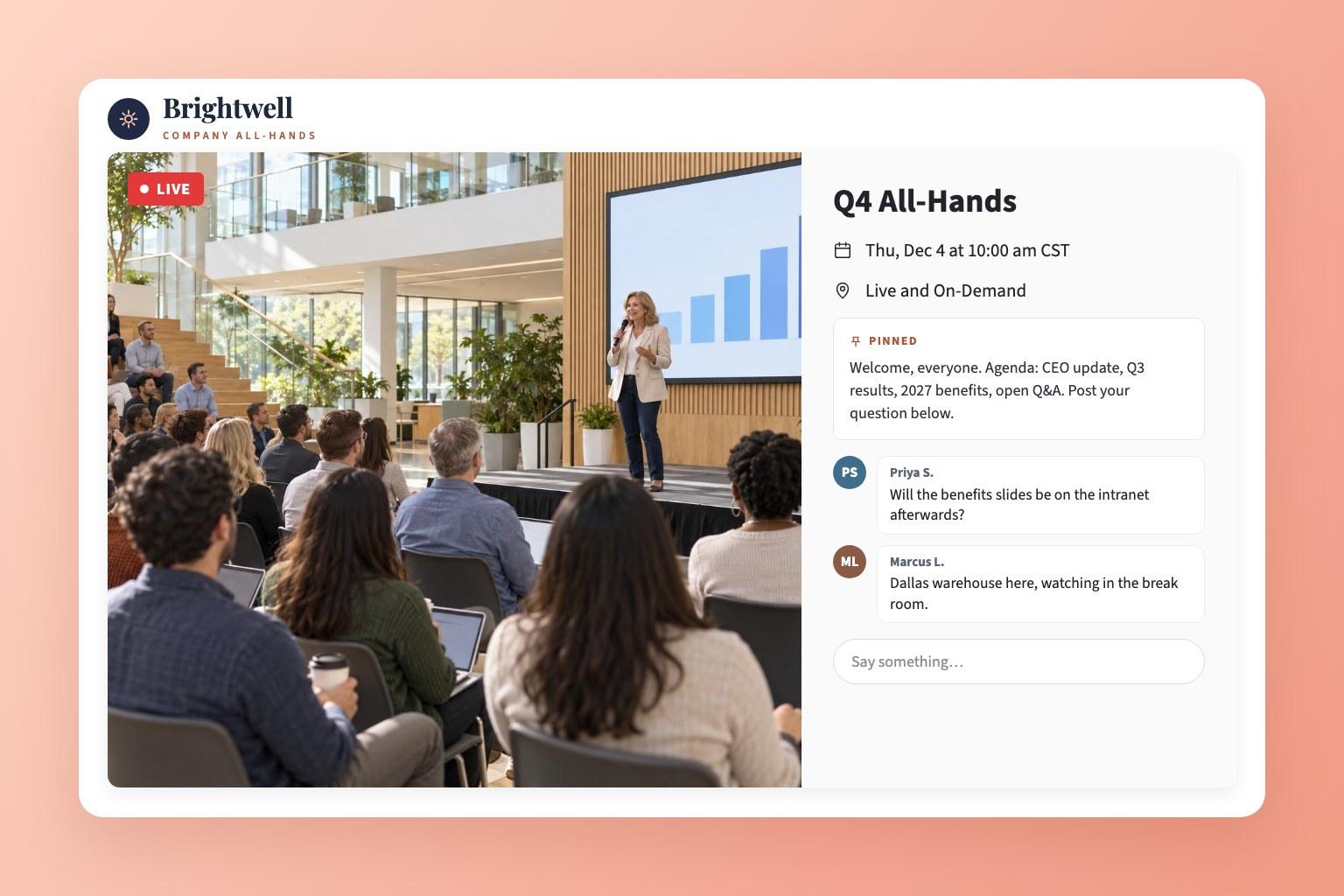
An EventLive event page for a company's Q4 all-hands, with the CEO on stage, the agenda pinned and employees' questions in the chat

Stream your next all-hands in three steps

  1. Set up the meeting

    Add the title, time and your company logo, then keep it to staff with a password, an invite list or name and email.
  2. Post the link where staff look

    Share it in the all-staff email, Slack or Teams, or embed the stream on your intranet. One link works for every office.
  3. Go live from the stage

    Use a phone on a tripod, EventLive for Mac or Windows with your slides, or your AV team's encoder over RTMP.

Planning a company-wide broadcast?

Tell us about the meeting and we'll reply by email. You can create your account and run a test stream in the meantime.

  • A password, invite list or registration for staff
  • Several offices, breakouts or your AV company's setup
  • Quotes and invoices for procurement

Rather start now? Create a free business account

Keep the meeting inside the company

Put the password in the invitation or your Slack announcement. Anyone outside the company who finds the link gets a password screen, not the meeting. Privacy settings

What internal comms teams get

Frontline staff on their phones, remote staff on their laptops

Warehouse, store and field teams open the link on their own phone, with no app to install and no account. Remote staff watch in any browser, and an office can cast the stream to the meeting-room TV. Watch on a TV

Watching on any device
Three warehouse employees in hi-vis vests watching the company all-hands live on a phone in their break room

On your intranet, next to the agenda

Paste the embed code into the intranet page where staff already look for company news. The password, invite list or registration still applies inside the embed, and the replay plays in the same place afterwards. Embed a stream

How embedding works
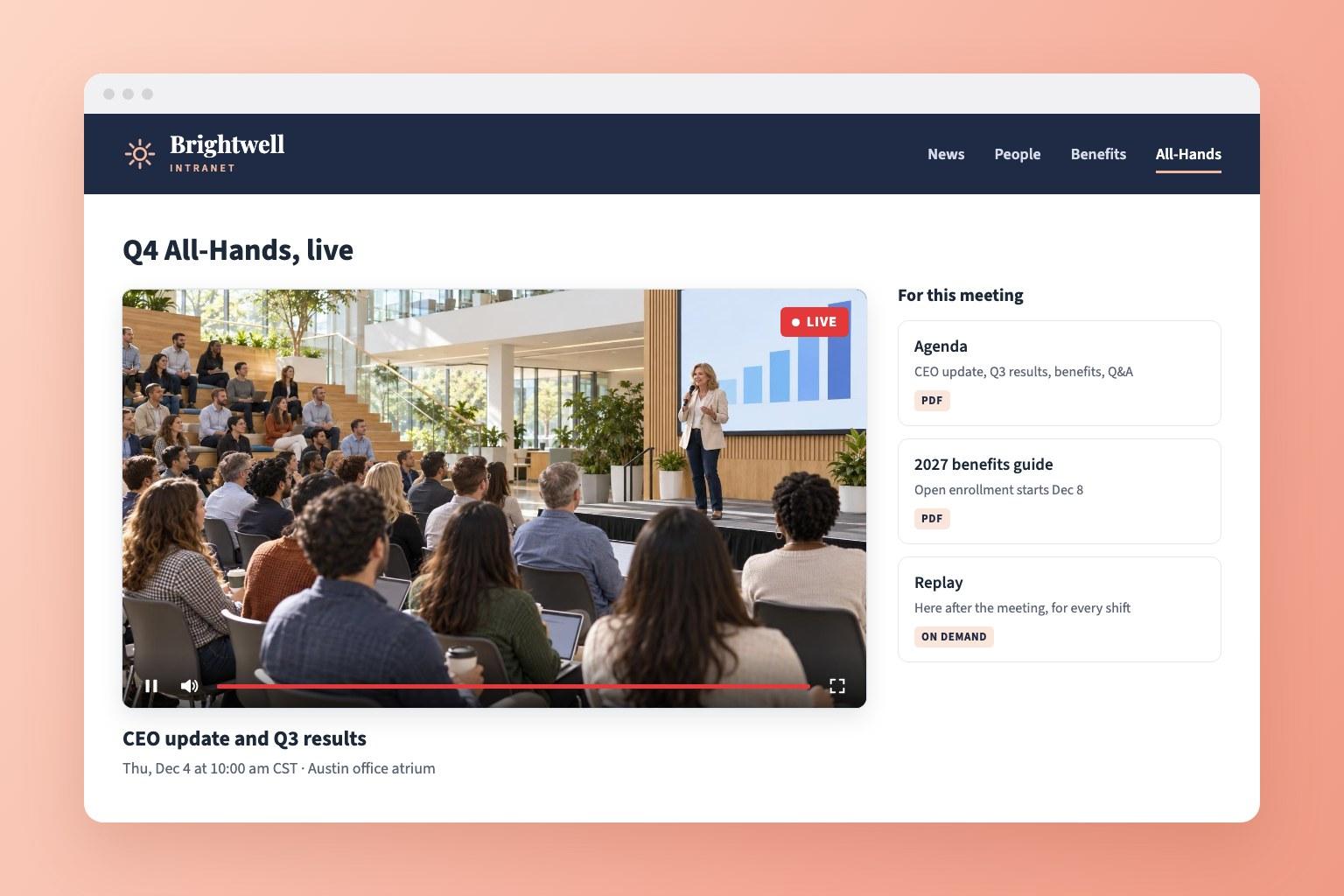
A company intranet page with the Q4 all-hands streaming live, beside the agenda, the benefits guide and a note that the replay follows

Questions from every site

Staff post questions in the chat beside the video. Give a colleague in internal comms the Moderator role: they pin the agenda, remove messages and pass the best questions to the stage. Team roles

A replay for other shifts and time zones

Night shifts and overseas offices watch the recording on the same link. Download the video for your intranet archive or training library. Download the recording

Numbers for your comms report

Event Analytics shows unique viewers live and on replay, peak viewers, watch time, devices and locations. Registration or an invite list gives you the names. Viewer reports

A room for each office or breakout

Stream the main stage plus regional sessions or team breakouts on one link, up to 10 rooms, each with its own tab and recording. Multi-room events

Your company's logo on the page

With a business account, your logo replaces ours on every event page, linked to your own website. Add your logo

Your AV team or agency runs it

Send the production crew the go-live instructions from the event. They stream from their own cameras and switcher without your account password. Delegate going live

Room for the whole workforce

There's no cap on viewers. Each event includes 5,000 viewer hours, for example 5,000 employees watching a one-hour all-hands. Viewer hours

What companies and their crews say

Pricing for company events

Event credits

Pay as you go
$59
$59 per event
5 events
$250
$50 per event
10 events
$400
$40 per event
25 events
$875
$35 per event
50 events
$1,500
$30 per event

Unlimited plans

AnnualSave $389/yr
$167
/month
Billed at $1,999/yr

Every event includes

  • 24 hours of Full HD streaming
  • Unlimited guests
  • Pause and resume to the same link
  • Play the music your event needs
  • Instant replay, online from 1 month to 10 years
  • Your own event link and page
  • Link to gift registries or donations
  • Photo guestbook or chat
  • Welcome message, cover photo or intro video
  • Automatic email reminders for guests
  • Guest emails with your logo
  • Embed the stream on your website
  • Optional password protection
  • Money-back guarantee
  • Invite by CSV, link or email
  • Pay-per-view tickets through Stripe
Compare business streaming platforms

Frequently asked questions

It's broadcasting a company's own events to staff who aren't in the room: all-hands meetings, CEO town halls, results briefings, sales kickoffs, product launches, training days and award nights. Employees open a link and watch live, ask questions in chat and catch the replay later.

Choose who gets in. A password keeps out anyone outside the company, name and email gives you a list of who joined, and an invite list is the strictest: only the emails you import can watch. To stop the recording staying online, choose Live only. Privacy settings

For a meeting where people talk to each other, use them. For a broadcast to the whole company, meeting software makes everyone join a call, and very large audiences need a bigger plan or a webinar license. On EventLive, staff open a link in any browser, and you can still bring remote speakers in through Zoom. EventLive vs Zoom

Yes. Present from one office and stream it to everyone else, who watch at their desks or together on a meeting-room screen. If regional leaders speak from their own office, give each office a room on the same link. Multi-room events

Yes. Shareholders register or enter a password, ask questions in chat, and watch the replay afterwards. EventLive doesn't run votes, so link your voting or proxy provider in the pinned message. Our event webcasting page covers AGMs and member meetings in detail.

Not for most internal events. A phone on a tripod near the stage, with sound from the room's microphone, covers a town hall. For a kickoff or launch with several cameras and slides, your AV company streams from its own switcher over RTMP. Go live using RTMP

Yes. Invite colleagues to your business account or to one event as an Admin, Editor or Moderator. Each person signs in as themselves, and nobody shares a password. Add team members

Viewers can use the live captions built into Chrome or macOS, which transcribe the audio on their own device. Test them with your speakers before the day. Captions in Chrome and Safari

Pay per event, or choose a monthly or yearly plan if you stream every month. The business account and test streams are free, and there's no contract. See the pricing below.

Put your next all-hands on one link

Create a free business account and run a test stream from the room where you'll present.