Every event you stream is recorded twice: on our servers for the replay, and on the phone or computer you stream from. Guests rewatch on the same link, and you keep the video.


4.7 from 1,000+ ratings on the  App Store and
 Google Play
 LIVE
Guests who missed it, or want to watch again, open the link you already sent. Private events keep their password or invite list for the replay too. About replays
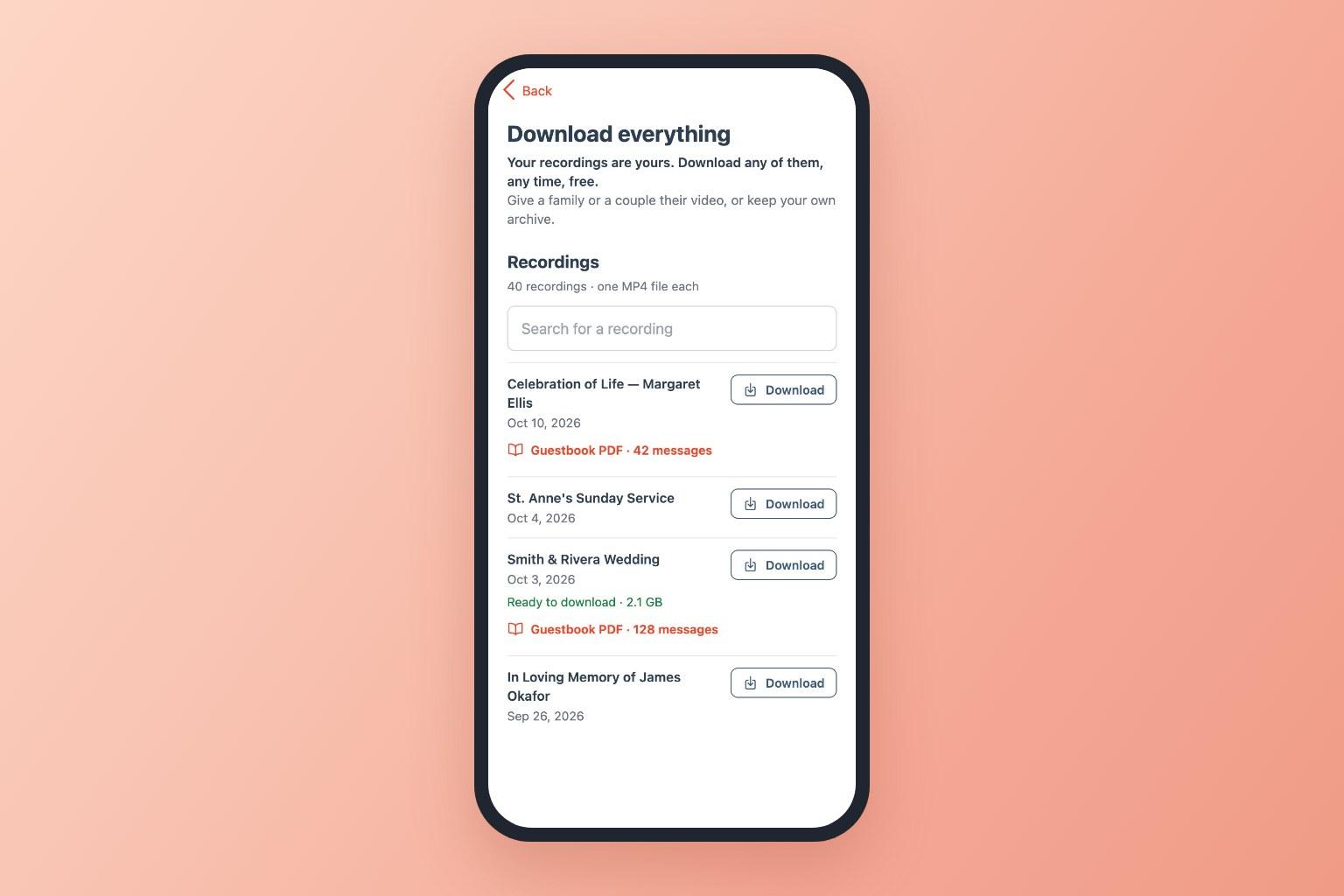
Each event downloads as one MP4 file in the best quality we keep, up to 1080p. If your stream dropped and reconnected, the parts come down joined, as one video. With a business account, Download Everything lists every recording with its guest list and guestbook. Download your recordings
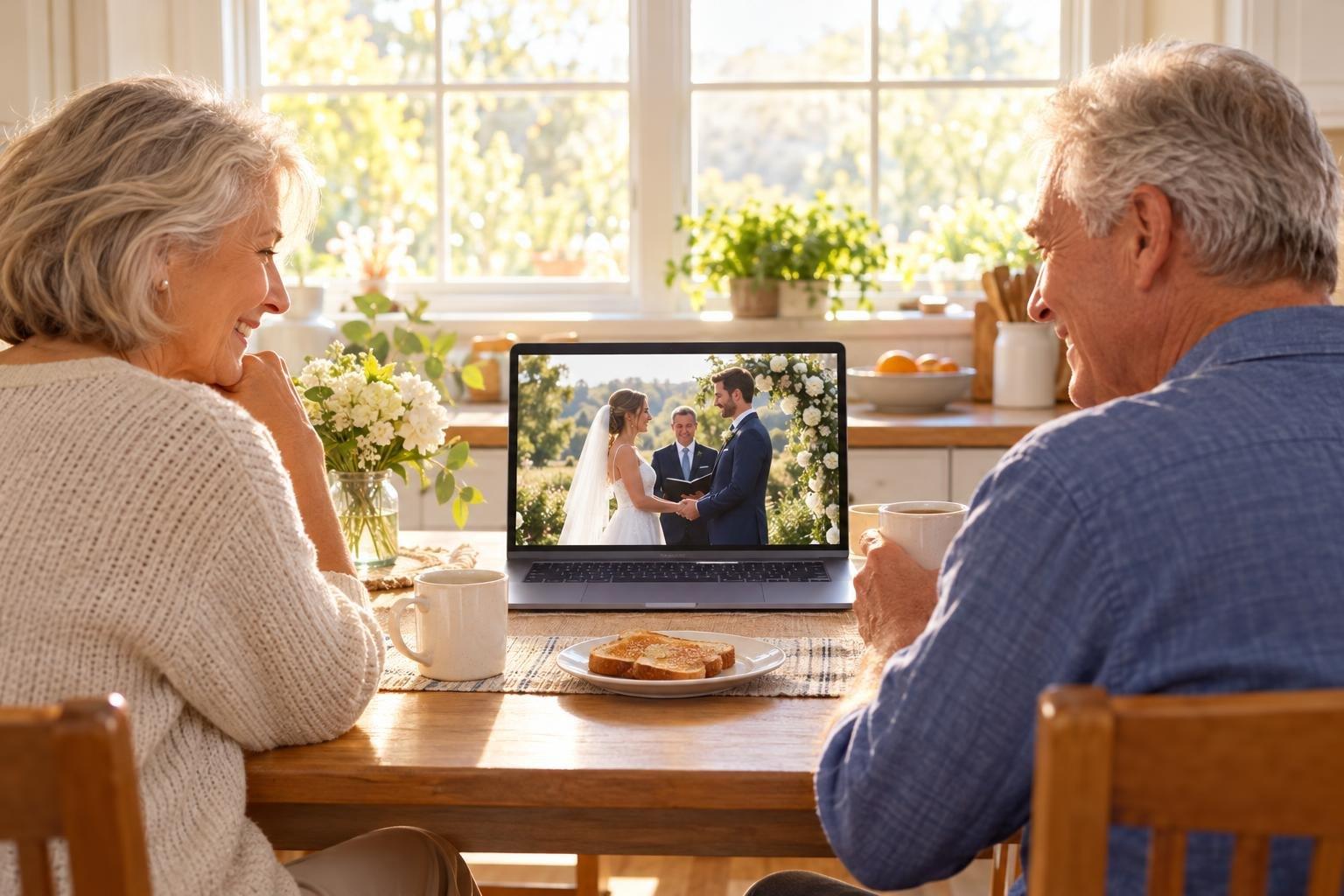
Relatives in other time zones, friends who were working and guests who couldn't stay to the end watch the replay when it suits them, on a phone, tablet, computer or TV. Watching a replay

The EventLive app, EventLive for Mac and EventLive for Windows save their own copy while you stream, even if the internet drops: Photos on iPhone, Movies › EventLive on a Mac. Recording while you stream
In Manage Video, drag the handles to cut the setup before the ceremony or the chatter after. Trimming deletes nothing, and you can undo it. Trim a video
If the stream cut out, upload the missing part from your phone's copy and place it where it belongs, or replace the whole video with an edited one. Missing footage
Messages and photos guests left during and after the stream download as a printable PDF, next to the video. Download the guestbook
Choose how long the replay stays online when you buy, and keep it online longer later: one more year, or until ten years after the event. How long videos stay online
Have a concert film or a recorded show? Upload it and sell it as an on-demand pay-per-view video, or stream it at a set time as a pre-recorded live stream. On-demand videos
“I have just used this service to livestream my dads funeral. I can honestly say the service provided is amazing and I cannot fault it. The fact that it could also be downloaded afterward as well as download the guest book was absolutely amazing.”
 5-star review from Simon Dawson on Google Play
“This worked flawlessly for livestream a celebration of life for my daughter. We had over 100 people on the day and many have watched on replay. It was easy to set up and I loved the fact that I could test it ahead of the actual event to build confidence that it would work.”
“Wonderful service to reach out of state and out of country guests and family. Streaming worked beautifully, easy to use and recorded sessions will be cherished by all who participated.”

We stand behind our service.
If it doesn't work for you, we'll refund you.

Have any questions?
We're always one message away.
Yes. Every stream is recorded on our servers for the replay and the download. The EventLive app, EventLive for Mac and EventLive for Windows also save a copy on the device you stream from. If you stream from OBS or another encoder, turn on recording there for your own copy.
For personal events, 1 month, 1 year or 10 years from the event date, depending on what you choose. You can keep it online longer later: one more year, or until 10 years after the event. Download your copy before the date shown in your account. How long videos stay online
Open the event in the EventLive app or Broadcaster Console and choose Download & View Stats, then the video. It comes as one MP4 file, up to 1080p. A long recording is several gigabytes, so a computer on Wi-Fi is quickest. Download a recording
Only if you allow it. Turn on Show download link to guests in the event's Privacy Settings for a free download, or sell the download as a ticket add-on. A viewing ticket alone doesn't include the file. Guest downloads
The copy on your phone or computer keeps recording, and you can go live again at the same link when the connection is back. Afterwards, upload any part that's missing from the replay from that copy. Missing footage
You can trim the start and end of each part in Manage Video, in the EventLive web app. For anything more, such as cutting the middle or adding titles, download the video, edit it in any editor and upload it to replace the replay. Trim a video
Ask the host. If they allow downloads, the event page has a download option, often in better quality than a screen recording. Please respect the host's wishes: many family events are private.
The download is the best quality we keep, up to 1080p. The copy saved on your phone or computer is usually higher quality than the streamed version, because it doesn't depend on your upload speed.
Run a free test to see the replay and the download for yourself, before the day that matters.
