
How to add / upload documents or files to the event page
 Julia EskinUpdated
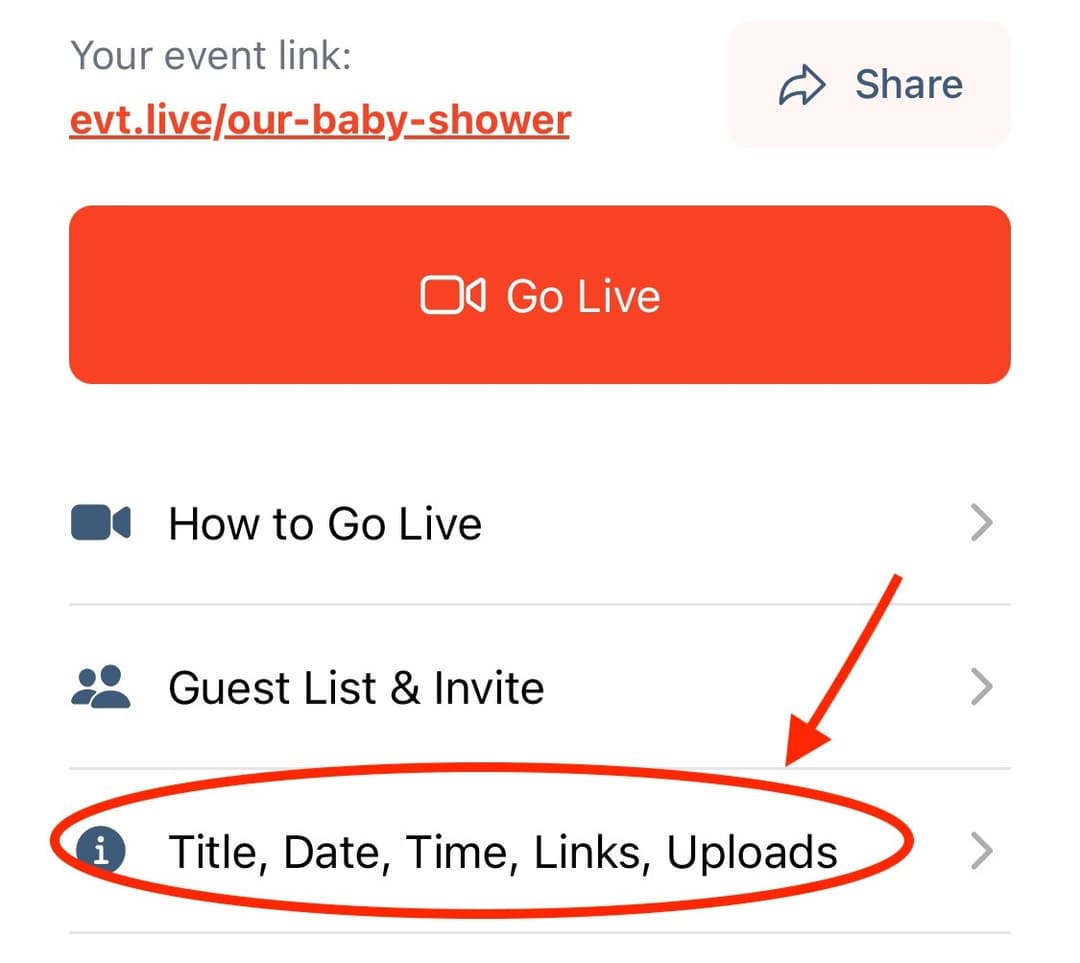
 To upload a file to the event page, please tap Title, Date, Time, Links, Uploads.
Scroll down and tap Upload a Document tab.
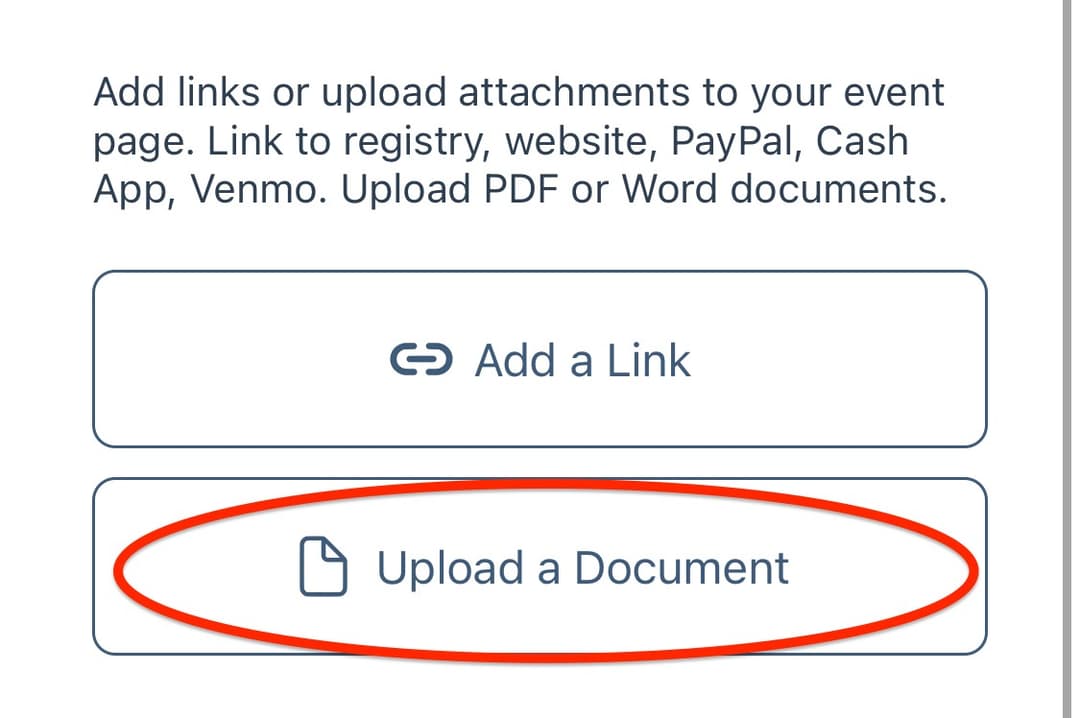
Choose the document from your files
You can rename the Title of the document (how it will appear on the event page) right above the document link.
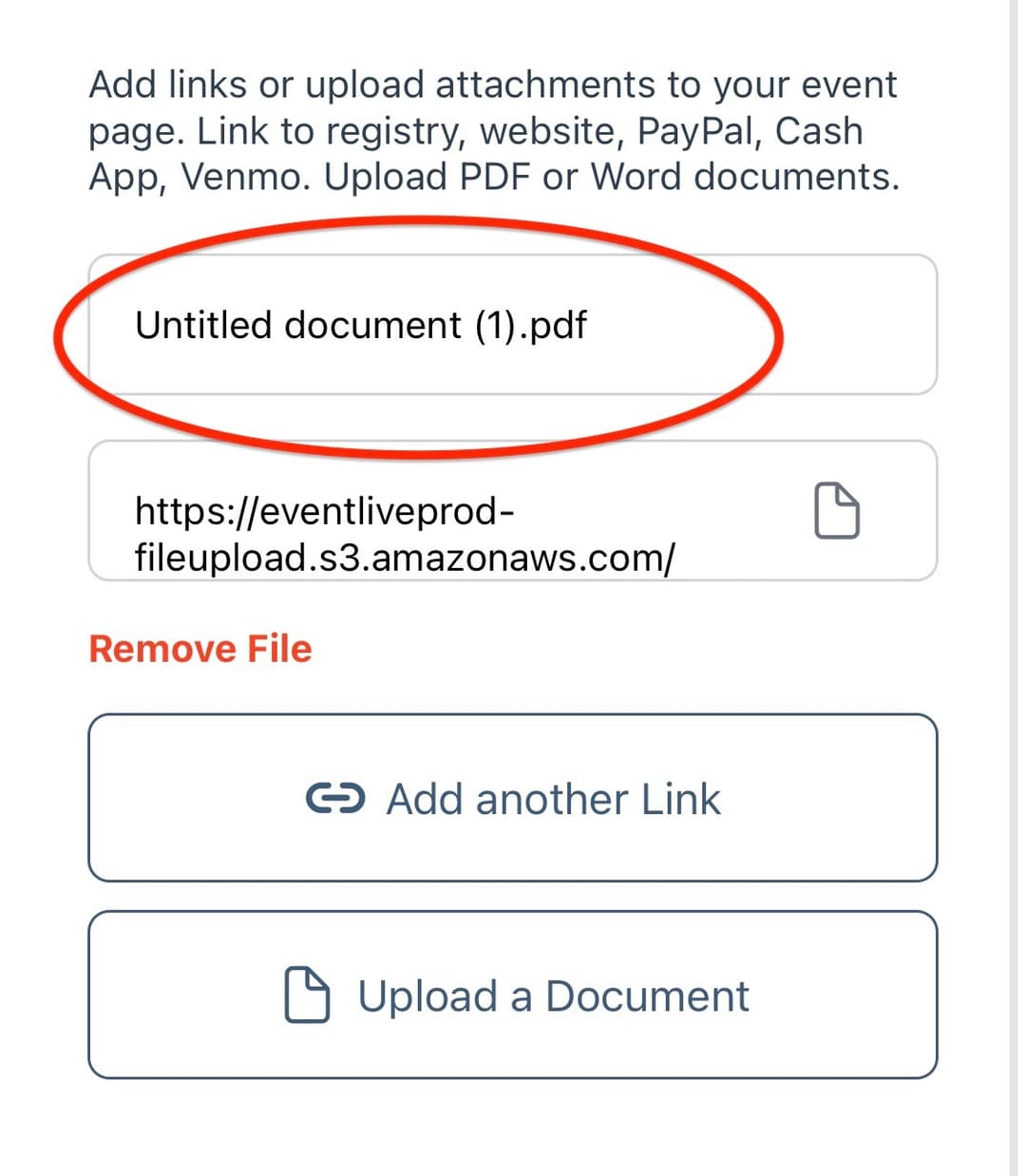
The link to the document will appear on the event page right below the video player.

