How to edit / change the event link
 Julia EskinUpdated
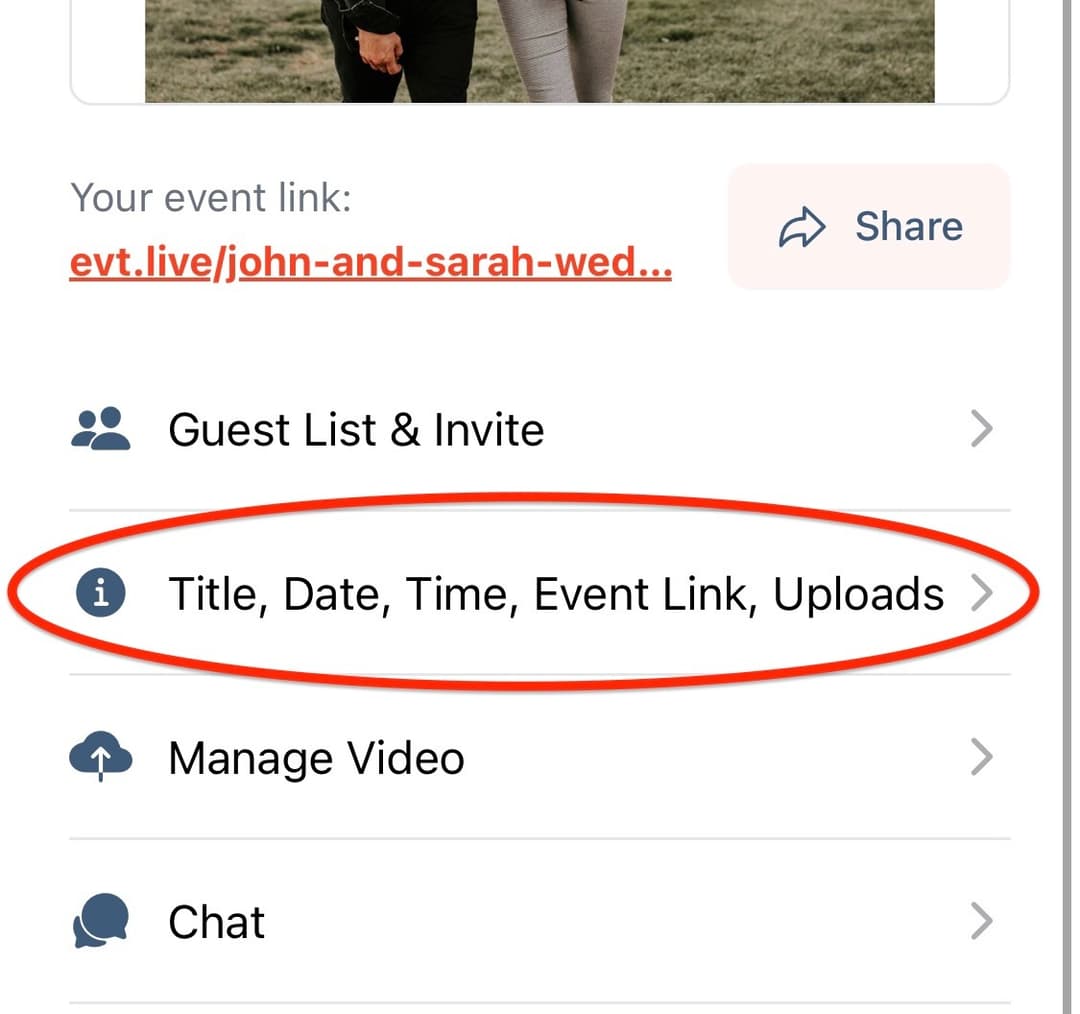
 To change the event link, select your event and tap Title, Date, Time, Event Link, Upload tab
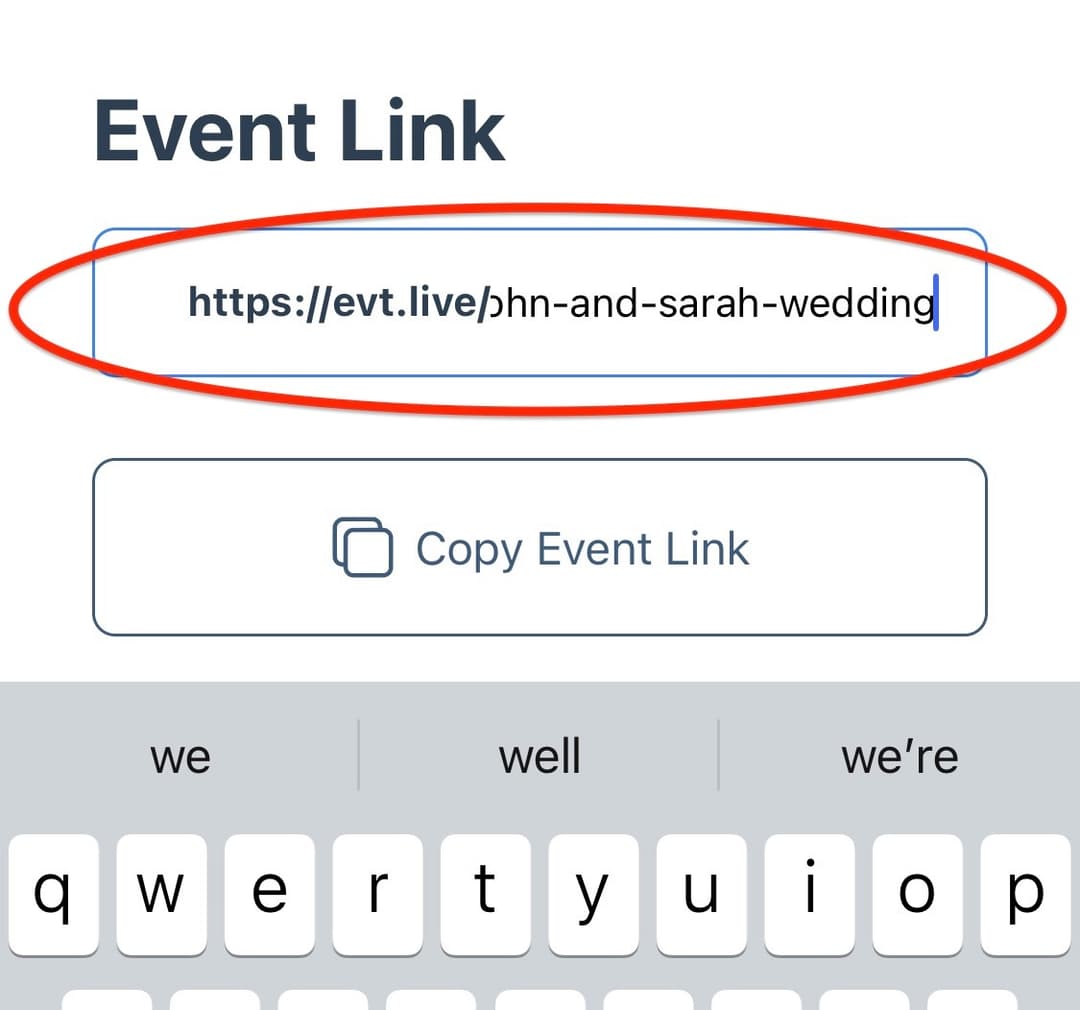
In the Event Link section, tap the text field with the link and make the changes required.
When you are ready to proceed with the changes, tap Change Event Link button
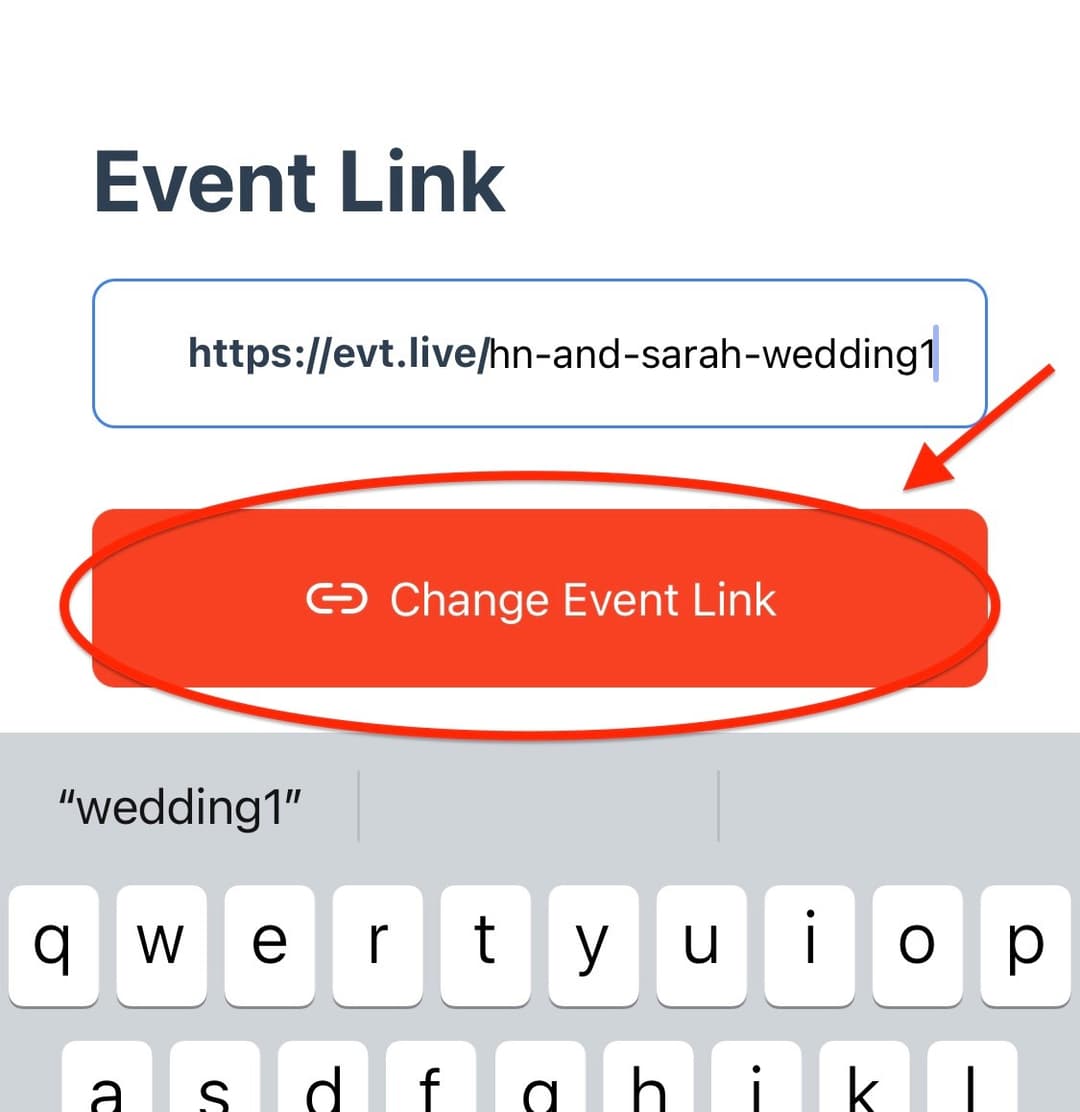
Please keep in mind that wonce you change the link, the old link won't be active and you will have to resend the new link to all the viewers (if you already sent out the old link)
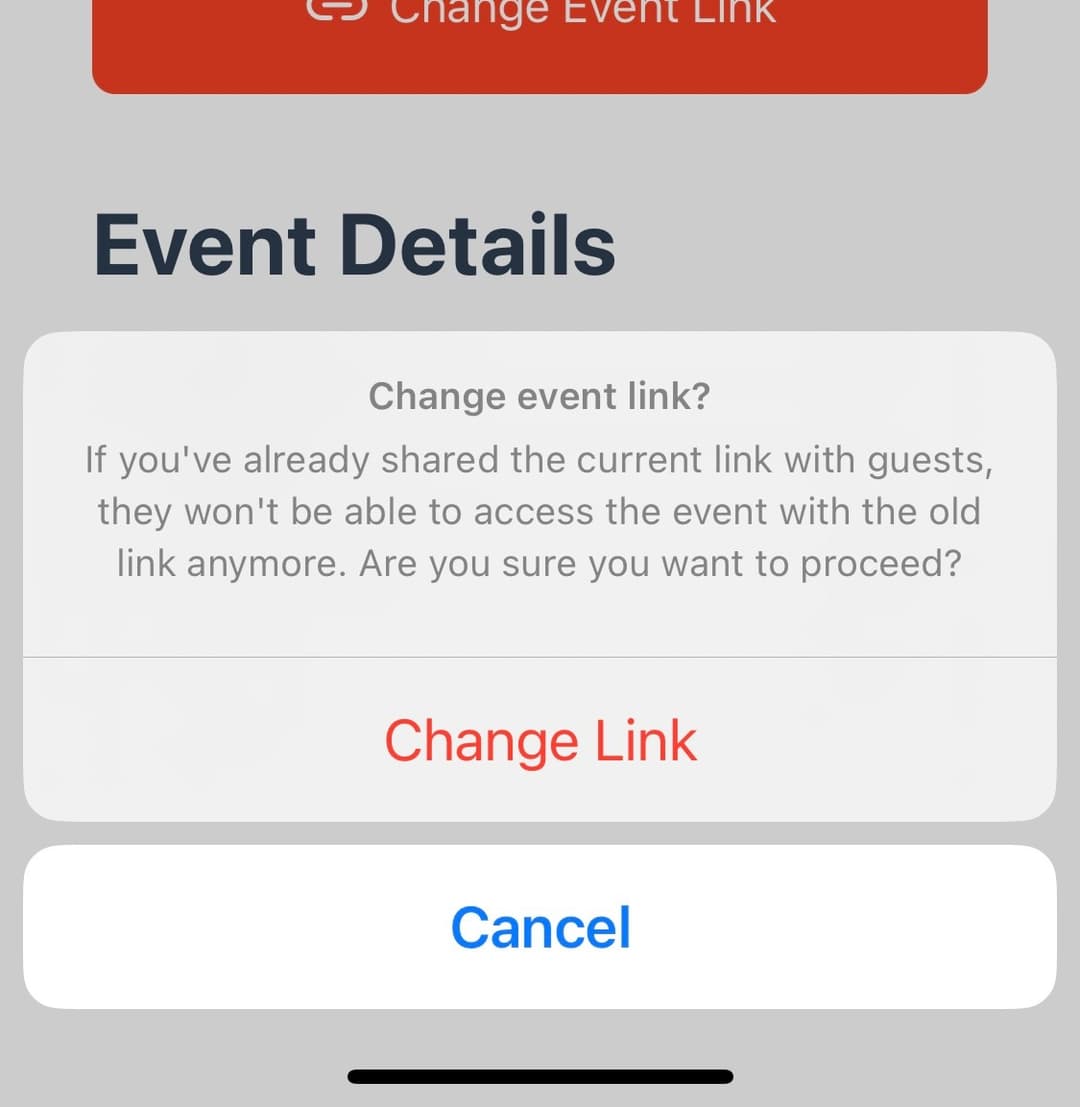
Tap the Change Link button to confirm the changes.
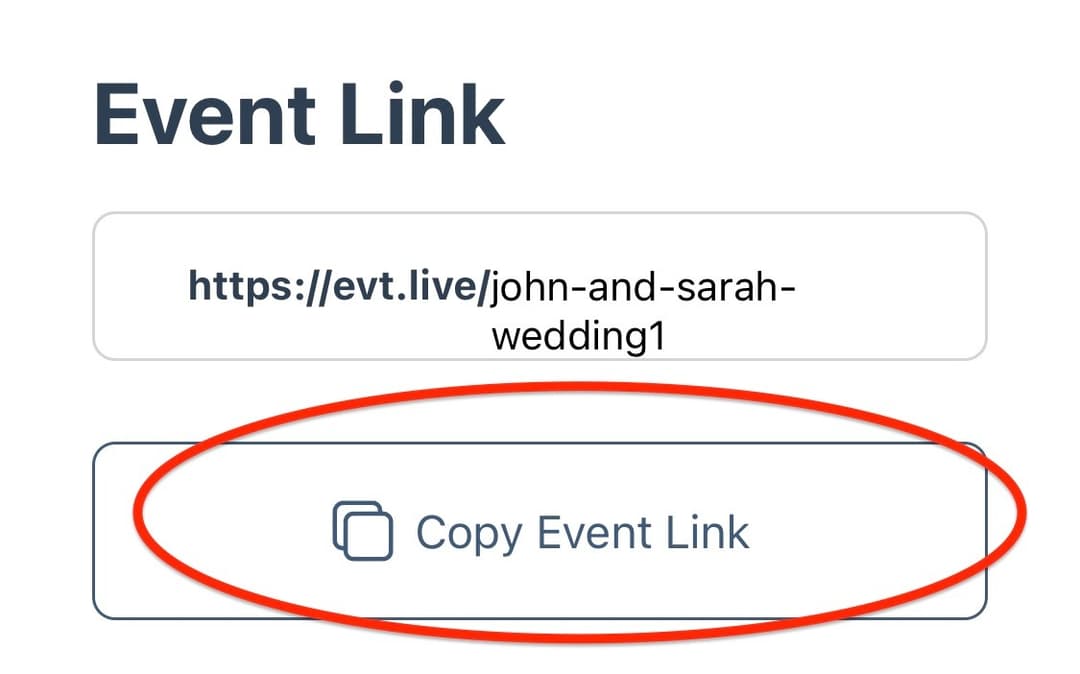
You can now copy the new link and share it with the viewers.