Raise donations right on your live stream

Go live from a phone or pro gear, and supporters give beside your video through Pledge, with no app or login. Streaming fees are waived through December 31, 2026 for qualifying nonprofits.
  • Free test streams
  • No credit card needed
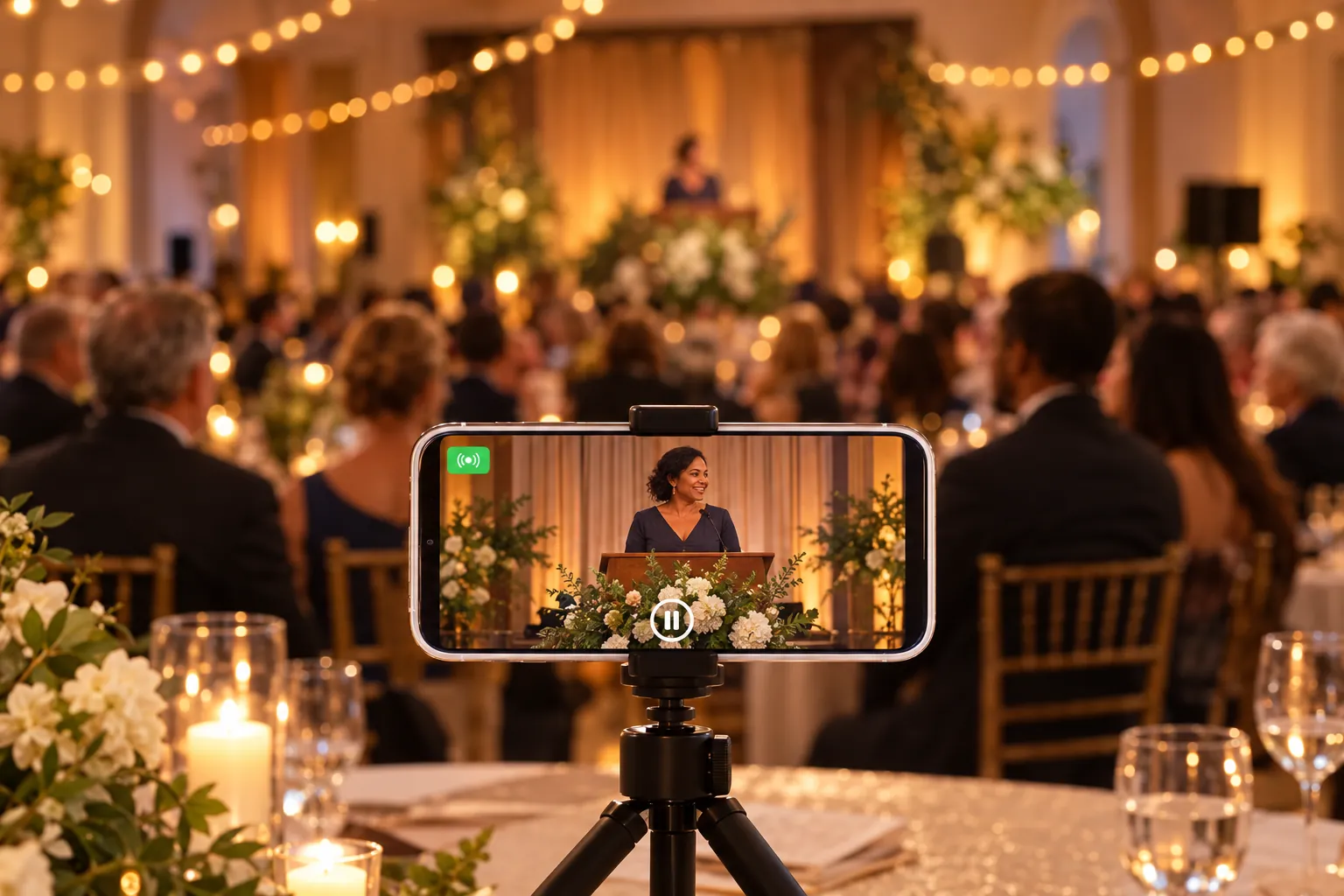
A phone on a small tripod live streaming a nonprofit's charity gala
LIVE Spring Gala
$3,240 raised of $5,000 goal

From search to live donations in 3 steps

  1. Find your nonprofit

    Search by name or EIN and confirm your organization’s Pledge listing. Not listed yet? Request it in a minute.
  2. Create your event

    Sign up free. Your event starts with fundraising already set up for your organization.
  3. Go live and raise donations

    Stream from the EventLive app on a phone, EventLive for Windows or Mac on a computer, or OBS or a video switcher over RTMP. Gifts show beside the video and in the live guestbook.

Everything you need to raise more on stream

Your viewers see the goal, the donate form and every gift as it happens, without leaving your stream.

Live donation tracker

Show your goal and progress right on the video, so every gift builds momentum.

Donate beside the video

A donate button and mini form sit next to your stream. Viewers give without leaving.

Text-to-donate keyword

Put a short keyword on screen and supporters give by text from their phones.

Gifts in the live guestbook

Donations appear in the guestbook and live chat, so you can thank donors in real time.

Replays keep raising

Your replay and donate form stay up for everyone who watches after the event.

Your logo, your brand

Put your logo on the event page. One click takes viewers to your website.

Donations are processed securely by , and every donor gets a tax receipt by email.How fundraising works

Start with what you have. Grow from there.

No crew or production budget needed on day one, and room to scale up for your biggest night.

Start with the phone in your pocket

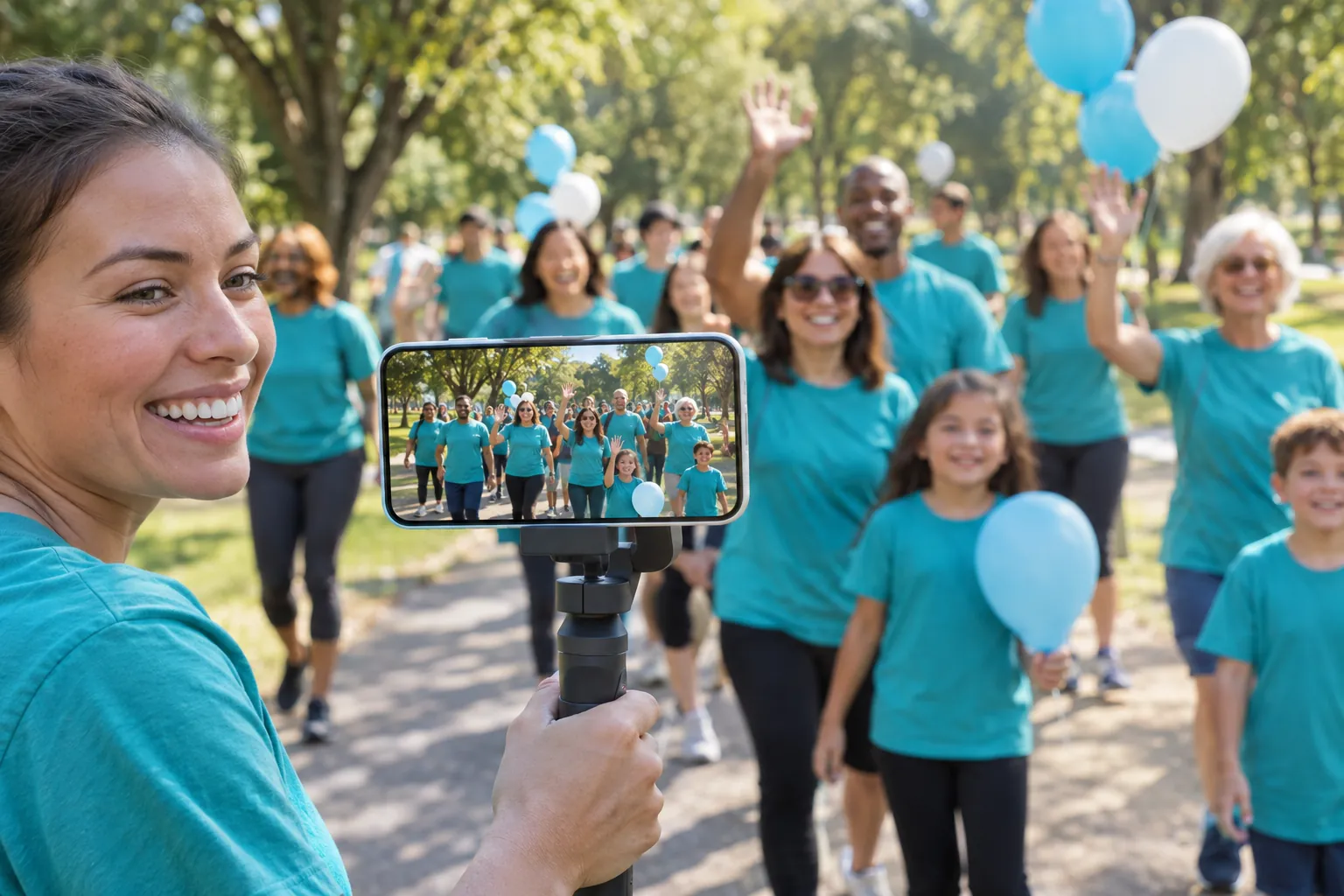
Open the free EventLive app on iPhone or Android and tap to go live. One volunteer and a phone are all it takes, and your supporters watch on your event page.
Try It Free
A volunteer live streaming a charity walk with a phone on a handheld gimbal

Scale up to multi-camera when you’re ready

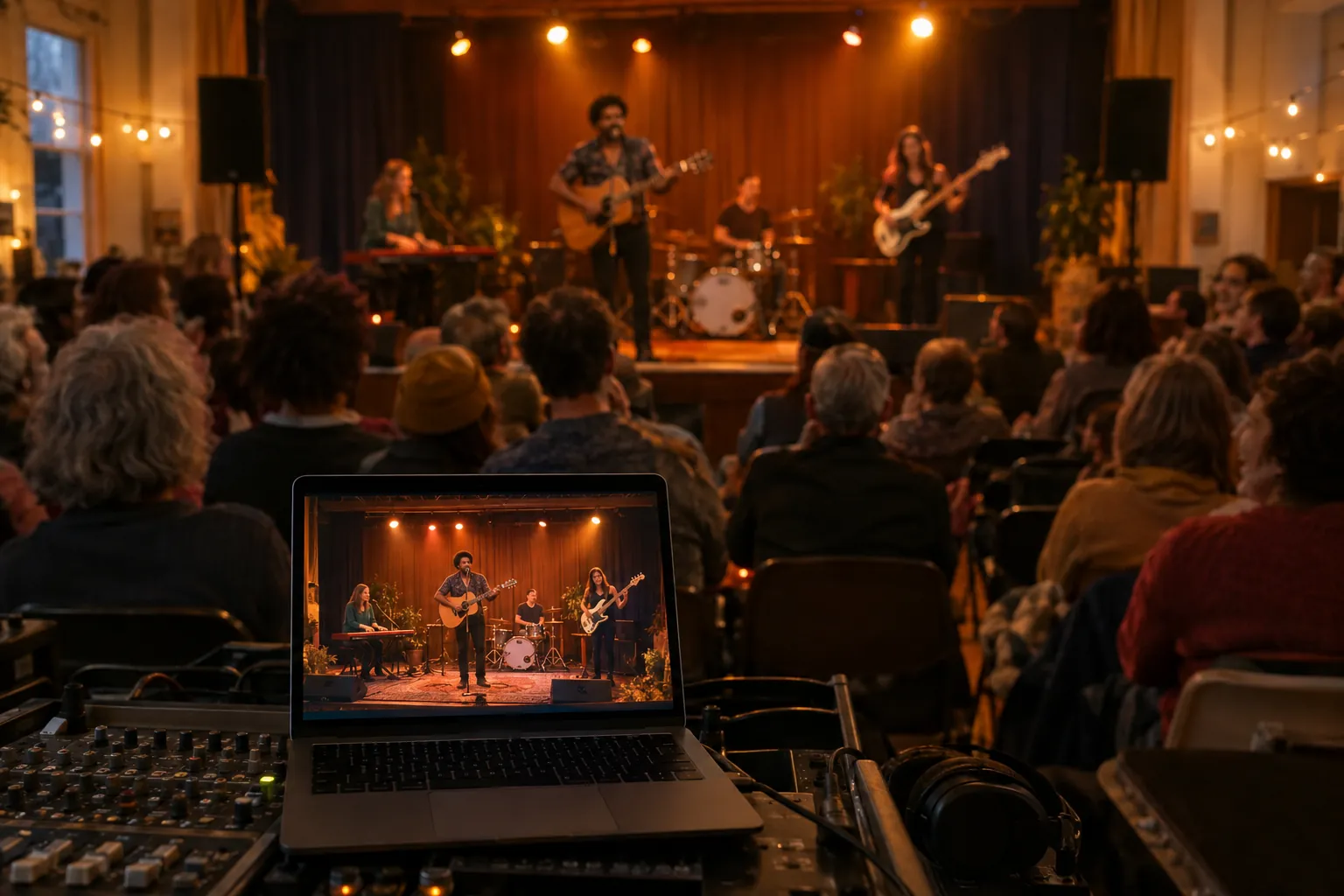
Stream your cameras from EventLive for Windows or Mac, or connect OBS, a video switcher or any RTMP encoder, for concerts, galas and conferences. Same event page and donation tools, and you can sell tickets for premium events.
Read the RTMP guide
A laptop at the sound desk live streaming a benefit concert

Supporters watch and give from one link

Supporters join from one link on any phone, tablet or computer, with unlimited viewers. They need no app, no login and no account to watch or to give.

Try It Free
Food bank volunteers packing boxes while a phone on a tripod streams the drive

Reach supporters who can’t be in the room

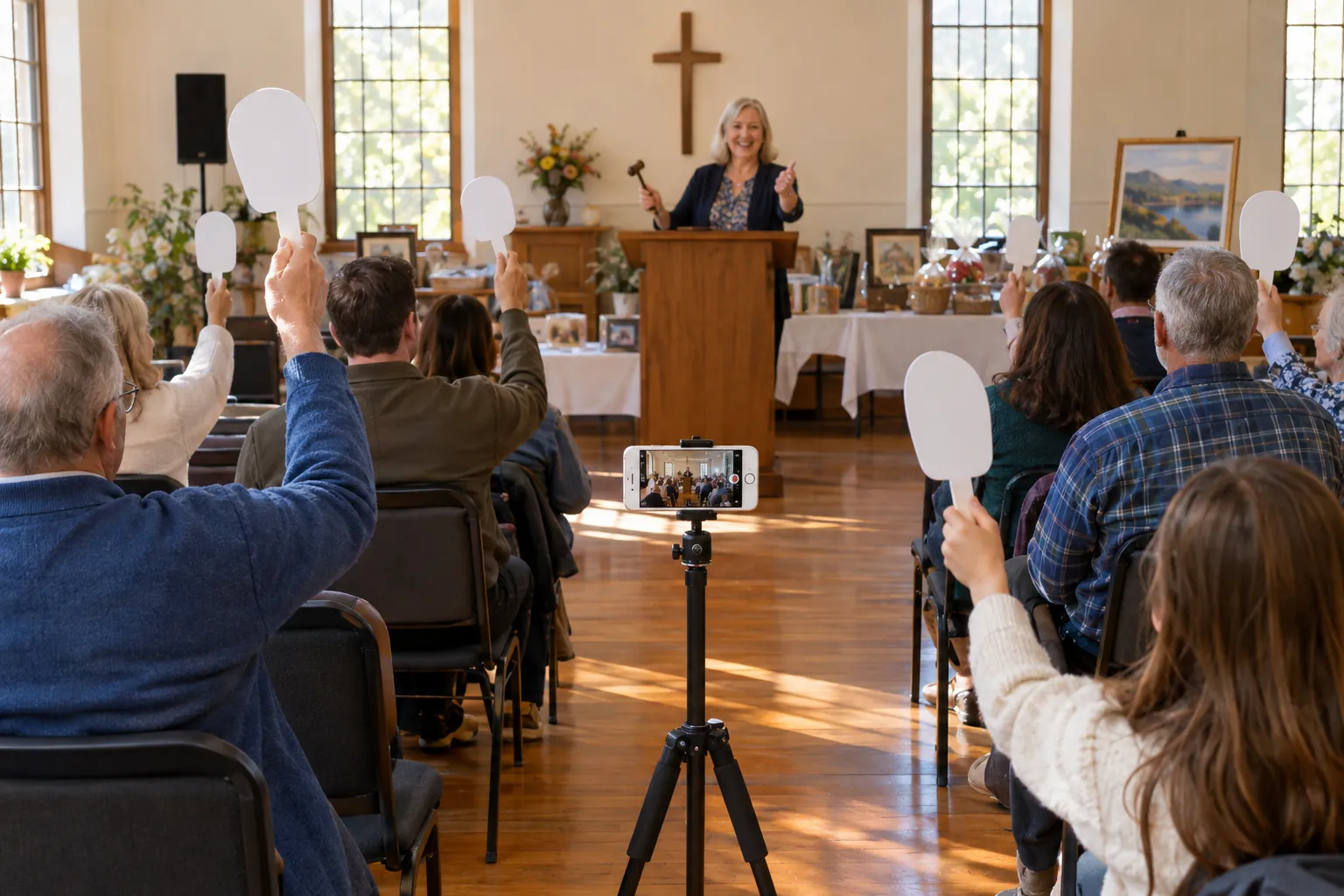
From a church bake sale to a black-tie gala, give them an easy way to help. Stream galas and auctions, walkathons, telethons and giving days, benefit concerts, faith services, memorial funds, school nights, tournaments, town halls, adoption drives and disaster-relief appeals.
Talk to Us
Guests raising paddles at a community hall fundraising auction that is being live streamed from a phone

What organizers say

Streaming fees waived through December 31, 2026

Registered US nonprofits that fundraise with Pledge on EventLive can apply to stream fee-free this giving season. GivingTuesday is Tuesday, December 1, 2026: set up your event today and go live with a donate button beside your video.

Now

Find your nonprofit

Create your event and run a test stream.
Dec1

GivingTuesday

Go live and raise donations on stream.
Dec31

Year-end giving

Fee-free streaming through the end of 2026.

Offer details: for US-registered 501(c)(3) organizations listed on Pledge, with fundraising enabled on the EventLive event, for events created by December 31, 2026, even if they take place in 2027. Eligibility is subject to verification; one organization per account. EventLive may change or end this offer at any time.

Frequently asked questions

Through December 31, 2026, registered US nonprofits that fundraise with Pledge on EventLive can apply to have their streaming fees waived — see the offer details above. After that, or for events without fundraising, standard EventLive pricing applies. Donations are processed by Pledge; its fees are listed on Pledge’s pricing page.
US-registered 501(c)(3) organizations that are listed on Pledge and turn on fundraising for their EventLive event, for events created by December 31, 2026, even if they take place in 2027. We’ll verify your organization and that fundraising is enabled. One organization per account, and EventLive may change or end the offer at any time.
Donations are processed securely by Pledge. Gifts are made to Pledgeling Foundation, an IRS-approved 501(c)(3), which emails each donor a tax receipt right away and passes the funds on to your nonprofit — by check each month, or by direct deposit if your organization sets it up in Pledge’s Impact Hub.
No. Pledge sends donations to your organization even if you never sign up with them. If you’d like to see donor details or switch payouts to direct deposit, someone from your organization can sign up for Pledge’s Impact Hub at any time.
Choose “Can’t find your organization?” at the top of this page and enter your EIN. We’ll ask Pledge to add it — Pledge usually adds organizations within 24 hours, and we’ll email you when it’s ready. You can create your EventLive account in the meantime.
A smartphone with the EventLive app (iPhone or Android) and a good internet connection is all it takes. For bigger productions, go live from a computer with EventLive for Windows or EventLive for Mac, or stream from a camera or video switcher with any RTMP encoder, such as OBS.
Yes. Viewers open your event link in any browser — no app and no login. They give through Pledge’s secure form right beside the video and get their tax receipt by email.
Donors can choose to add an optional tip on top of their gift. Tips help cover the cost of running the Pledge and EventLive platforms, and donors can always set the tip to zero.
Share your event link early and remind supporters on the day. Set a goal so the tracker shows momentum, run a quick test stream beforehand, and thank donors by name as their gifts appear in the guestbook. Afterwards, share the replay — it keeps raising.

Ready to raise more at your next event?

Find your nonprofit and set up your fundraising stream in a few minutes.