

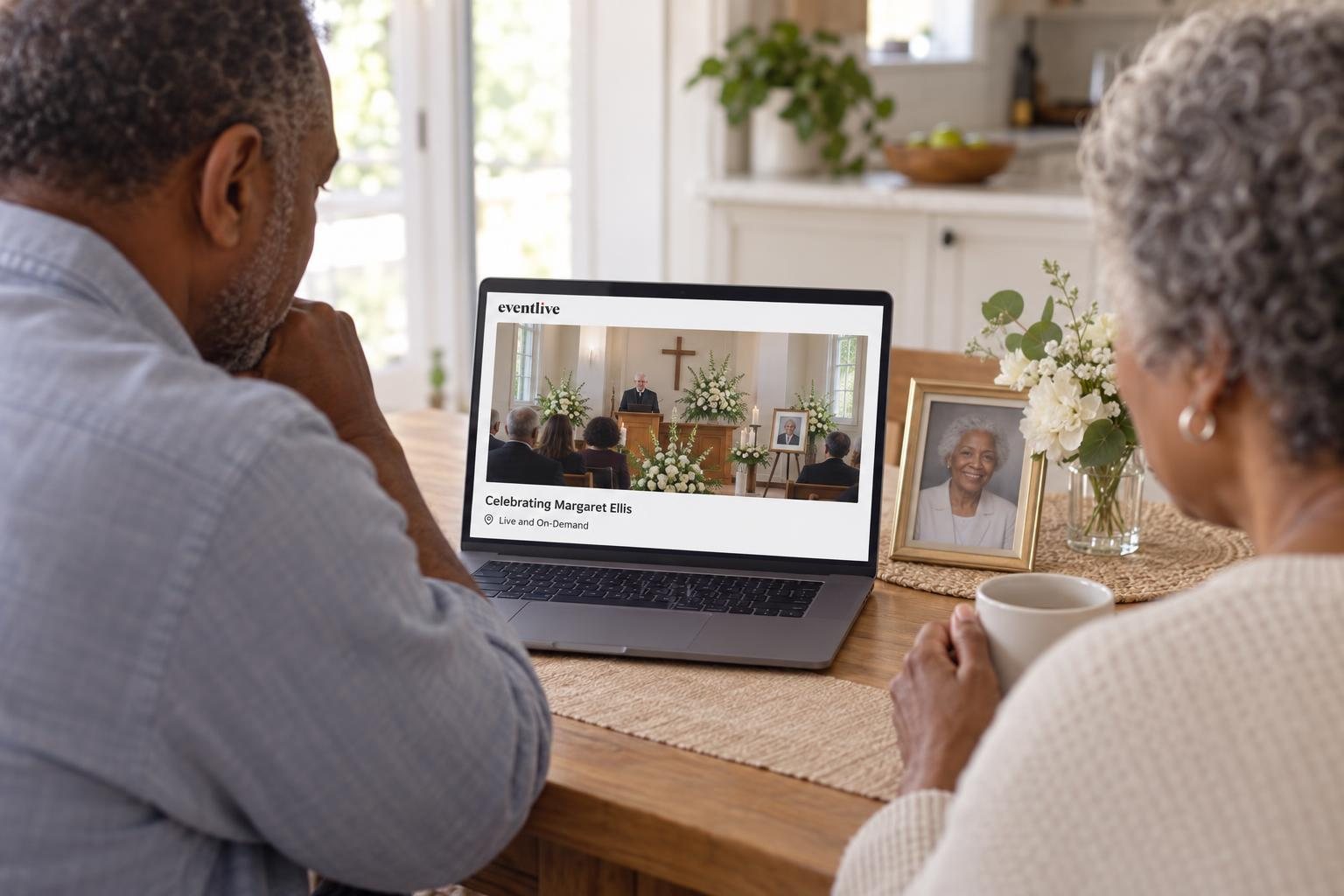
The short answer
Hold the service as you normally would and stream it to a private link. Ask one person to run the stream, test the phone at the venue the day before, send the link to family two or three days ahead with a short note on how to watch, and keep the recording for anyone who could not join live.
A virtual funeral lets people who cannot travel take part in the service as it happens. Most families now hold the service in person and stream it, so a brother abroad, a friend in hospital or a grandmother who cannot leave home can be there too.
This guide walks through the decisions in the order you will meet them, with messages you can copy and send.
Choose the kind of virtual funeral
There are three common ways to do it. Pick the one that matches how many people will be in the room and who needs to speak.
| Format | What it looks like | What you need |
|---|---|---|
| Streamed service | The service happens in person and one phone streams it to a private link | A phone, a tripod, a charger |
| Streamed service with a remote speaker | Same, plus a relative abroad gives a eulogy over a video call | A computer running the call and OBS (how it works) |
| Fully online gathering | Everyone joins a video call and takes turns speaking | A video call plan long enough for the whole service (Zoom funeral guide) |
The streamed service is the simplest and the most common. Guests watch quietly, leave messages in the guestbook, and nobody has to manage a call with dozens of microphones.
Talk to the funeral home or venue first
Many funeral homes stream services themselves or are happy for the family to do it. Ask them three things:
- Where can a tripod stand? The back of the room or the side aisle, with a clear view of the lectern and the photo.
- Is there Wi-Fi and a power outlet near that spot? Ask for the Wi-Fi password in advance.
- Will music be played? On a private EventLive link, music is not muted, but the family is still responsible for permission to play it.
If there will be an open casket, decide together how the camera should frame it. Many families keep the camera on the lectern and the photo of their loved one.
Ask one person to run the stream
Choose someone calm who is not giving a eulogy: a nephew, a close friend, or a member of the funeral home staff. They will test the phone the day before, start the stream, watch the guestbook and end the stream.
Give them the event login, the venue's Wi-Fi password and your phone number. On the day, everyone else can focus on the family.
Set up the phone
A recent phone films a funeral service well. Place it at eye level, held sideways, where it can see the speakers and the photo without filming mourners' faces up close.
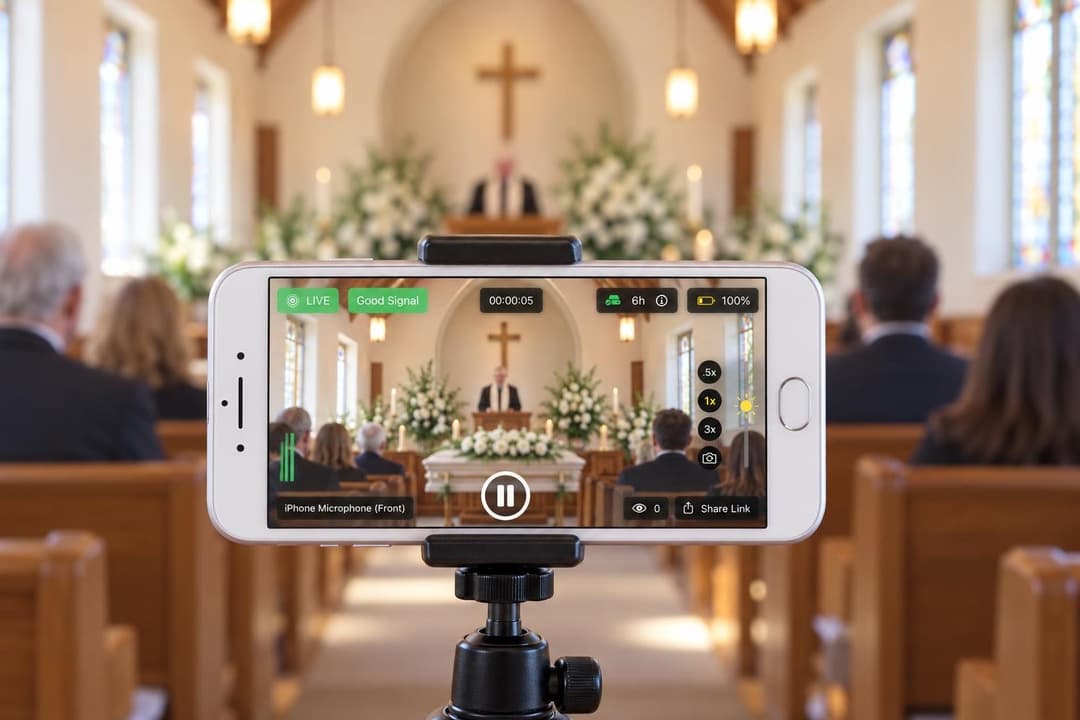
What to bring
Sound matters more than picture. People forgive a slightly soft image, but not words they cannot hear. If the room is large, place the phone closer to the lectern or use an external microphone.
Test the day before
Run a free test from the venue if you can, at the time of day the service will happen. A free test streams to a private test link that up to 4 people can watch at once, so ask a relative to open it at home and tell you how it looks and sounds.
Check three things during the test: the picture is level, the speaker at the lectern is easy to hear, and the connection holds for ten minutes. Then check the scheduled time and time zone of the real service: you can go live up to one hour before it.
Send the link with a short note
Send the link two or three days before the service, and again on the morning of the service. Older relatives are more likely to find a message that arrives the same day.
If you add guests to the guest list, EventLive emails them a reminder about 24 hours and 1 hour before the start, and again when you go live. You can also print a QR code of the link in the order of service.
Replace the words in braces before you send these.
It opens in your browser, with no app or account. If you cannot watch live, the recording will be at the same link afterward.
Dear family and friends,
{Name}'s funeral service will be held on {day, date} at {time} ({time zone}) at {venue}. For those who cannot be with us in person, we will stream the service live.
Watch here: {link}
The link opens in any browser on a phone, tablet or computer, with no app or account. You can leave a message for the family in the guestbook on the same page. If you miss the live service, the recording will be at the same link afterward.
With love,
{Your name}
On the day of the service
- Arrive 45 minutes early. Set up the tripod, plug in the charger and connect to the Wi-Fi.
- Turn on Do Not Disturb. A call does not interrupt the stream unless someone answers it, but answering or leaving the EventLive app stops it.
- Go live 10 to 15 minutes before the start, pointed at the photo and the flowers, so early guests know they are in the right place.
- Pause if you move. If the family goes from the chapel to the graveside, pause and resume at the same link. Guests do not need a new one.
- Say when it is over. Ask the officiant to thank those watching online, then end the stream.
If the stream stops by accident, open the EventLive app and start again from the same service. Guests keep the same link.
Include the people watching from home
People watching alone at home often feel far away. A few small things help:
- Ask the officiant to welcome them by name, for example "and everyone watching from Manila and Toronto".
- Use the guestbook. Guests can leave messages and photos before, during and after the service, and someone can read one or two aloud.
- Invite a remote eulogy if a close relative cannot travel. This needs a computer running the video call and OBS (see how), so test it the day before.
After the service
With the replay on, the recording stays at the same link, so you can send it to everyone who missed the live service. You can also download the video to keep, and let guests download it if you wish.
The guestbook can be downloaded too. Many families print it and keep it with the order of service.
What to tell guests who will watch online
A short note helps guests who have never watched a stream before:
- Open the link a few minutes early and check the sound on your device.
- You do not need an app or an account. A phone, tablet, computer or TV browser works.
- Nobody can see or hear you. You can watch quietly, in whatever way feels right.
- Leave a message in the guestbook if you would like the family to know you were there.
If you are organizing the service, see how EventLive streams funerals and memorials or read about virtual memorial services.
“I have never done a livestream and we needed to for a very important celebration of life. It was easy and worked perfectly. I had no issues even as a first timer setting it up and sharing it with family members some of whom are in their 90s. Even they had no problem getting in and watching.”