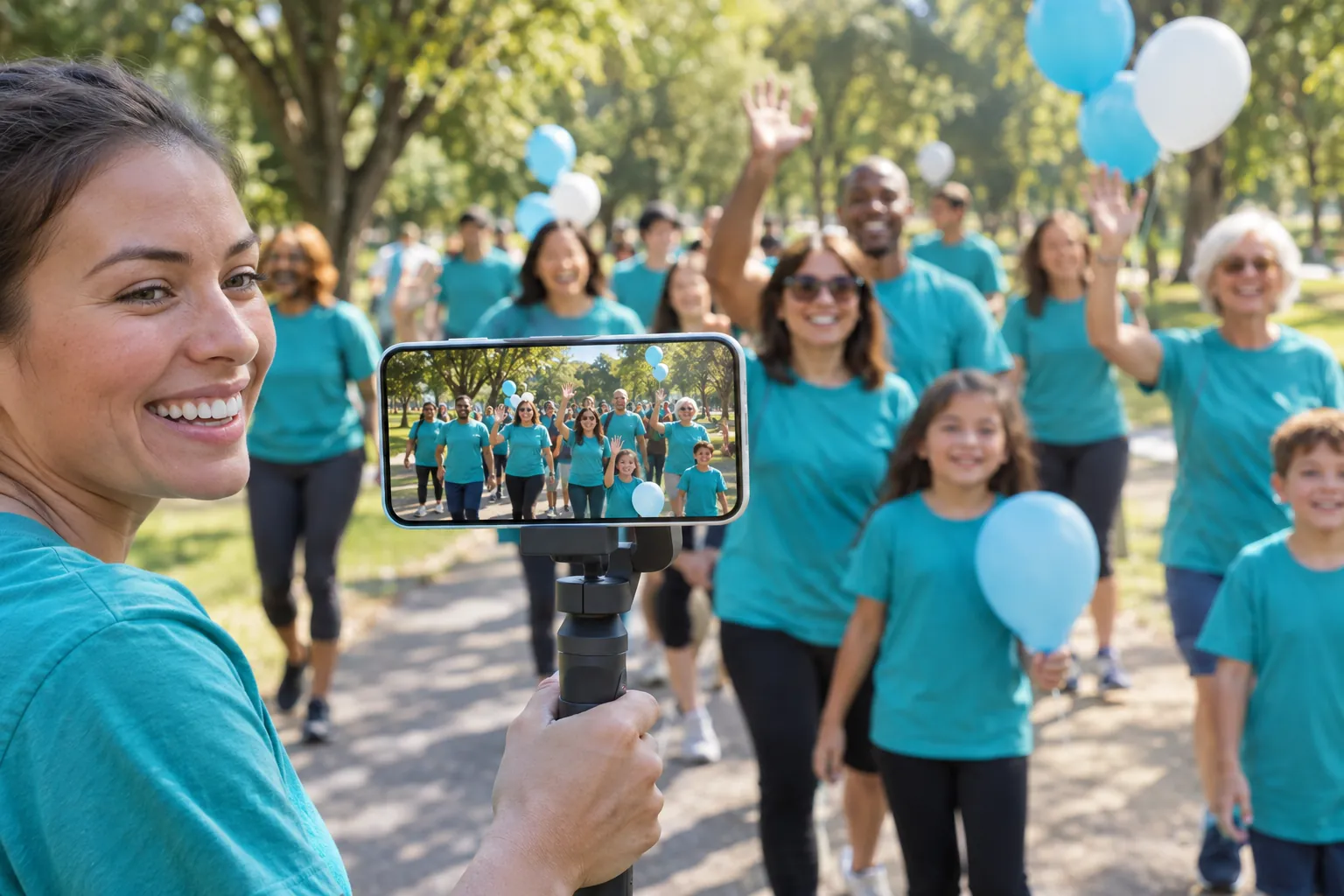
Share life's moments from your iPhone or Android phone, with no technical skills needed. Guests watch from one private link, and there is no viewer limit.


4.7 from 1,000+ ratings on the  App Store and
 Google Play
Be ready to stream in minutes, not hours. Run a free test at the venue first, as many times as you like, to check the picture, the sound and the signal.
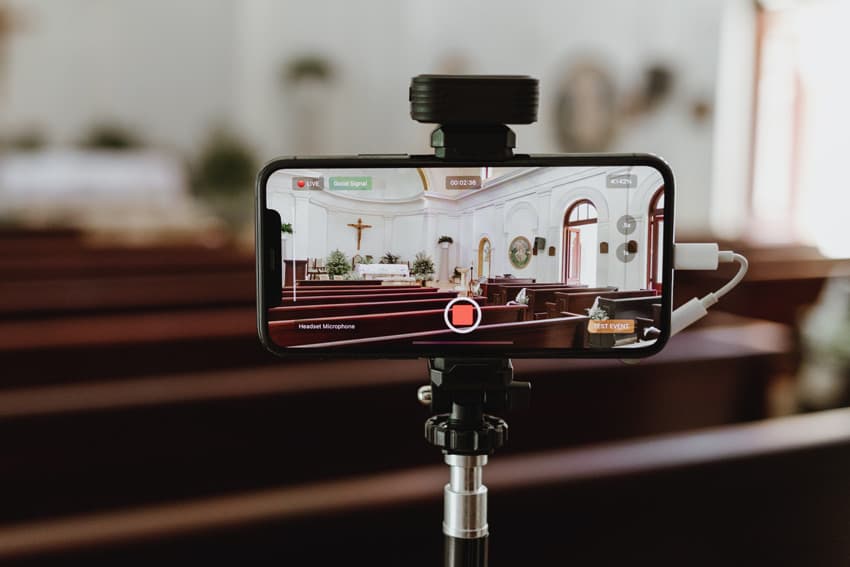
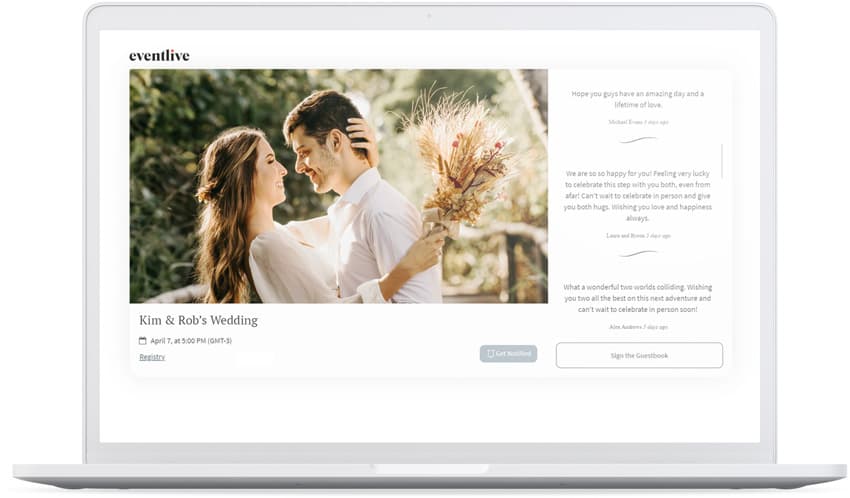
From a small family gathering to a big celebration, all your guests are welcome: there is no viewer limit. The replay stays online for 30 days, or up to 10 years if you extend it, and you can download the video to keep.
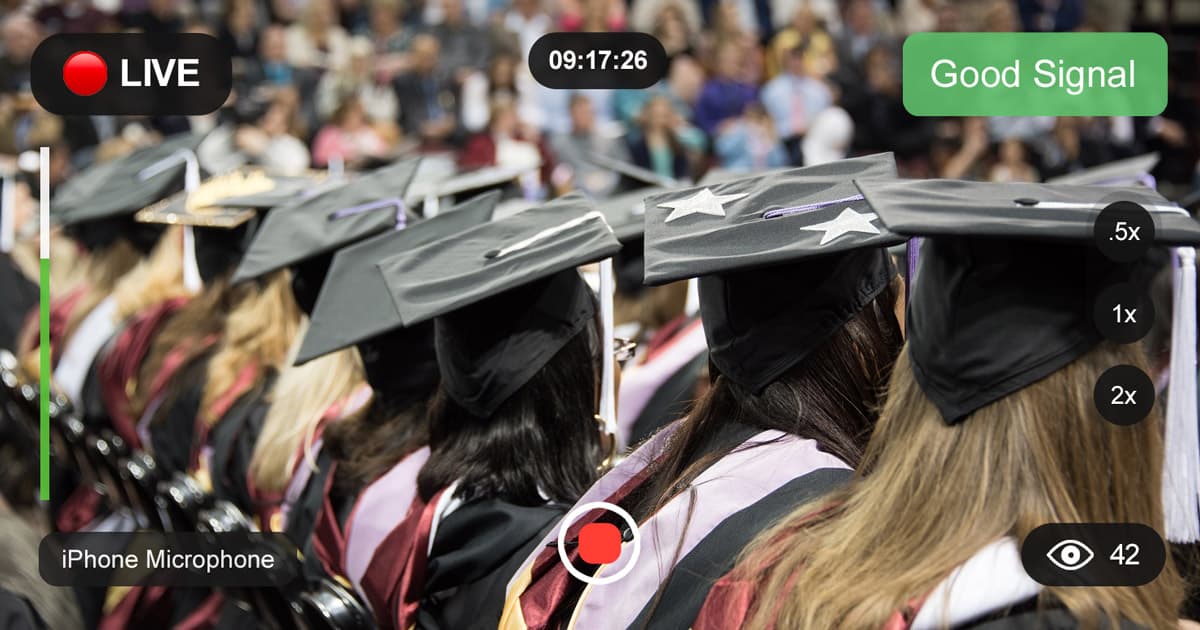
The app shows when you have a good signal and keeps a backup recording on your phone. If the connection drops, pause and resume to the same link, and use the phone's copy for the replay afterwards.
“EventLive worked incredibly well for a wedding, we were able to set up my phone in a convenient location on a tripod and share the wedding to global locations without any issue.”
“Worked wonderfully. I have an older iPhone and yet the video and audio were captured clearly.”

We stand behind our service.
If it doesn't work for you, we'll refund you.

Have any questions?
We're always one message away.
There are no limits on live or replay viewers with EventLive. Stream to your whole virtual guest list.
No. EventLive works right from your phone, and anyone can set up a high-quality live stream in minutes.
They're rare, and they usually come from a weak internet connection at the venue. The app keeps a backup recording on your phone, and you can pause and resume to the same link.
All streams are recorded in HD and include 30 days of online replay access. You can extend online availability to 1 year or 10 years directly in the app. Download is always available so you can keep your video forever. For B2B professionals, videos remain online as long as your subscription is active.
Yes. Connect your Stripe account, set your price, and guests buy tickets on your event page.
Set up your event in a few minutes and run a free test before the day.
