Stream a wedding, a memorial or a birthday from your iPhone. Guests watch from one private link, with no viewer limit and no ads.


4.7 from 1,000+ ratings on the  App Store and
  Google Play
Guests open one private link in any browser, with no app, no account and no ads. There is no viewer limit, so everyone you invite can watch at once.

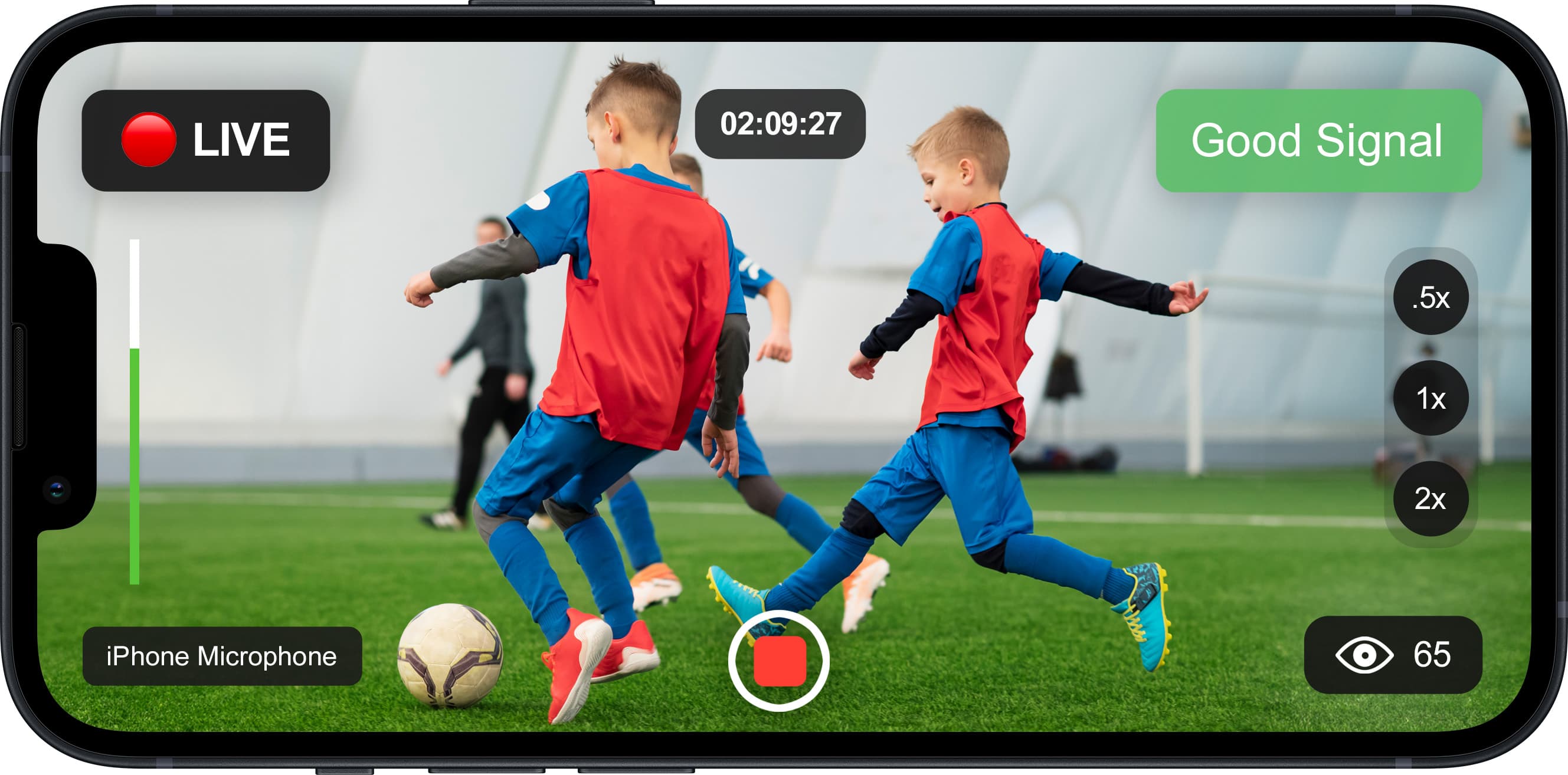
The app streams in HD and saves a backup copy on your iPhone while you stream. On a strong connection, turn on Stream in 1080p in your iPhone's Settings.
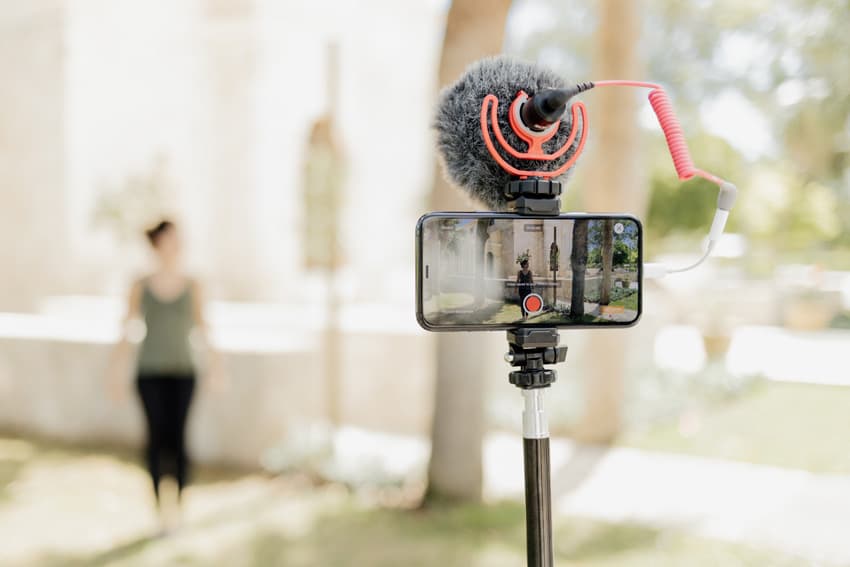
Speeches and vows sound better when the microphone is close. Plug a microphone or a wireless receiver into your iPhone and check the sound in a free test before the day.
“Worked wonderfully. I have an older iPhone and yet the video and audio were captured clearly.”
“As it turned out for less than $100 we streamed the entire 6 hour wedding using nothing more than an iPhone and lavaliere mics. It was perfect. Their support is very responsive and the unlimited tests make this not only a good value but a bargain.”

We stand behind our service.
If it doesn't work for you, we'll refund you.

Have any questions?
We're always one message away.
Not hard. If you can use an iPhone, you can live stream with the EventLive app.
Just the private link you get when you create your event. No downloads or registrations.
Each event can be up to 24 continuous hours.
Yes. Connect your Stripe account and sell tickets, and guests pay on your event page to watch.
Contact our support team by chat or email, before or during your stream. The app also saves a backup copy on your iPhone while you stream.
Life's biggest moments are meant to be shared. Set up your event on your iPhone in a few minutes and run a free test first.
