

Live streaming a video call has evolved into an essential tool for people everywhere, offering benefits that extend far beyond private celebrations. Whether you’re hosting a global team meeting, running a webinar, launching a product, organizing a conference, or connecting with family for a wedding, live streaming a video call ensures you reach everyone, no matter the location.
Why Livestream Video Calls
Live streaming lets you broadcast a real-time video call to any audience, making events accessible and interactive on a larger scale. This technology is valuable for both business and personal events:
- Business Events: Companies use livestream video calls for training sessions, company updates, all-hands meetings, product launches, and virtual conferences. Remote participation saves travel costs, increases productivity, and builds stronger, more cohesive teams. Real-time interaction during live calls enhances engagement and can even accelerate decision-making, creating a more connected business culture.
- Personal Events: From weddings and graduations to fitness classes or club meetings, live streamed video calls let friends and family join special moments wherever they are. No one misses out because of busy schedules or long distances.
Livestreaming Options for Any Occasion
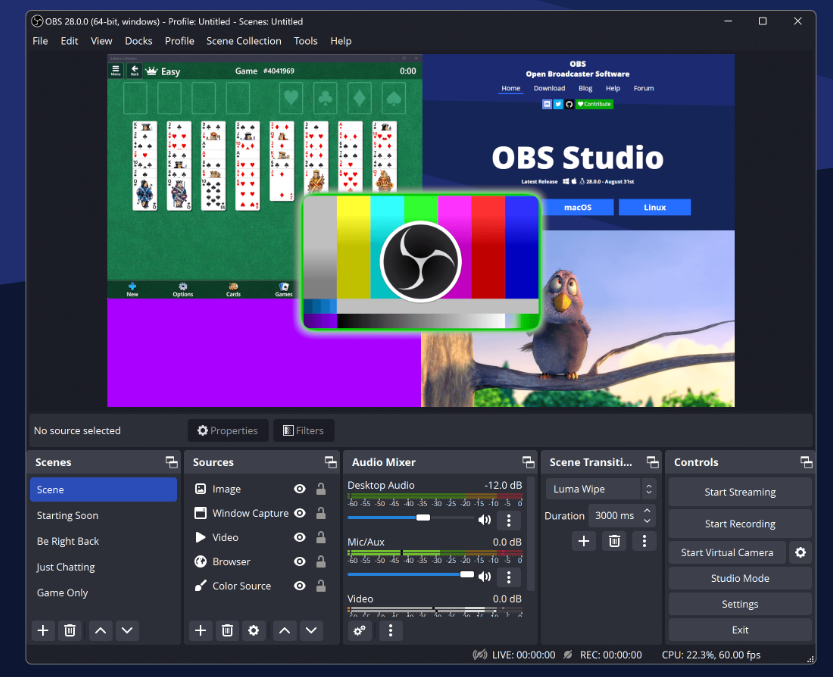
- OBS Studio for Broadcasting Calls: Open Broadcaster Software (OBS) lets you capture a video call (on Zoom, WhatsApp, FaceTime, Google Meet, etc.) and livestream it anywhere. You can add overlays, presentations, or multiple cameras for a professional touch. This method offers great flexibility for creative business events or workshop sessions.
- EventLive for Hassle-Free Streaming: EventLive makes it incredibly easy to livestream any event, from boardrooms to birthday parties. With a clear, intuitive workflow, you can stream your call to unlimited viewers on any device. No special downloads or technical skills required.
- Hybrid Use - OBS with EventLive: For maximum control, you can use OBS to enhance your stream with slides, graphics, or multiple sources, and then send your high-quality output straight to EventLive. This combines a professional broadcast experience with effortless accessibility for viewers.
How to Live Stream a Video Call
- Choose Your Platform and Tools: Choose your calling app (Zoom, Teams, Google Meet, WhatsApp, etc.)
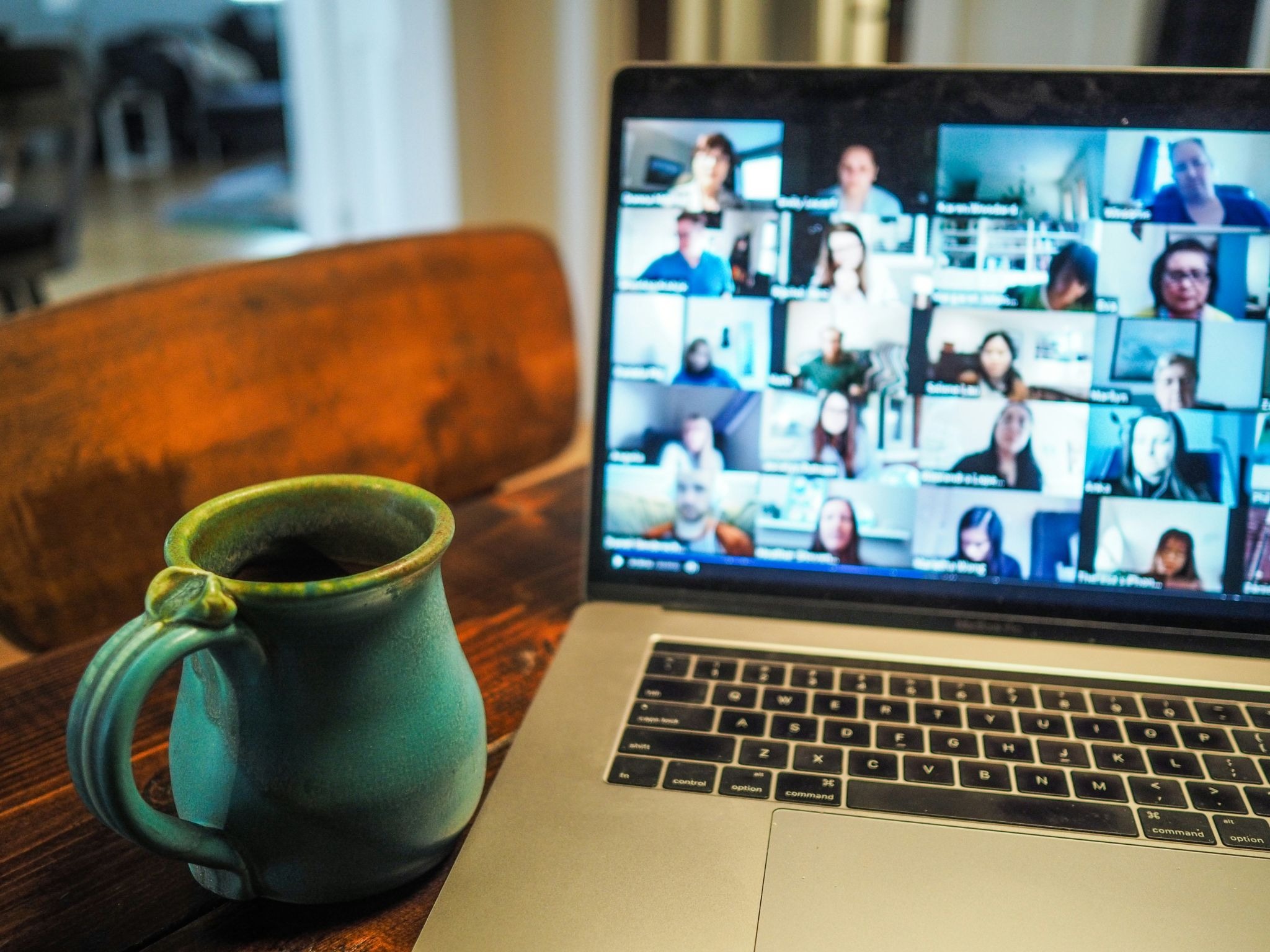
- Decide on the destination for your live stream (Youtube, EventLive, Facebook, etc.)
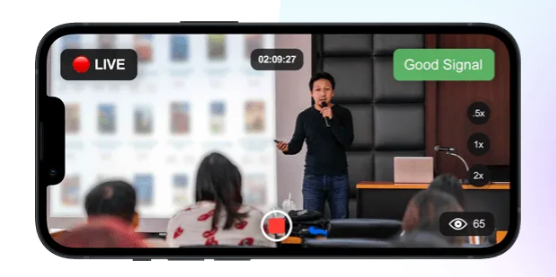
- Decide if you need to live stream a video call or you can just do a direct one way live stream. For a one-way live stream, consider EventLive App, which is really easy to set up and you can live stream directly from your phone.
- Download OBS studio if you are planning to live stream from Zoom, Teams or Whatsapp to Youtube or EventLive.
- Prepare Your Setup: Set up good lighting, stable internet, and a reliable camera/microphone. For professional events, consider branding overlays or slides.
- Promote the Event: For business, send links through email or internal systems; for public or social events, share on social or private groups.
- Go Live and Engage: Greet viewers, encourage participation, and answer questions in real time. Keep presentations dynamic.
- Share the Replay: Let absentees catch up. Use automatic recordings for business follow-up, training, or sharing with family members who missed it.
Business and Personal Benefits in Live streaming
Live streaming a video call offers several core advantages for every event type:
- Broader Reach: Business meetings, educational sessions, and public events can now be shared with global audiences, boosting participation and brand visibility.
- Interactive Engagement: Real-time chat, polls, and Q&A help both companies and families engage viewers, increasing satisfaction and loyalty among attendees.
- Cost and Time Savings: No need for physical travel. Meetings and events happen instantly, saving both companies and individuals money and hassle.
- Authenticity and Trust: Seeing speakers, leaders, teachers, or family members live builds a sense of authenticity that pre-recorded video simply can’t match. This transparency boosts trust and emotional connection for customers, employees, and friends alike.
- Accessibility: Anyone with a device and internet connection can join, regardless of tech skill or location. This inclusivity supports workplace diversity and personal connection.
- Lead Generation and Growth: Businesses benefit from instantly capturing leads and converting attendees into customers using real-time calls to action during a livestream.
- Analytics and Feedback: Businesses can gather immediate market feedback during live Q&A and adjust messaging in real time, making livestreaming a powerful tool for continuous improvement.
Key Takeaways
- Live streaming video calls are ideal for business meetings, educational events, professional webinars, product launches, personal milestones, and more.
- Platforms like OBS give you creative control, while EventLive prioritidzes ease of use and accessibility for any type of audience.
- Broader reach, real-time engagement, cost savings, authenticity, and direct analytics are just some of the biggest benefits, for both companies and individuals.
- Anyone can start live streaming with minimal equipment and basic preparation.
Frequently Asked Questions
1. Can I use livestreaming for both business and personal events?
Absolutely. Livestreaming adapts to any context, from global team meetings to family celebrations.
2. What tools do I need to livestream a video call?
You can use desktop software like OBS or a full-featured app and platform such as EventLive for fast, easy streaming.
3. How many attendees can watch my call?
With EventLive and similar platforms, there’s no effective limit on viewers, making it suitable for large corporate town halls or major social celebrations.
4. Can my audience participate in real time?
Yes. Use built-in chat or interactive Q&A for real-time engagement in both business and social livestreams.
5. How do I keep my event secure and private if needed?
Most platforms offer private links or password protection. Only share links with trusted participants for sensitive content.
6. What are the biggest advantages for businesses?
Cost and time savings, increased reach, stronger engagement and loyalty, real-time customer insight, and opportunities for brand growth all make livestreaming a business essential.
7. Does this work for staff training or education?
Yes, livestream video calls are a powerful tool for seminars, onboarding, skill-sharing, and remote learning programs.
8. What production values should I consider?
Good audio, lighting, and a steady camera are most important. For business, consider branding and professional backdrops.
9. Can I monetize livestream events?
Yes! Businesses and creators can add paid access, exclusive content, or integrated commerce during the stream for direct revenue. EventLive has a built-in monetization option.
10. How do I get started?
Test your platforms, set your event time, share your live link, and schedule your livestream today!
Livestreaming your video call plugs everyone in, clients, employees, friends, family, students, and more. Whether for business growth or sharing life’s moments, it’s a simple, powerful way to connect. Plan your next event and schedule your live stream NOW to experience the reach and engagement livestreaming offers, no matter your audience or event type.
.png)