
So you're planning to live stream a fashion show? Whether you're organizing a haute couture runway presentation, a local boutique showcase, or an emerging designer's debut collection, live streaming opens up your event to a global audience. But here's the thing, fashion shows are notoriously tricky to stream well.
The fast-paced runway action, dramatic lighting, quick model changes, and those show-stopping moments all need to be captured perfectly. One technical hiccup and you've missed the finale walk that took months to choreograph.
Don't worry. We're going to walk through everything you need to know to pull off a professional fashion show live stream, from camera positioning to lighting challenges to choosing the right platform. By the end of this guide, you'll know exactly how to showcase your designs to the world, without the stress.
Why Live Stream Your Fashion Show?
Before we dive into the technical details, let's talk about why fashion show live streaming has become essential in today's industry.
Reach Beyond Physical Seats
Traditional fashion shows are limited by venue capacity. You might have 200 seats, but what about the 2,000 buyers, press contacts, and fashion enthusiasts who couldn't get tickets? Live streaming removes geographical barriers and venue constraints.
Immediate Global Impact
Fashion moves fast. By the time photos hit Instagram stories, your competitors have already seen your collection. Live streaming creates buzz in real-time, generating immediate conversations across social media, fashion blogs, and industry forums. According to Business of Fashion (https://www.businessoffashion.com/), digital fashion show viewership has increased by over 300% since 2020, making live streaming an essential marketing channel.
Archive and Replay Value
Your fashion show is a massive investment. Live streaming with platforms like EventLive means you automatically get a high-quality recording that can be repurposed for marketing, press kits, and portfolio presentations.
Cost-Effective International Presence
Flying international buyers and press to your show costs thousands. Live streaming lets them experience your collection from Milan, Tokyo, or São Paulo, at a fraction of the cost.
Understanding Fashion Show Streaming Challenges
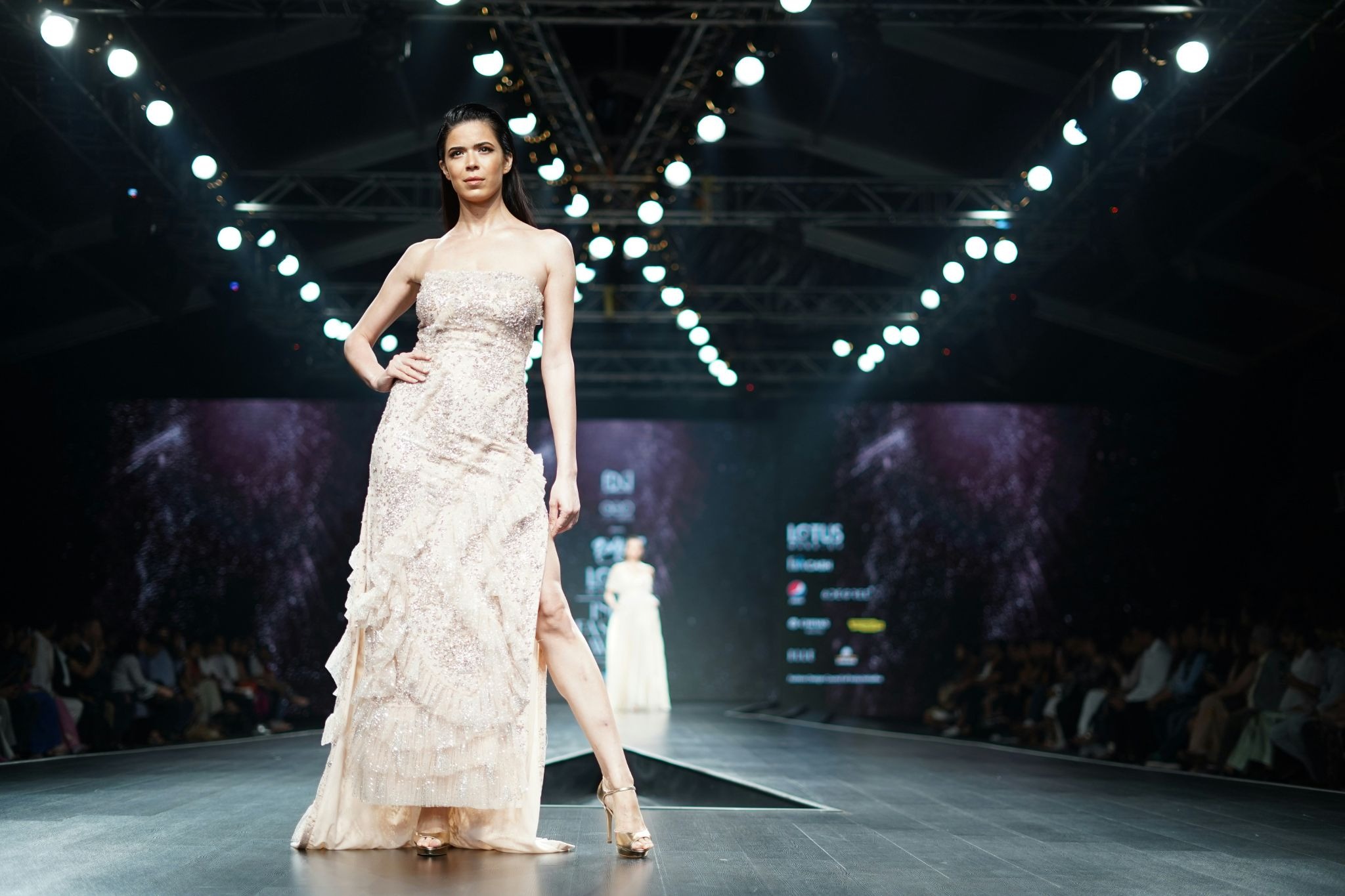
Fashion shows present unique challenges that you won't face at other events:
Fast Movement
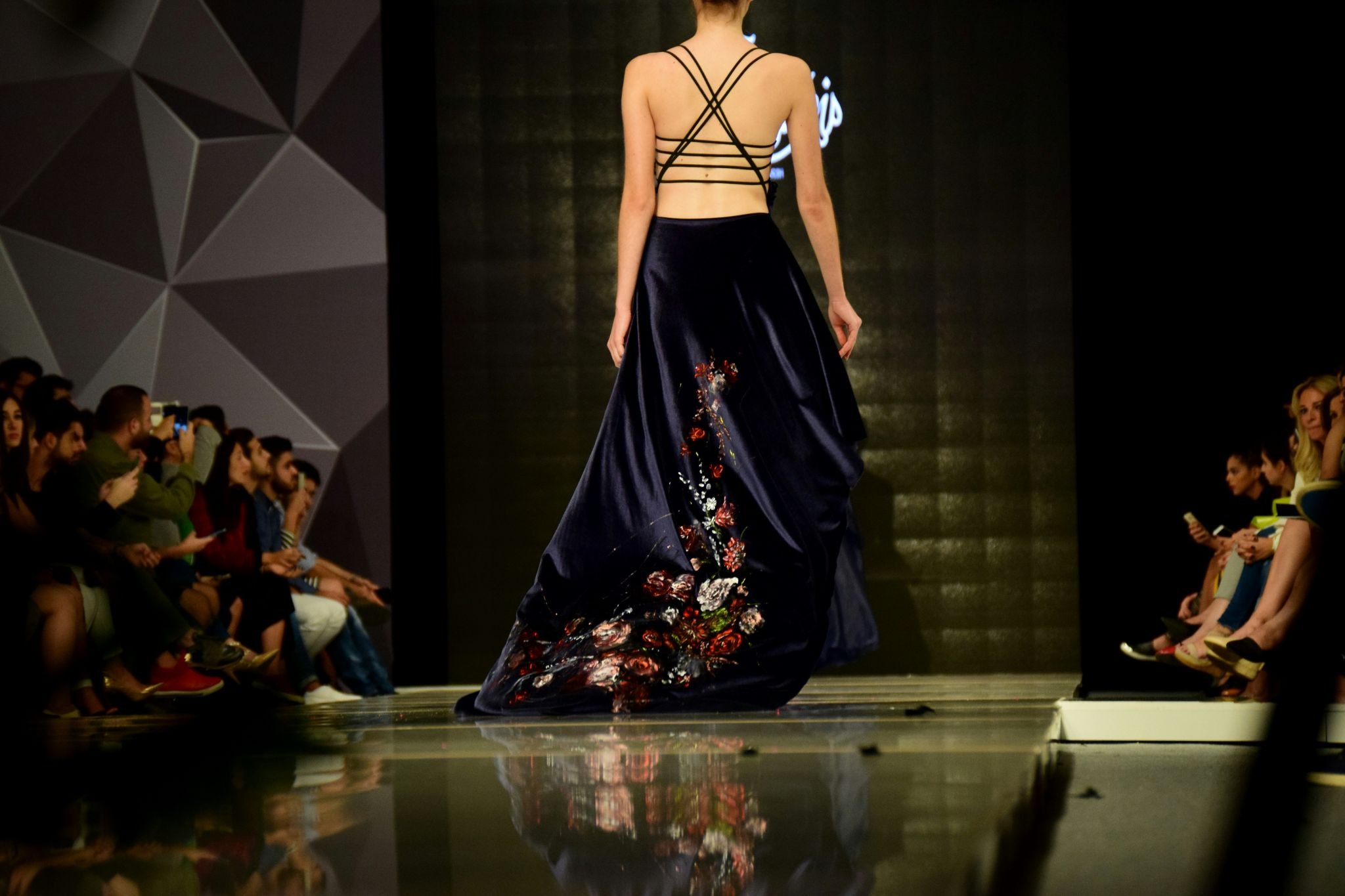
Models walk at approximately 3 feet per second. Your cameras need to track smoothly without motion blur. Autofocus systems must be lightning-fast, or you'll end up with out-of-focus shots of your signature pieces.
Dramatic Lighting
Fashion shows use theatrical lighting—spotlights, colored gels, backlighting, and often dim ambient light. Your streaming setup needs to handle extreme contrast without blowing out highlights or crushing blacks.
Quick Transitions
Unlike a wedding ceremony or conference presentation, fashion shows move FAST. There's no "pause for technical difficulties." You get one shot to capture each look.
Audio Complexity
Fashion show audio is layered—music, ambient crowd noise, perhaps commentary. You need to balance these elements while ensuring your stream audio doesn't overpower or get lost.
Essential Equipment for Fashion Show Live Streaming
Let's break down what you actually need. We'll cover options at different budget levels, from smartphone setups to professional multi-camera rigs.
Camera Options
Option 1: Smartphone Setup (Budget: $0-500)
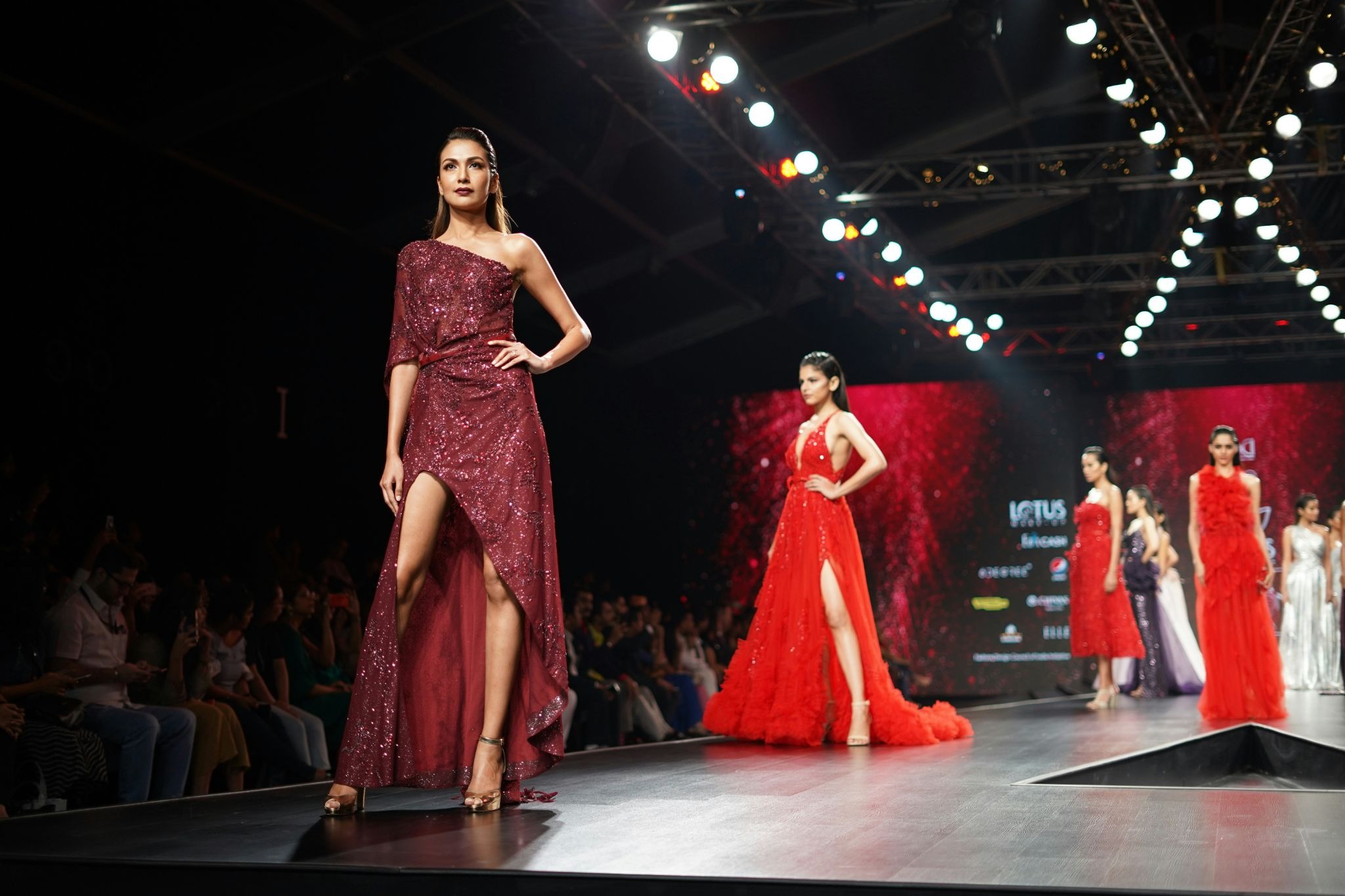
Yes, you can live stream a fashion show with a smartphone. Modern iPhones and Android phones have impressive cameras that can handle challenging lighting conditions.
What you need:
• Recent smartphone
• Phone mount or tripod adapter ($20-50)
• External battery pack (optional)
• EventLive app for reliable streaming
The EventLive app is specifically designed for live streaming events from smartphones. Unlike social media apps that compress your video or hit you with copyright strikes for fashion show music, EventLive gives you:
• HD quality streaming
• No viewer limits
• Private event pages (password-protected or pay per view if needed)
• Automatic recording backup
• No music copyright issues
Best for: Emerging designers, boutique fashion shows, intimate runway presentations
Option 2: Professional Camera Setup (Budget: $1,500-5,000)
For more established shows, you'll want dedicated cameras with better low-light performance and manual controls.
What you need:
• DSLR or mirrorless camera
* Laptop with OBS Studio software
• Fast lens (f/2.8 or wider) for low-light performance
• HDMI capture device or encoder
• Tripod with fluid head for smooth panning
• Streaming platform (EventLive works with professional cameras too)
Best for: Established designers, fashion week presentations, high-profile shows
Option 3: Multi-Camera Production (Budget: $5,000+)
The gold standard for fashion show streaming uses multiple cameras to capture different angles simultaneously.
What you need:
• 3-5 cameras at different positions
• Video switcher (ATEM Mini or similar)
• Professional audio mixer
• Dedicated operator for camera switching
• High-bandwidth internet connection
Best for: Major fashion houses, fashion week events, large-scale productions
Audio Equipment
Fashion show audio is critical but often overlooked. Here's what works:
Music Feed
Connect directly to your DJ or sound system's audio output. This gives you clean, high-quality music without picking up crowd noise. Use a line-level audio adapter (about $30) to connect to your camera or mixer.
Ambient Microphones
A shotgun microphone positioned near the runway captures crowd reactions and the "sound" of the fashion show, fabric rustling, heel clicks, audience gasps.
Check out our guides on wireless microphones for detailed audio setup advice.
Internet Connection
This is where fashion shows often fail technically. You need:
Upload Speed: Minimum 5 Mbps for HD streaming
Test your venue's internet connection beforehand. Hotel conference rooms, galleries, and non-traditional venues often have surprisingly weak WiFi. Have a backup plan:
• Dedicated ethernet connection
• Mobile hotspot with unlimited data
• Bonded cellular solution for critical shows
Camera Positioning Strategy
Where you place your cameras makes or breaks your fashion show stream. Here's the proven setup:
Primary Camera Position: End of Runway
Your main camera should be at the end of the runway, directly in line with the models' walk path. This gives you:
• Straight-on shots as models approach
• Full look visibility from front
• Clean framing of the finale lineup
Position this camera 3-5 feet off the ground (slightly above seated audience eye level).
Secondary Camera: Side Runway
A second camera positioned at runway mid-point captures:
• Profile shots as models pass
• Fabric movement and flow
• Transition moments as models turn
Optional Third Camera: Backstage
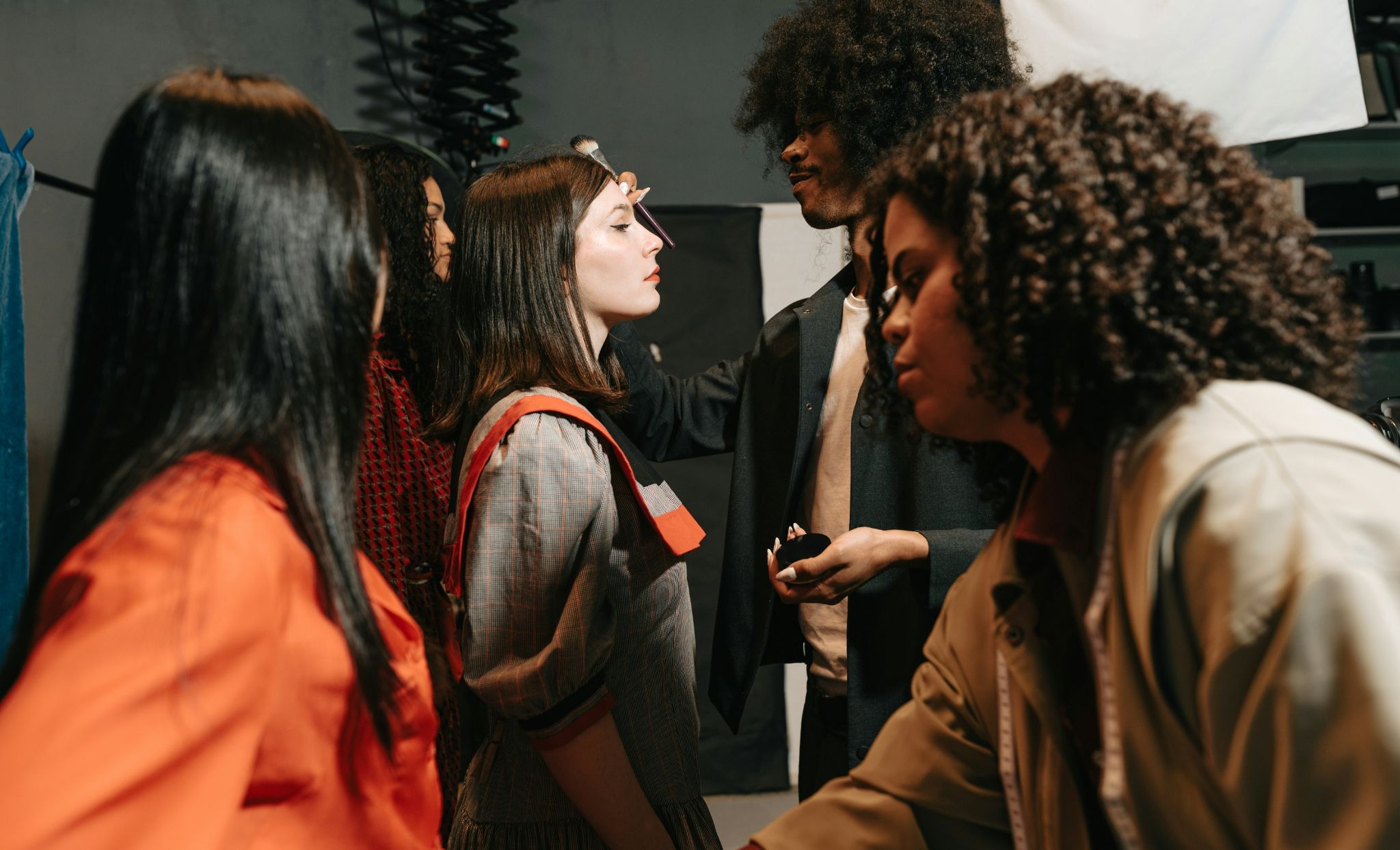
If access allows, a backstage camera adds drama:
• Models preparing
• Designer reactions
• Behind-the-scenes energy
Live Streaming Platform Selection
Not all streaming platforms handle fashion shows well. Here's what to look for:
1. No Copyright Strikes - Your show has music. Social media platforms will mute or take down streams with licensed music.
2. High Quality - Fashion is visual.
3. No Viewer Limits - You shouldn't pay per viewer or have arbitrary caps.
4. Privacy Options - Some fashion shows need to be password-protected (for buyers-only previews, press embargoes). EventLive offers private live streaming.
5. Automatic Recording - You want a backup recording without running separate screen capture software.
6. Custom Branding - Your event page should reflect your brand, not a generic platform template. EventLive lets you customize URLs, add logos, and match your brand aesthetic.
Why EventLive for Fashion Shows?
EventLive was built for moments that matter—and fashion shows definitely matter. Unlike social media platforms built for casual content or corporate meeting tools, EventLive is designed specifically for live event streaming.
You get:
• One-time event pricing (no monthly subscriptions)
• Professional-quality event pages
• Mobile-first experience (most viewers will watch on phones)
• No complicated setup—literally tap to go live
Promoting Your Fashion Show Live Stream
You've put in the work to set up a professional stream. Now make sure people know about it:
2 Weeks Before:
• Announce the live stream on all social channels
• Email your mailing list with event link
• Reach out to fashion bloggers and press
• Create a countdown on Instagram stories
1 Week Before:
• Send reminder emails
• Share behind-the-scenes content from show prep
• Post teasers of the collection
Day Of:
• Send "Going Live in 2 Hours" email or if using EventLive, the reminder e-mails will be sent out automatically
• Post on all social media: "Join us LIVE at [time]"
During Stream:
• Pin your stream link to Instagram profile
• Tweet updates with stream link
• Engage with viewers commenting in real-time
After Stream:
• Share replay immediately
• Post highlights and clips
• Send thank you email with replay link
• Gather feedback from viewers
Key Takeaways
Let's recap the essential points for live streaming your fashion show:
Technical Essentials:
• You can stream professionally with just a smartphone, but test extensively beforehand
• Internet upload speed matters more than download, aim for 5+ Mbps
• Audio quality is as important as video
Platform Considerations:
• Social media platforms will mute or remove fashion show streams with licensed music
• Private streaming options protect pre-release collections from competitors
• Automatic recording gives you marketing assets without extra work
Production Strategy:
• Position your primary camera at runway end for straight-on shots
• Use multiple angles only if you have someone dedicated to switching
• Test your complete setup at least 24 hours before the show
• Go live 15 minutes early to capture pre-show energy
Promotion Matters:
• Announce your live stream 2 weeks in advance across all channels
• Send reminder emails and social posts on show day
• Share the replay immediately after the show ends
• Repurpose stream footage for ongoing marketing
Frequently Asked Questions
Q: Can I really live stream a fashion show from just my smartphone?
Yes! Modern smartphones have cameras that rival professional equipment in good lighting. The EventLive app is specifically designed for smartphone streaming and provides professional-quality output. For intimate shows or emerging designer presentations, a smartphone on a tripod works beautifully. Just ensure you have stable internet and good show lighting.
Q: How much internet speed do I need for HD fashion show streaming?
For HD streaming, you need a minimum upload speed of 5-10 Mbps. Test your venue's internet beforehand—don't rely on what the venue claims. Use Speedtest.net from the exact spot where your cameras will be positioned. If venue WiFi is weak, use a hardwired ethernet connection or a mobile hotspot with strong 5G signal.
Q: Should I use multiple cameras or just one?
Start with one camera if you're new to streaming. A single camera positioned at the runway end captures 90% of what viewers want to see. Add additional cameras only if you have someone dedicated to switching between them. Bad camera switching (cutting at wrong moments, missing key looks) is worse than sticking with one well-positioned camera.
Q: Can I password-protect my fashion show stream?
Yes! EventLive offers private streaming with password protection and pay per view option if needed.
Q: What happens if my internet connection drops during the show?
EventLive has automatic reconnection built-in. If your internet drops briefly, the app will reconnect and resume streaming when connection returns. For critical shows, have a backup internet source ready (mobile hotspot). Also, EventLive records locally on your phone while streaming, so even if internet fails, you'll have a recording to upload later.
Q: Should I stream to social media or a dedicated platform?
For full fashion shows, use a dedicated platform like EventLive. Social media streams have major limitations:
• Music copyright strikes
• Time limits (Instagram Live is 60 minutes max)
• No privacy options
• Low video quality
• Streams disappear after 24 hours
Use social media for 60-second teasers that drive people to your full show stream.
Live streaming removes the boundaries of physical venue space and puts your designs in front of a global audience. Whether you're showcasing your first collection or presenting at fashion week, professional live streaming is now accessible to designers at every level.
.png)