Live Stream a Baby Shower or Gender Reveal

With an easy-to-use smartphone app

"Everything you need to host a beautiful, socially distant wedding"

cnn logo

“People could comment as they were watching, and you didn’t need an app to watch it or anything”

pittsburgh news
decorative swirl

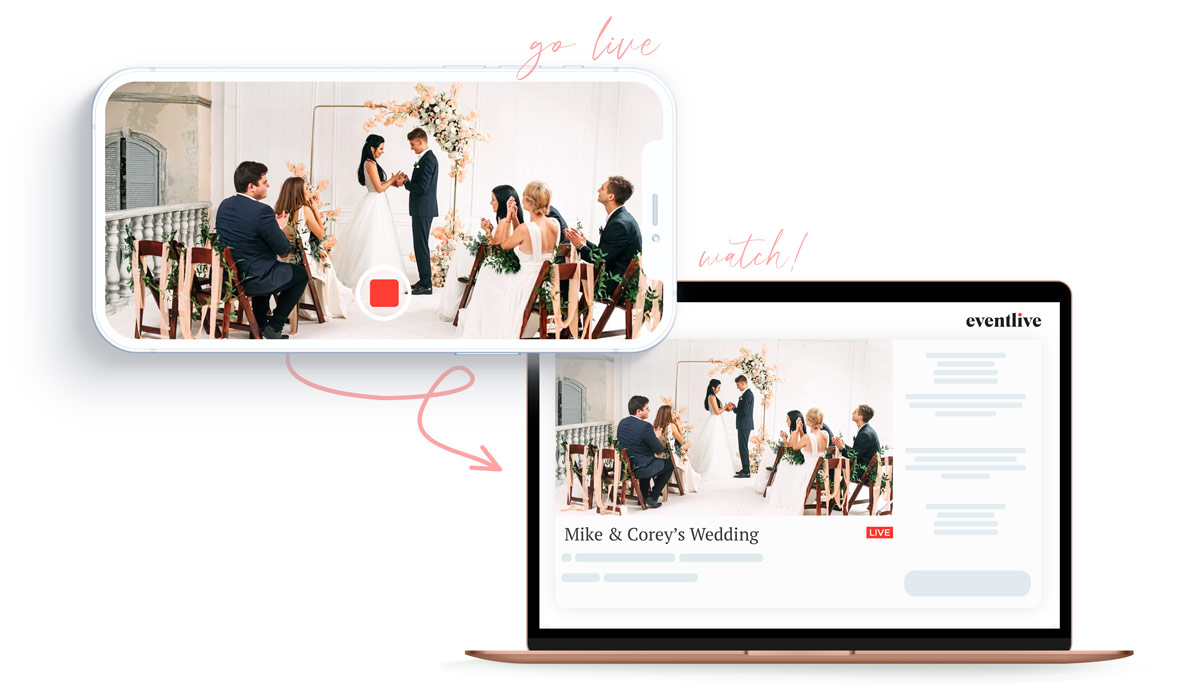
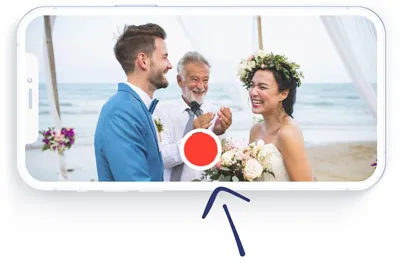
Go live with your smartphone

Everything you need to livestream a wedding in one simple phone app.
Even if you’ve never done live events, EventLive has all the features to get you set up for the big day.
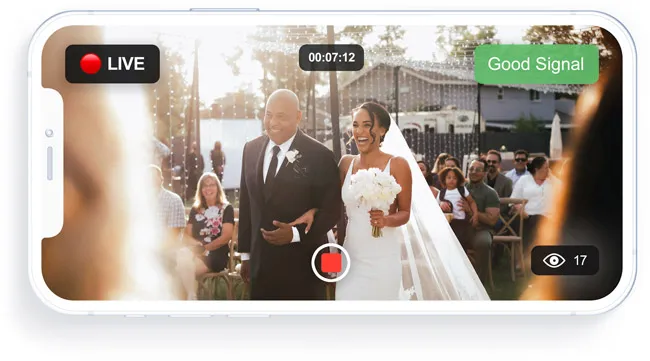
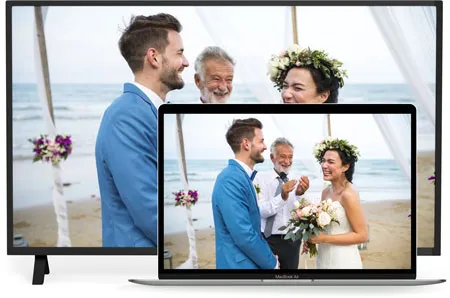
Your live event is only one click away for your guests!

Share your private link with them.
One click is all they need to watch, wherever they are.

“My grandmother in the nursing home, my uncle who is recovering from cancer, and our relatives across the ocean who were affected by travel bans could all watch our wedding.”

- mayor

App Store Review

How To Go Live

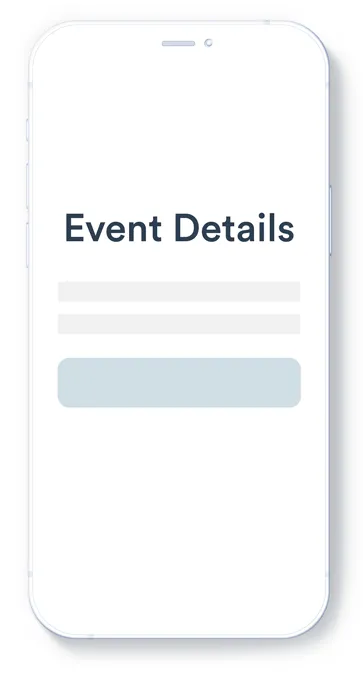
schedule a virtual event

Schedule an Event

It takes 2 minutes or less

schedule a virtual event

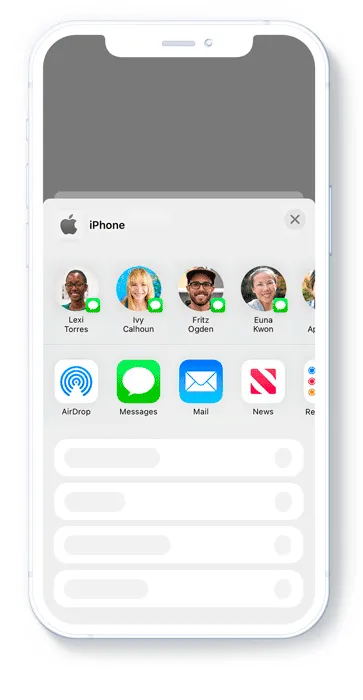
Invite Guests

Share your custom link

tap rec to go live

Tap to Go Live

Tap the rec button, you're live

tap rec to go live

One click to watch

No sign up, no registration

Replay and Download

Your live stream video will be saved automatically.
Download a recording after the event and watch the replay for years to come.
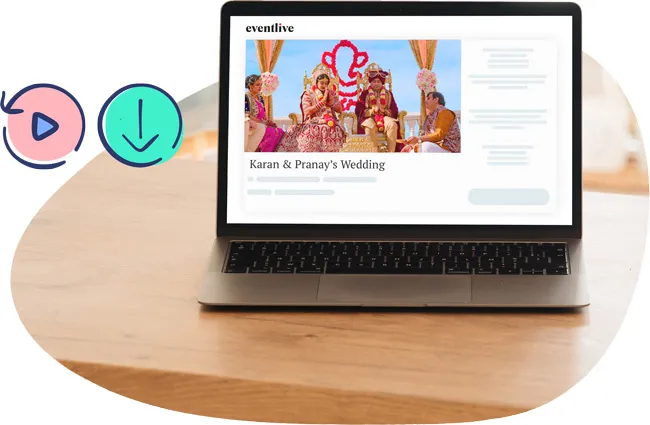
They won’t miss it

Stop, pause and go live again. Start at the ceremony and continue at night.
Your guests will receive automatic gentle email reminders and can rewind or replay the video.
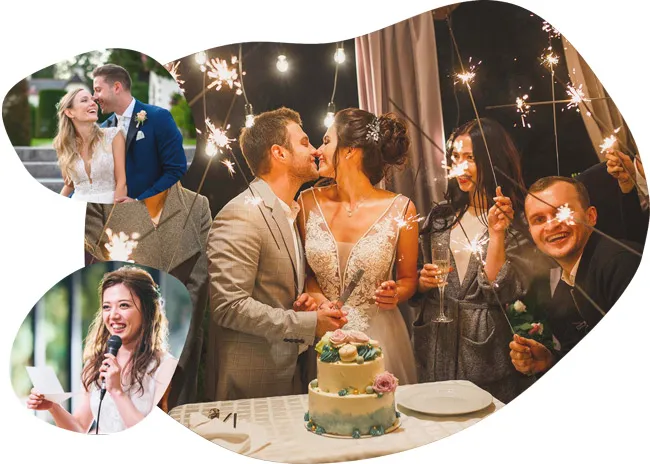
“I was able to live stream the ceremony, then speeches and the reception. The ability to stop and start and have those watching getting notified each time ensured they didn’t miss anything.”

- YB_Dazz

App Store Review

Samples

Simple pricing for your wedding day

Simple Pricing

All-Day Package

$
50
USD
One-time payment
Schedule today, live stream when the day comes.
Buy Now
What's Included?
yes icon
24 hours HD streaming
yes icon
Pause and Resume stream to the same link
yes icon
Unlimited guests
yes icon
Replay and download for 1 year
yes icon
Customize your event link and page
yes icon
Link to your Gift / Cash registries
yes icon
Digital Photo Guestbook or Chat
yes icon
Personalize with welcome message, video, photo or slideshow
yes icon
Automatic email guests reminders
yes icon
Optional password protection
yes icon
Invite by link or by email

Money Back Guarantee

We stand behind our service.
If it doesn't work for you, we'll refund you.

Support Team

Tired of talking to chat bots?
One of our team members will always be available to help you.

Frequently Asked Questions

Will guests see and hear each other?

No. This is a one-way stream. Guests will be able to watch your wedding day without seeing or hearing each other.

Do the viewers need any apps / downloads to watch?

No, viewers only need to open the link you are sending to them. No apps or downloads required.

How long can I stream for?

24 hours from the start time. Stop and start again as many times as you'd like. Your guests will receive a notification that you're live again!


Can I start streaming before the event start time?

You can start streaming one hour before your scheduled event time. We recommend you to start 10 minutes before.

Do I get a copy of the live stream video after the event?

Yes! The video will be recorded on your mobile device as well as our servers. You can download it after the event.

Can I add my own video or slideshow to my event?

Yes, you can upload your own video or slideshow. Your guests will see it as they wait for the event to start.

Can someone else do the streaming of the event?

Yes! You can send the streaming link to someone else and they can stream the event for you. They must download the EventLive App.

Can I stream from a camera?

Yes. You can use different equipment (DSLR, Laptop, GoPro) for your live stream. EventLive app is optimized for mobile devices.

Schedule your wedding now, it only takes 5 minutes.

Get Started Free